
Your search history is empty



Zomline Survival Top Up
5.0
17
414 Sold
Fast
Safe
24/7
- 14
- 16
- 04
Invite Friends and Get 3*8% OFF Discount
Highly recommend using the Gtarcade login method.
How to bind Gtarcade account?
- Construction Queue Pack$2.52-$0.47$2.99
- March Queue Pack$3.35-$0.64$3.99
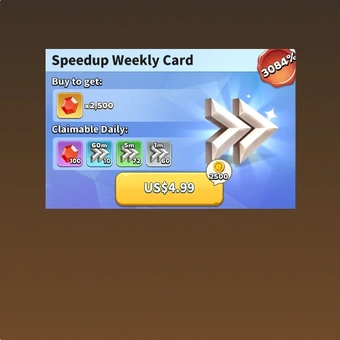
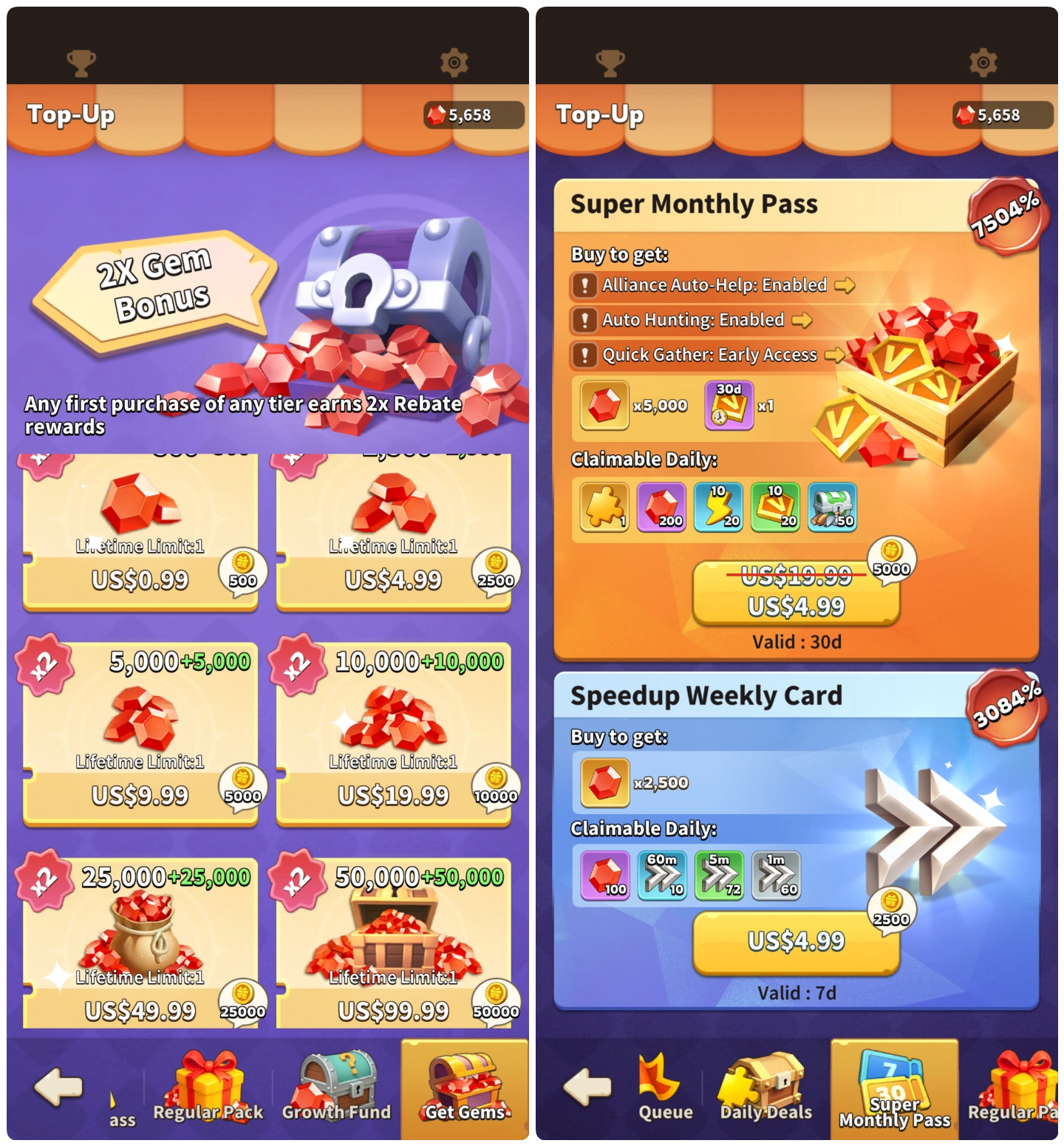
- Speedup Weekly Card$4.19-$0.80$4.99
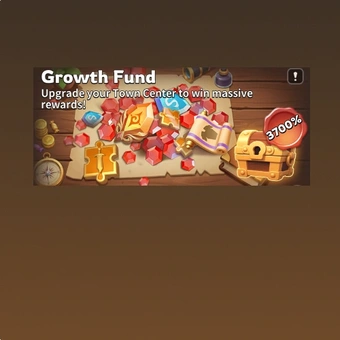
- Growth Fund$16.75-$3.24$19.99
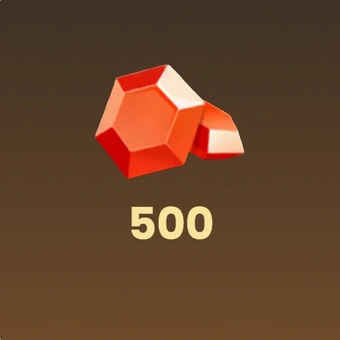
- 500 Gems$0.84-$0.15$0.99
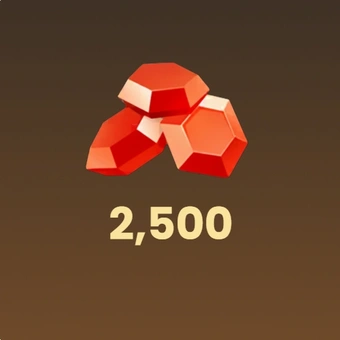
- 2500 Gems$4.19-$0.80$4.99
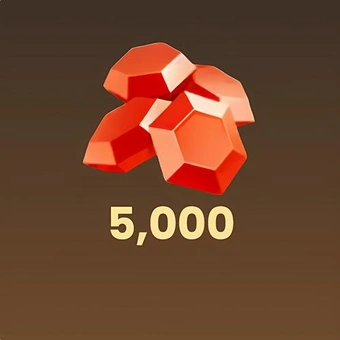
- 5000 Gems$8.38-$1.61$9.99
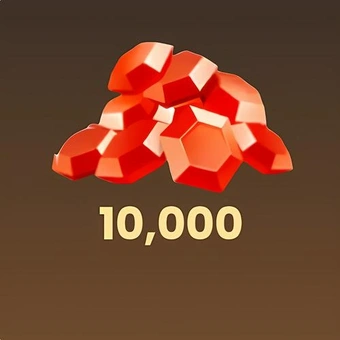
- 10000 Gems$16.75-$3.24$19.99
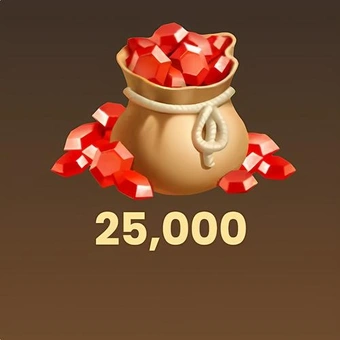
- 25000 Gems$41.86-$8.13$49.99
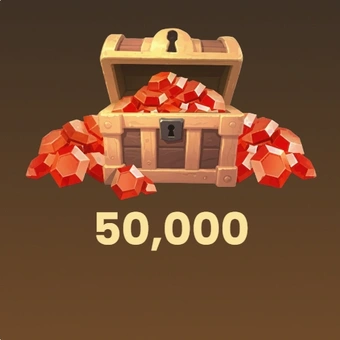
- 50000 Gems$83.72-$16.27$99.99
- Any 0.99 Pack$0.84-$0.15$0.99
- Any 1.99 Pack$1.68-$0.31$1.99
- Any 2.99 Pack$2.52-$0.47$2.99
- Any 4.99 Pack$4.19-$0.80$4.99
- Any 9.99 Pack$8.38-$1.61$9.99
- Any 19.99 Pack$16.75-$3.24$19.99
- Any 29.99 Pack$25.12-$4.87$29.99
- Any 49.99 Pack$41.86-$8.13$49.99
- Any 99.99 Pack$83.72-$16.27$99.99
Top-up instructions
Zomline Survival Top-up Guide
Please be sure to fill in accurate Zomline Survival account information so that you can receive your recharged items promptly.
Applicable Platforms
Zomline Survival Mobile
Applicable Servers
International Server
Required Information for Zomline Survival Top-up
Please make sure you have linked your game with Gtarcade/Facebook/Google account before the top-up.
-
Gtarcade/Facebook/Google account
-
Gtarcade/Facebook/Google password
-
Server
-
Character Name
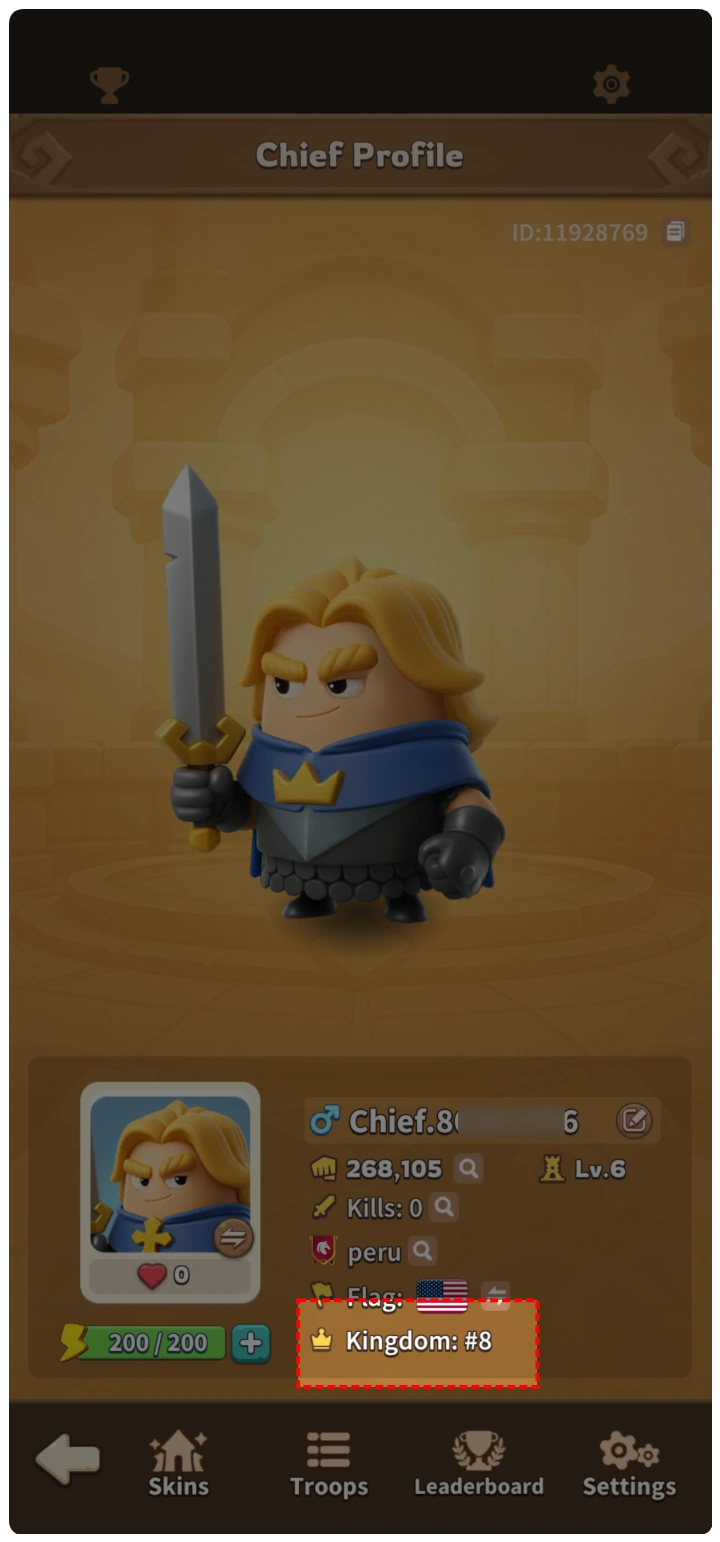
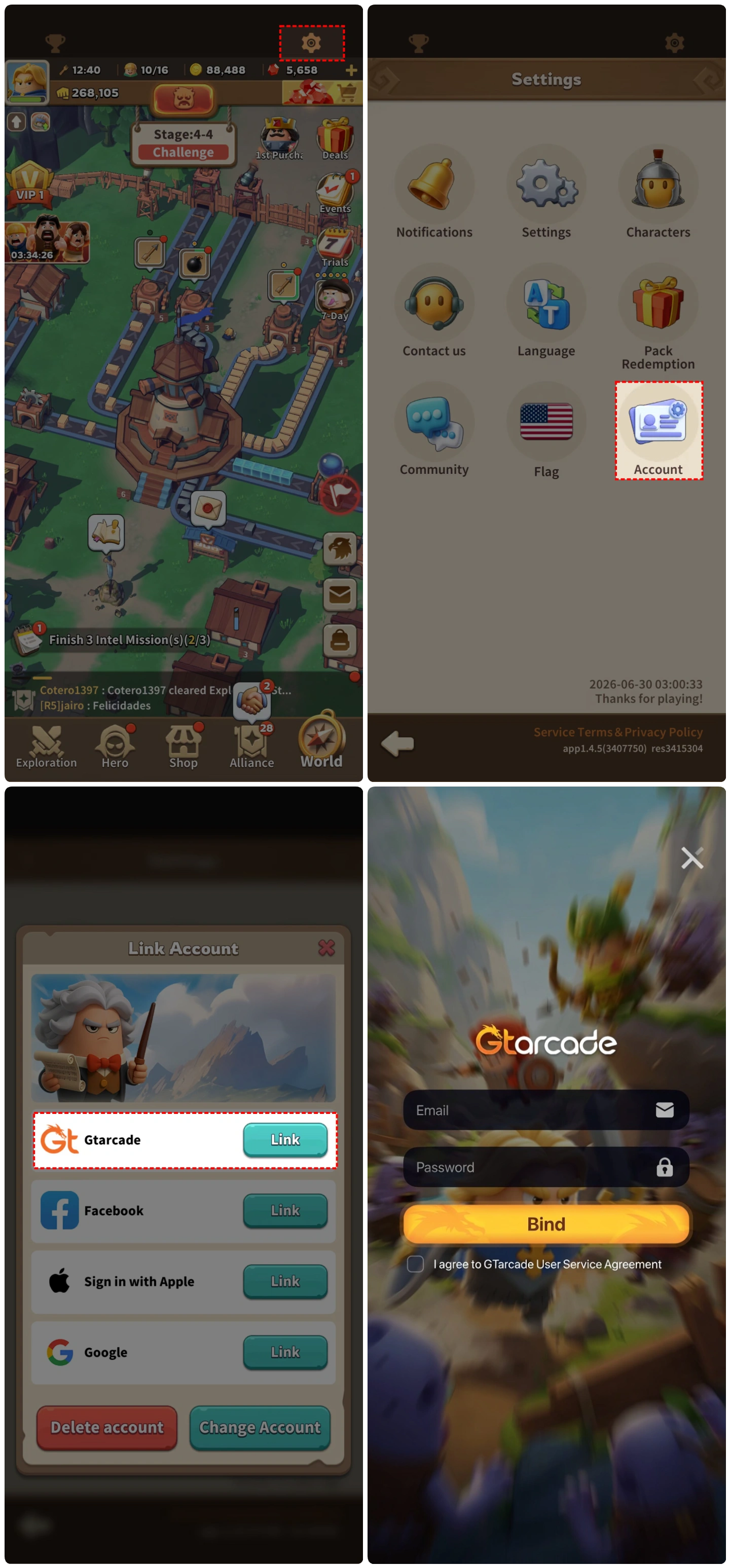
How to bind the game with Gtarcade/Facebook/Google?
- Click the gear icon in the upper right corner to enter the Settings menu.
- Click Account.
- Choose Gtarcade, Facebook, or Google to bind. We strongly recommend binding with a Gtarcade account, as this allows you to set your own Gtarcade account and password directly without accessing your email.
Top-up Procedures
1. Place your order and complete the payment.
2. Please provide your account information after the payment for us to log in and complete the top-up. Please do not log in to the game during this process.
3. We will purchase/top up the items in the game based on the product you ordered.
4. After we complete the purchase/top-up, we will log out of your account and clear the login history.
5. You will receive a notification once the top-up is complete, and you can then log in to the game to verify the transaction.
About Zomline Survival
Zomline Survival is a unique zombie strategy game that combines tower-defense combat with production-line management.
The game's core feature is the conveyor system — a unique production line that continuously produces ammunition, delivering non-stop firepower against incoming hordes. Basic resources like wood and iron are transported through conveyor belts to the town center, where they are processed into ammunition for the turrets.
Build and upgrade defenses, manage supply lines, and respond quickly as enemies grow stronger. Victory depends on clever planning, precise timing, and balanced resource management.
What is the main currency in Zomline Survival?
Zomline Survival Gems are the main currency in Zomline Survival. You can use Gems to get almost anything — recruit heroes, speed up construction, and unlock premium resources.
The item used to obtain heroes is Epic Soul Gems, which are used to summon powerful heroes from different civilizations — including legendary historical figures like Leonidas, Leonardo da Vinci and more.
Here are some ways to get Zomline Survival Gems and other items:
- Purchase on LootBar– The fastest way to get Gems and resources is through LootBar. It's a trusted recharge platform with fast processing.
- In-Game Rewards– Completing missions, defending against zombie sieges, and finishing daily challenges reward you with Gems and building materials.
- Event Rewards–The game regularly runs events that give away various items. For example, 7-day login rewards, server-wide progression bonuses, and other events all offer upgrade materials, building resources, and hero summon items.
Why LootBar Is Your Right Choice for Zomline Survival Top-up?
LootBar handles game top-ups and item trading worldwide, with secure transactions and broad game coverage. We work with major publishers and support top-ups for 300+ games across multiple languages — Last War: Survival, Rise of Kingdoms and so on.
Services you'll get on LootBar:
1. Secure Transactions
Over 60 payment methods are available, including PayPal, Visa, and MasterCard. Zomline Survival recharge stays flexible. Every transaction runs through bank-level encryption and anti-fraud systems.
2. Instant Delivery
Buy Gems and resources, and rewards land immediately. No wait after you top up Zomline Survival.
3. Exclusive Offers
Promotions, bonus rewards, and limited-time deals show up during Zomline Survival top up.
4. 24/7 Customer Support
Our team stays online around the clock. Questions about Zomline Survival top up? Contact support any time.
How to top up Zomline Survival on LootBar?
- Go to the LootBar official website. Choose your language and currency, then log in.
- On the Home page, click Top-Up > Zomline Survival.
- Choose what you want – Gems or other packs – then click 'Top-up Now'.
- Select a payment method and click 'Pay Now'.
- Enter your game login details (Login Method, Account, Password) to ensure the top-up is successfully credited to your account.
User Reviews
5.0
17 reviews
5 stars
100%
4 stars
0%
3 stars
0%
2 stars
0%
1 star
0%
All reviews
Image
Latest
Most Helpful
U1071529597
Aug 23, 2026
Purchased Construction Queue Pack
Trusted and efficient, what else could you ask for?
Helpful
U1062042578
Aug 18, 2026
Purchased Any 2.99 Pack
Very good service and the recharge was fast
Original Text
Helpful
U1062042578
Aug 16, 2026
Purchased Construction Queue Pack
Very good service, the recharge was fast
Original Text
Helpful
Trustpilot
Order Information
ProductConstruction Queue Pack
Top-up Method Login Top-up
Quantity
Price
$2.52
Cart
0