
Your search history is empty



Rise of Kingdoms Top Up
5.0
2.4k
100k+ Sold
Fast
Safe
24/7
- 14
- 26
- 47
Invite Friends and Get 3*10% OFF Discount
It is recommended to top up via Email.
How to Bind Email/Google/Facebook?
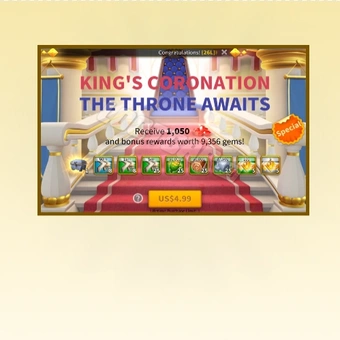
- Total 0/1King's Coronation The Throne Awaits$4.28-$0.71$4.99
- Kamakura's Warload$0.86-$0.13$0.99
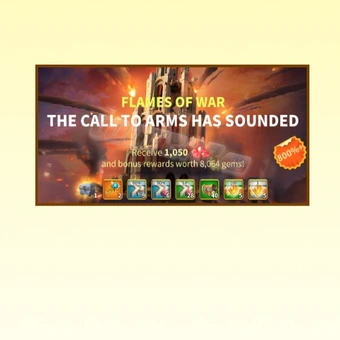
- Flames of War$4.28-$0.71$4.99
- Daily Special Offer$2.57-$0.42$2.99
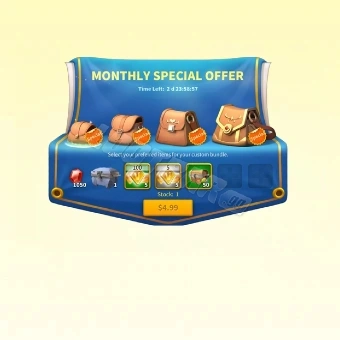
- Monthly Special Offer$4.28-$0.71$4.99
- Growth Fund$12.84-$2.15$14.99
- Super Value Bundle (0.99)$0.86-$0.13$0.99
- Super Value Bundle (4.99)$4.28-$0.71$4.99
- Monthly Special Offer$4.28-$0.71$4.99
- Any 0.99 Pack$0.86-$0.13$0.99
- Any 2.99 Pack$2.57-$0.42$2.99
- Any 4.99 Pack$4.28-$0.71$4.99
- Any 9.99 Pack$8.56-$1.43$9.99
- Any 14.99 Pack$12.84-$2.15$14.99
- Any 19.99 Pack$17.11-$2.88$19.99
- Any 29.99 Pack$25.67-$4.32$29.99
- Any 49.99 Pack$42.77-$7.22$49.99
- Any 74.99 Pack$64.16-$10.83$74.99
- Any 99.99 Pack$85.54-$14.45$99.99
- Any 499.99 Pack$449.00-$50.99$499.99
- Any 999.99 Pack$904.00-$95.99$999.99
- Special Resource Bundle All In One$144.13-$20.83$164.96
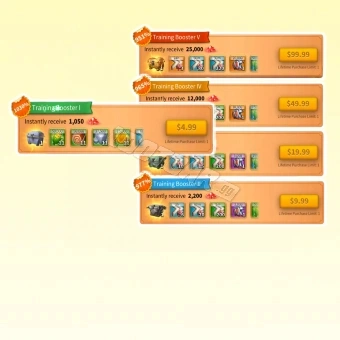
- Training Booster All-In-One$162.32-$22.63$184.95
- Fistful of Gems 200$0.86-$0.13$0.99
- Pile of Gems 1050$4.28-$0.71$4.99
- Pouch of Gems 2200$8.56-$1.43$9.99
- Bucket of Gems 4600$17.11-$2.88$19.99
- Barrel of Gems 12000$42.77-$7.22$49.99
- Wagon of Gems 25000$85.54-$14.45$99.99


Can’t find the pack you’re looking for?
Top-up instructions
Rise of Kingdoms Gems Top-up Guidance
From Gems to Growth Fund and bundles, find your next purchase at LootBar’s ROK store. We currently support Self-TopUp, letting you sign in and redeem your purchase through the guided service.
Applicable Platform
Rise of Kingdoms Mobile Game
Applicable Server
International Server
Required Information
No information is required to be submitted to any LootBar staff. You'll log in to the Rise of Kingdoms account through the Self-TopUp interface and redeem the items you purchased. The account login will be cleared once you finish and exit.
Recharge Rewards
Your first eligible Rise of Kingdoms Gems top-up may include extra in-game rewards. Check the game’s recharge rules for the applicable rewards and conditions.
Top-up Procedures
LootBar’s Rise of Kingdoms store supports Self-TopUp, a reliable recharge method designed to improve top-up security and convenience.
1. Select LootBar Self-TopUp. After completing your payment in LootBar’s ROK store, select “Self-TopUp” to begin.
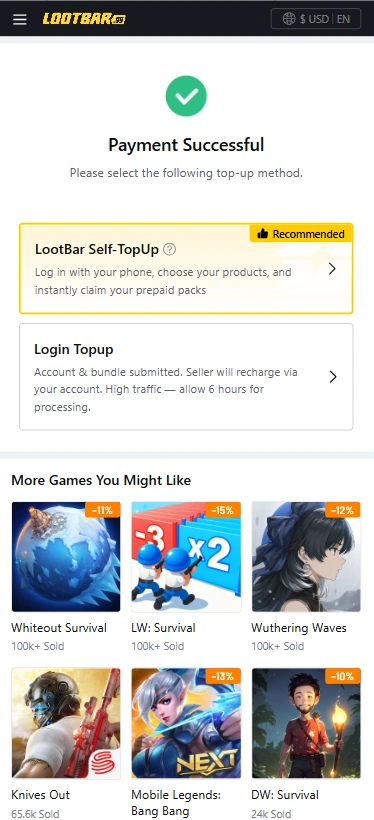
2. Log in to your account. Enter the game store using the Google or Facebook account linked to your Rise of Kingdoms account. Apple login is currently unsupported for Self-TopUp. If needed, link your game account to Google or Facebook before logging in.
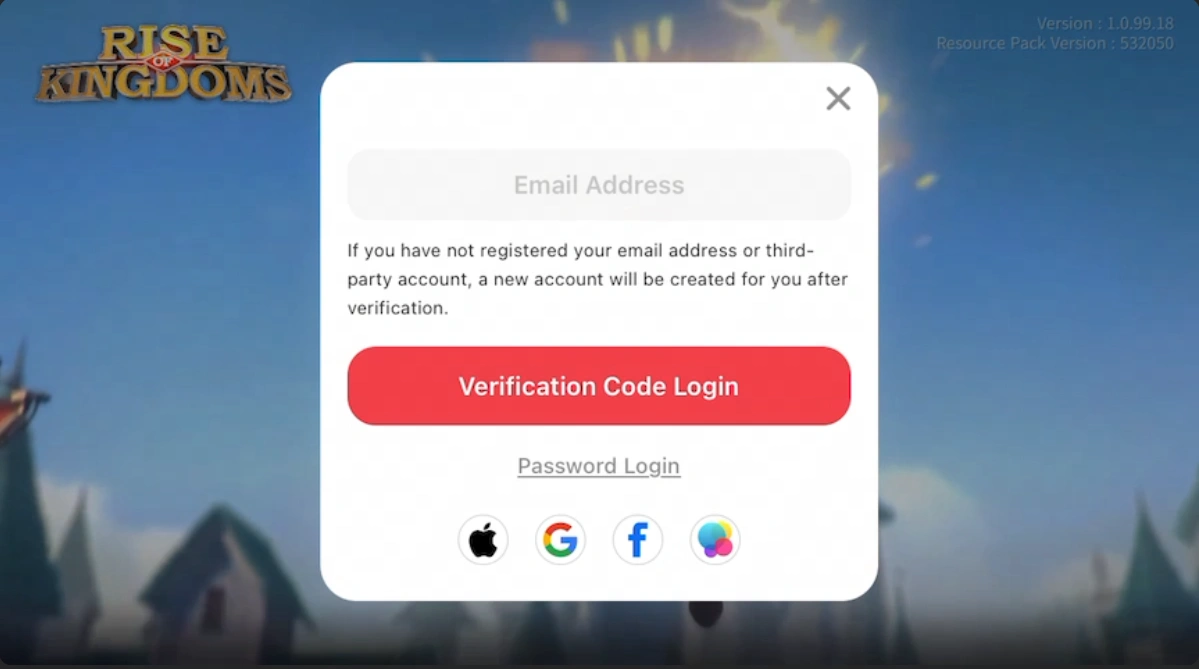
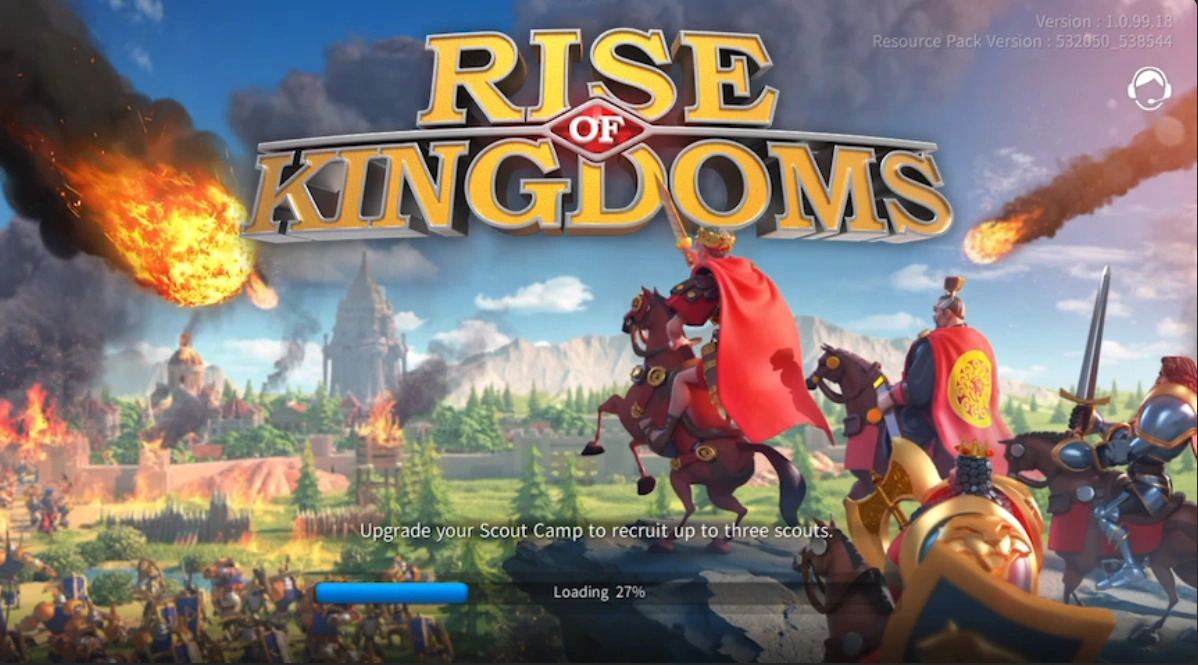
3. Select your purchased Rise of Kingdoms Packs. Open the in-game store, confirm that the package matches your LootBar purchase and claim the corresponding gift pack.
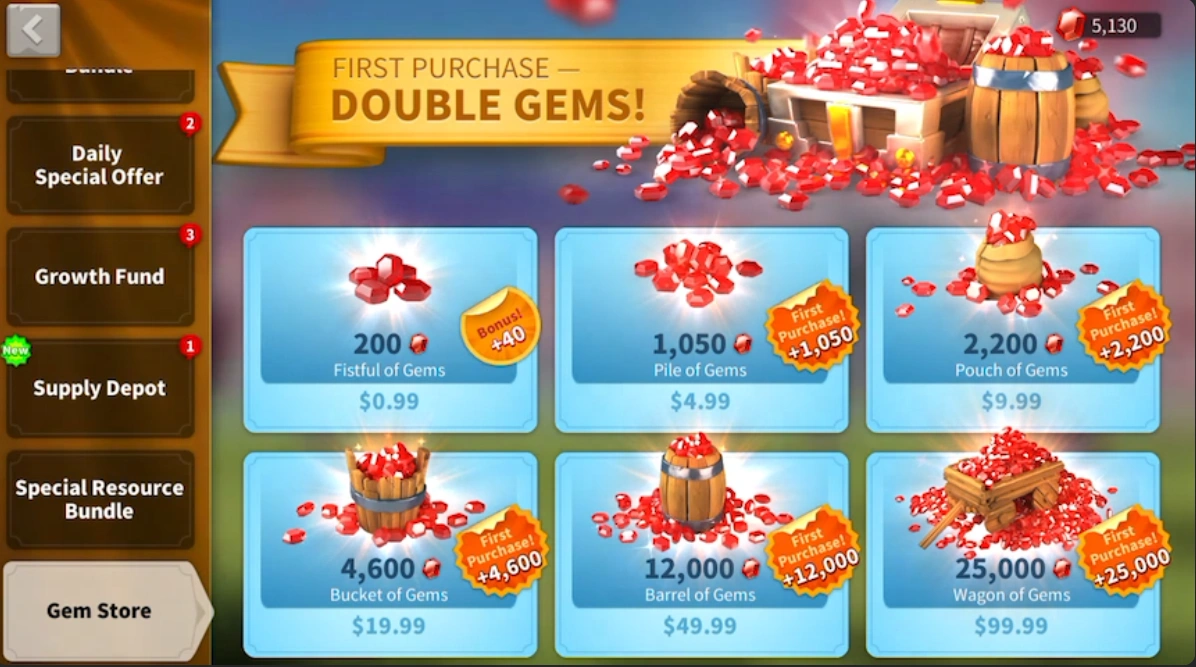
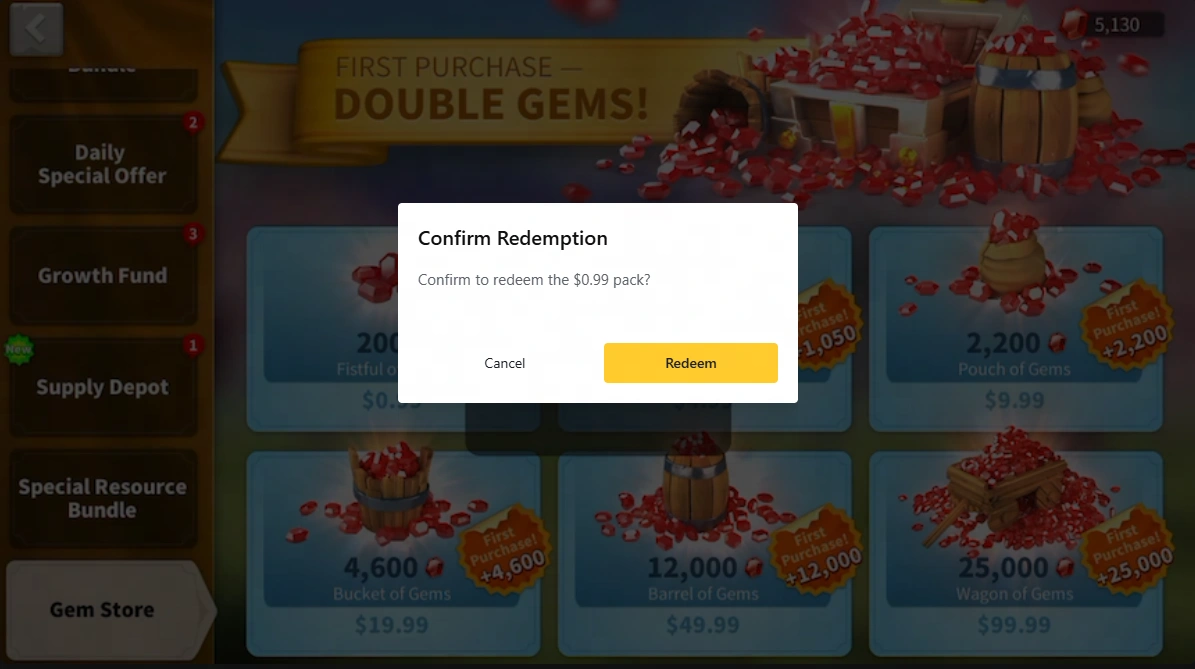
4. Waiting for gift pack redemption. Keep the interface open and do not log in to the same game account from another location while redemption is in progress.
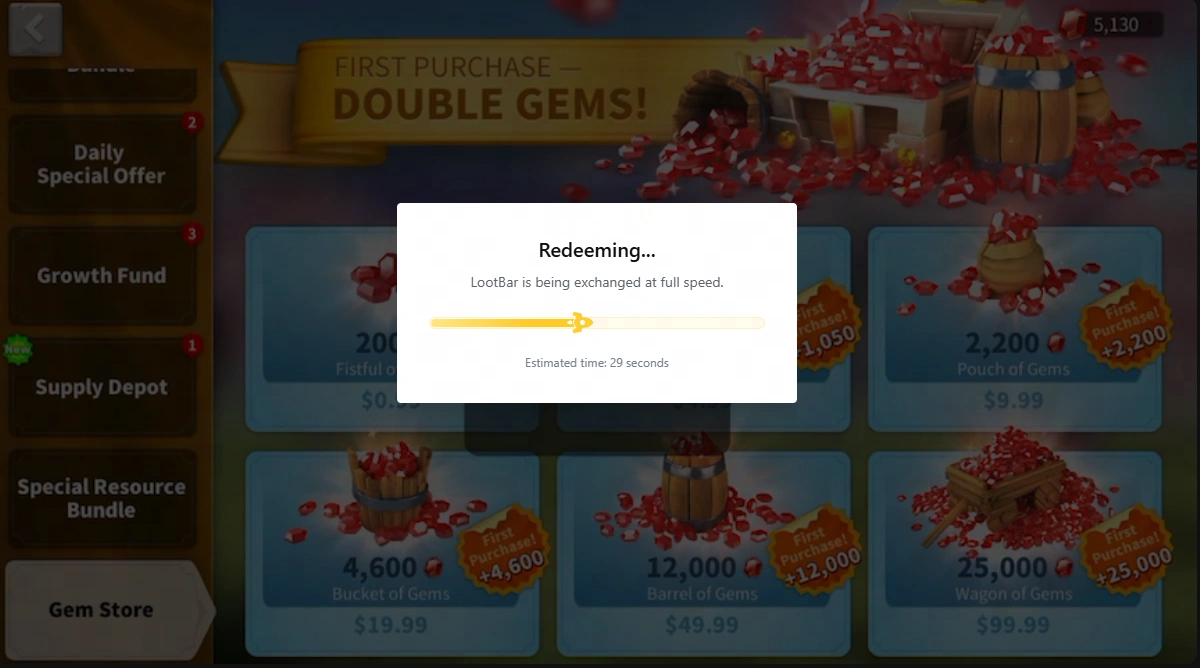
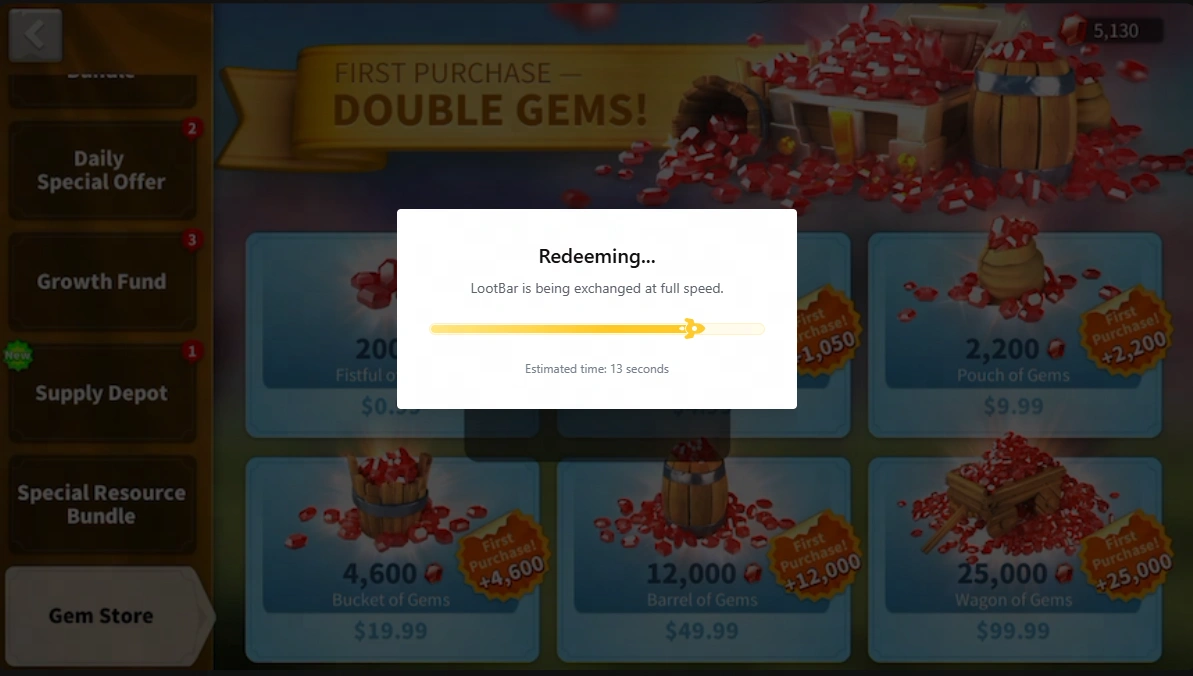
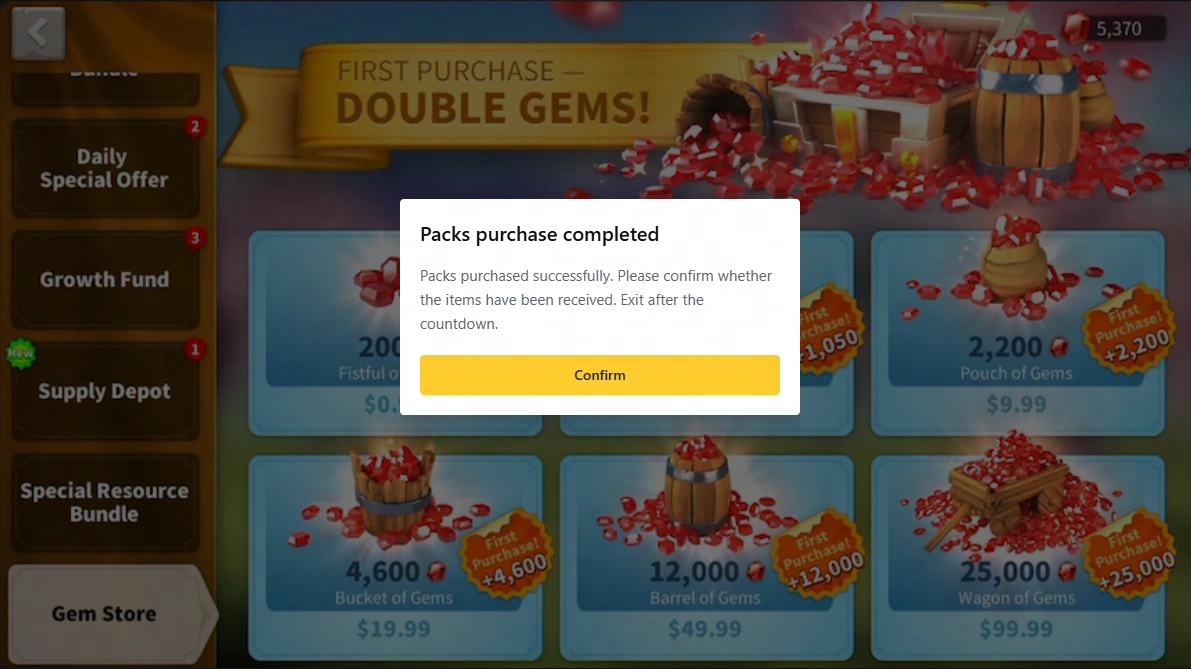
5. Pack purchase completed. We’ll notify you once your top-up is complete. You can then log in to the game to verify your purchase. Your login information will be automatically cleared when you exit Self-TopUp.
Note:
1. All item prices in the Self-TopUp interface are shown in USD. If the LootBar page is currently displaying prices in a different currency, switch it to USD to compare prices accurately before starting the top-up process. In the ROK store via Self-TopUp, you can then select any available item with an equivalent USD value to complete the recharge.
2. If you experience any issues while using Self-TopUp, please contact LootBar customer service with your account information for assistance.
About Rise of Kingdom
Rise of Kingdoms is a Lilith Games mobile strategy title where you take the governor role and grow a civilization from the ground up. Tons of historical nations are available, and no two play the same — commanders, unit types, and combat styles all differ. Most sessions involve resource collection, tech research, army building, and eventually clashing with other players or AI-controlled foes across one massive shared map.
Rise of Kingdoms Gems: Uses and Top-Up Options
Gems are the premium currency in Rise of Kingdoms, offering valuable advantages for both free-to-play and competitive players. Use them to purchase items from in-game shops, earn VIP Points, and accelerate construction, research, healing, and troop training.
Whether you are pushing for the next VIP level, preparing for KvK, or optimizing your kingdom’s progression, managing your Gem supply is essential. Visit LootBar’s Rise of Kingdoms store to purchase Gems at a discounted price and top up your account balance. Select the package that matches your strategy, then complete your Rise of Kingdoms top-up through Self-TopUp.
Why Recharge Rise of Kingdoms on LootBar?
Get more value from your next recharge at LootBar’s Rise of Kingdoms store, with discounted purchases, flexible payments and support whenever you need it.
- Spend less on Gems and packs. Enjoy discounted prices on selected Rise of Kingdoms top-ups and keep more of your budget for the purchases you’ve planned.
- Stay in control with Self-TopUp. Sign in and redeem your purchase yourself through your linked Google or Facebook account. Your login information is automatically cleared when you exit Self-TopUp.
- Choose from 60+ payment methods. Complete your ROK top-up with a wide range of supported payment options available at checkout, including cards, digital wallets, and local payment methods where available.
- Get help WHENEVER. Whether you have a payment question or need help completing redemption, our customer service team is available 24/7 to assist with your order.
Explore More Than Rise of Kingdom Top-ups on LootBar
For governors who relish the large-scale PvP clashes and alliance coordination that define RoK, pick up a Clash of Clans top up to accelerate base progression and war readiness in Supercell's iconic clan-versus-clan battleground, where tactical army composition matters just as much.
If the survival side of strategy appeals to you — defending against endless threats while managing scarce resources — grab a Last War top up, Dark War Survival shop, and Last Asylum top up to strengthen your shelters across three distinct post-apocalyptic strategy titles that each layer zombie survival atop familiar march-and-conquer mechanics.
Meanwhile, players drawn to RoK's hero-collection and idle progression elements can invest in AFK Journey Dragon Crystals to summon powerful heroes in Lilith's own AFK Journey, carrying over that familiar gacha thrill into a beautifully crafted open-world RPG — all with LootBar's instant delivery and competitive pricing.
How to bind the Rise of Kingdoms login for Top-ups?
1. Tap the “gear icon” at the bottom left of the home screen to open “Settings”
2. Tap the “Account/Characters” option from the menu.
3. Choose the “Rise of Kingdoms” account type to link. You will be taken to the account provider to register (if you don't have a Rise of Kingdoms account), or log in and confirm the account linking.
4. After confirming, you will be directed back to Rise of Kingdoms to log in to your linked account.
FAQ
How do I choose an Any Pack for a Rise of Kingdom top up?
Match the Any Pack denomination to the eligible pack’s in-game USD price. For example, choose “Any 9.99 Pack” for a matching $9.99 purchase in the Self-TopUp game store. Use the in-game denomination when matching, rather than the discounted amount you pay on LootBar.
Can I buy Growth Fund from LootBar’s ROK store?
Yes. Growth Fund is available through LootBar’s ROK store for eligible game accounts. It is a one-time purchase with Gem rewards unlocked at City Hall milestones. Before ordering, confirm that Growth Fund is still available to purchase on your account.
How do I choose the correct monthly offer in the Rise of Kingdoms store?
Check the full product name and its in-game rewards. The Monthly Special Offer and 30-Day Gem Supply are separate products; daily Gem claims are a feature of the supply product. Match your Rise of Kingdoms store purchase to the specific offer you want to redeem.
Can I purchase limited-time packs with a ROK top-up?
Yes, when the matching pack is supported by LootBar and remains available on your game account. Check its eligibility requirements, remaining purchase allowance and expiry time before ordering, then complete redemption while the offer is active.
What should I do if my Rise of Kingdoms top-up isn’t credited?
We can review your order and help resolve a missing recharge. If your purchase has not arrived and has not already been refunded, provide customer service with proof of payment and non-delivery. Once non-delivery is verified, a refund will be processed.
User Reviews
5.0
2.4k reviews
5 stars
100%
4 stars
0%
3 stars
0%
2 stars
0%
1 star
0%
All reviews
Image
Latest
Most Helpful
U1061606964
Sep 25, 2026
Purchased Any 2.99 Pack
👍👍
Original Text
Helpful
U1061608255
Sep 25, 2026
Purchased Any 4.99 Pack etc.
Fast
Helpful
U1062176265
Sep 25, 2026
Purchased Any 2.99 Pack
quick and easy
Helpful
Trustpilot
Order Information
ProductKing's Coronation The Throne Awaits
Quantity
Price
$4.19
Cart
0