
Your search history is empty



TFT: Teamfight Tactics Top Up
5.0
85
1.7k Sold
Fast
Safe
24/7
- 14
- 16
- 20
Invite Friends and Get 3*8% OFF Discount
Riot Games Gift Card (NA) now available! Shop now!
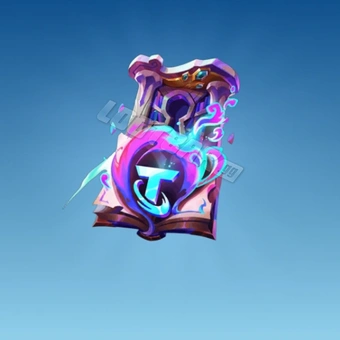
- Space Gods: Part I Pass+$9.32-$1.67$10.99
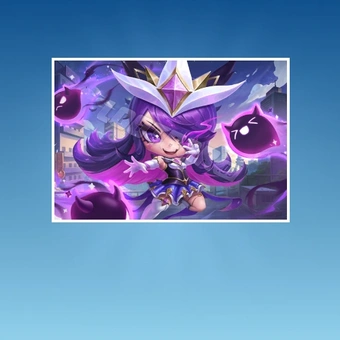
- Chibi Star Guardian Syndra$206.20-$28.77$234.97
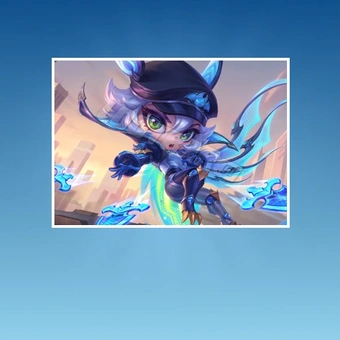
- Chibi Battle Bat Xayah$206.20-$28.77$234.97
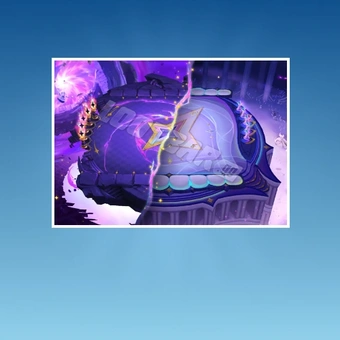
- First Star's Lament$206.20-$28.77$234.97
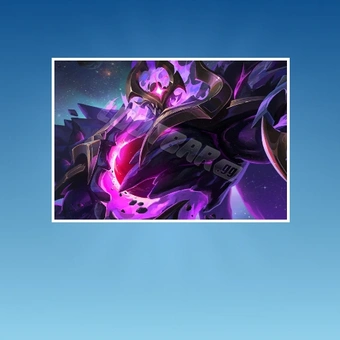
- Dark Star Mordekaiser Unbound$206.20-$28.77$234.97
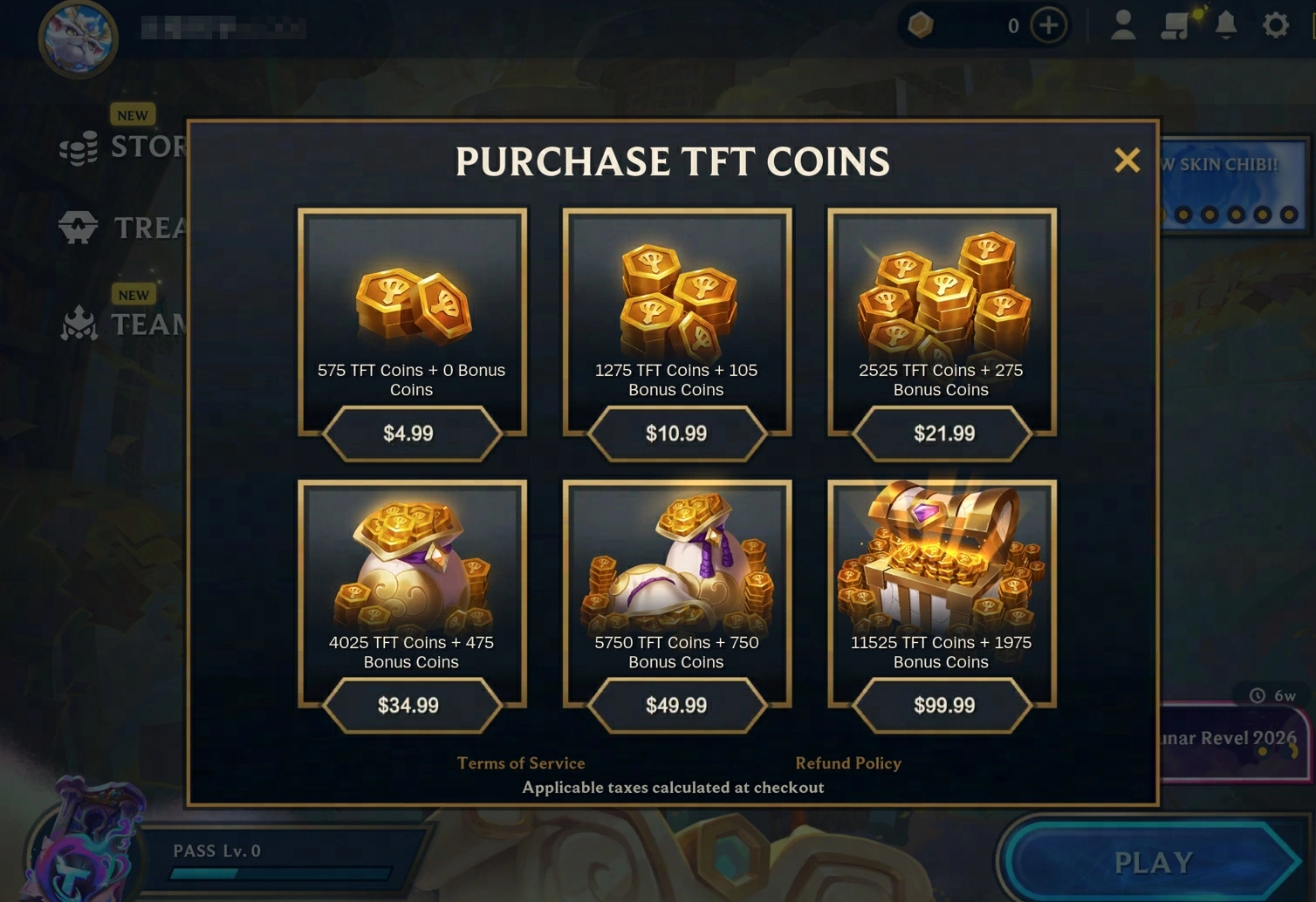
- 575 Coins$4.24-$0.75$4.99
- 1275+105 Coins$9.32-$1.67$10.99
- 2525+275 Coins$18.63-$3.36$21.99
- 4025+475 Coins$29.63-$5.36$34.99
- 5750+750 Coins$42.32-$7.67$49.99
- 11525+1975 Coins$84.64-$15.35$99.99
Can’t find the pack you’re looking for?
Top-up instructions
TFT: Teamfight Tactics Top-up Guidance
Top up TFT Coins for Teamfight Tactics Mobile on LootBar and unlock the latest Little Legends, Chibi Champions, arenas, and premium Pass+ rewards. Enjoy 60+ global payment methods, exclusive deals, and 24/7 customer support for a convenient TFT top-up experience. Check your platform and server eligibility before purchasing.
Applicable Platform
Teamfight Tactics Mobile
Applicable Server
Global Server (All servers except the Japan/Brazil/Turkey/Russia/Southeast Asia servers)
Top-up Required Information
To complete your recharge efficiently, make sure you provide the following information accurately:
1. Your server (Only Global Server)
2. Account (Google/Facebook/Riot account)
3. Password
4. User ID
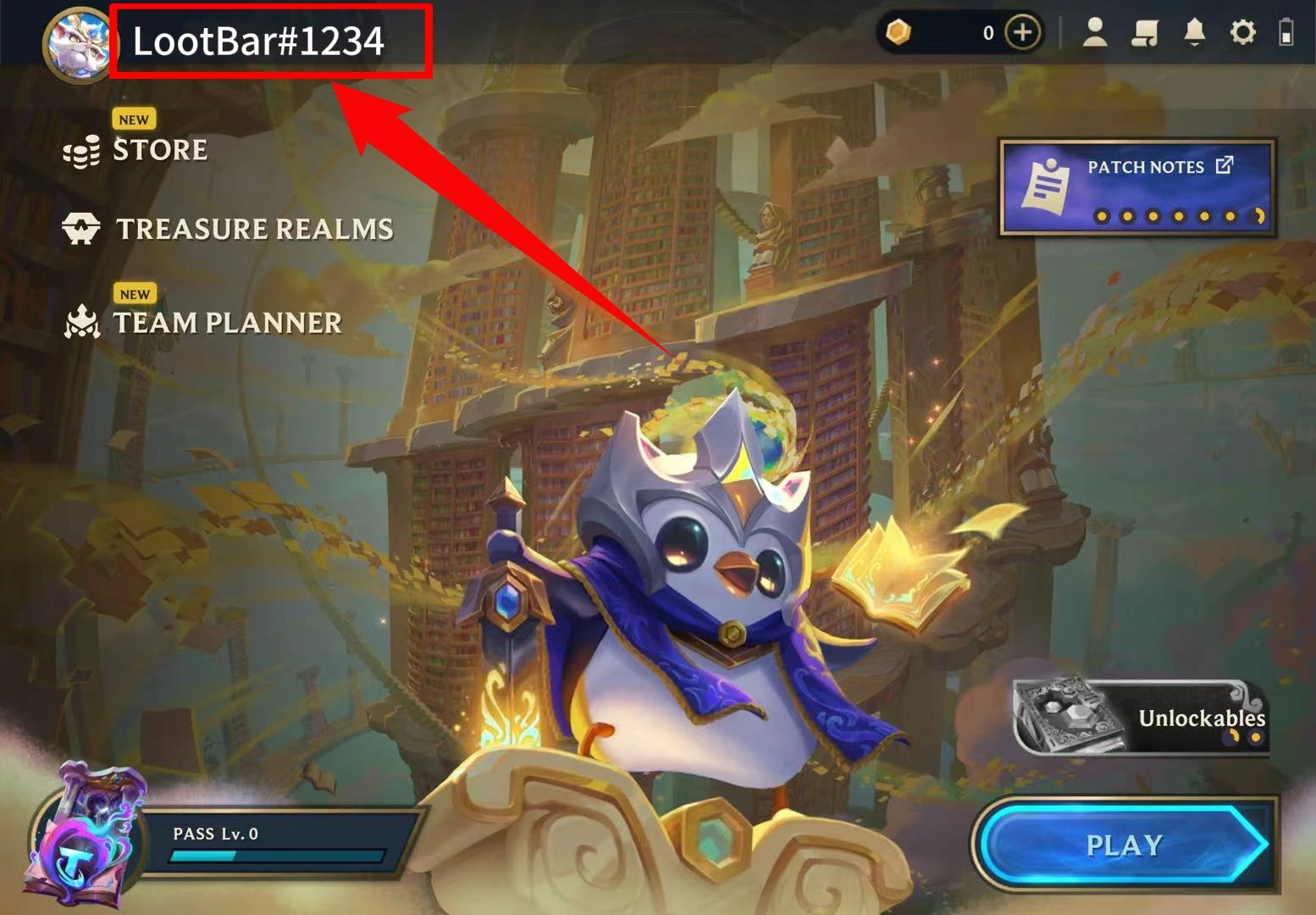
How to obtain your User ID?
Open the TFT Mobile lobby and look in the upper-left corner. The screenshot shows the Riot ID, including the tagline after the #, for the listing’s User ID field. Your Riot ID is separate from your private sign-in username.
Top-up Procedures
1. Place your order and complete the payment.
2. Please provide your account information after the payment for us to log in and complete the top-up. Please do not log in to the game during this process.
3. We will purchase/top up the items in the game based on the product you ordered.
4. After we complete the purchase/top-up, we will log out of your account and clear the login history.
5. You will receive a notification once the top-up is complete, and you can then log in to the Teanfight Tactics to verify the transaction.
Why Top Up Teamfight Tactics on LootBar?
If you have a purchase in mind, LootBar lets you compare several pack sizes against your Coin balance. TFT Mobile is one of 180+ games with top-ups on LootBar.
60+ Payment Methods Across LootBar
Pay your way with Visa, Mastercard, PayPal, and a range of regional payment options. Available methods vary by country, giving TFT players more flexibility at checkout.
5.0 Rating From TFT User Reviews
A 5.0/5 rating from various customers shows LootBar has earned positive feedback from TFT players. Reviews covering purchases like Coin packs and Chibi Champions can help you feel more confident choosing LootBar for your next top-up.
Save up to 15% on TFT Coins and Items
Save on TFT Coin packs and selected cosmetics, with bonus Coins included in eligible bundles. Whether you're topping up a small amount or planning a bigger purchase, check LootBar's current offers for a better deal.
24/7 Support for TFT Top-up Orders
LootBar support is available around the clock for questions about the Coins or item on your order, which accounts are eligible, or how fulfillment works.
More Riot Games and Strategy Top-Ups
Love TFT's champions and tactical gameplay? Explore more Riot Games and strategy titles on LootBar for your next challenge.
If you play TFT on PC, a Riot Games Gift Card (NA) lets you add RP to an eligible North American account. TFT Mobile uses a separate Coin balance.
Prefer more action? Put your tactical skills to work in Valorant, where teamwork and reading opponents can turn a match around. Check out Valorant Points on LootBar, or take familiar League champions into mobile MOBA battles with Wild Rift Wild Cores.
For another take on team synergies, Riot's 2XKO lets you pair fighters and experiment with different combinations.
If positioning and team composition are your favorite parts of TFT, Arknights brings those skills into tower-defense battles. Explore Arknights top-ups, or try Arknights: Endfield for squad-based combat and factory planning on Talos-II.
Looking for more? Explore all game top-ups on LootBar.
What Is TFT: Teamfight Tactics?
Teamfight Tactics is Riot’s hit auto battler where you draft League of Legends champions, forge trait synergies, and outsmart eight rivals to be the last standing. Adapt every seasonal set, equip items, climb Ranked, team up in Double Up, and collect stylish Little Legends and arenas.
What are TFT Coins in Teamfight Tactics?
Teamfight Tactics Coins are the premium currency, letting you unlock the Pass+, claim event rewards, and collect stylish cosmetics like Little Legends, arenas, boom effects, and emotes.
1. Get limited cosmetic items immediately
Top up Coins to grab featured bundles, season exclusives and shop offers the moment they arrive, keeping your loadout fresh with every new set.
2. Fast and flexible cosmetic collection
As the single premium resource, Coins deliver speed and flexibility for cosmetic collection.
3. No impact on fair competition
Core progression still comes from your strategy each match, ensuring fair competition while allowing you to showcase your style.
Why Are Teamfight Tactics (TFT) Coins Necessary?
Teamfight Tactics Coins serve as the premium currency for unlocking cosmetic content and premium reward tracks in the TFT store. For players who want deeper customization and access to the TFT Pass+, TFT Coins provide the fastest path to new looks and ongoing rewards.
1. Purchase Little Legends, Chibi Champions, arenas, boom effects, emotes, and Star Shards for upgrades
2. Activate or upgrade the TFT Pass+ to open the premium track and earn extra cosmetics as you play
3. Grab value bundles and limited cosmetic sets tied to each TFT set’s theme
How to Get TFT Coins in Teamfight Tactics?
Players can obtain TFT Coins by the following methods:
In TFT: Teamfight Tactics, TFT Coins are a premium currency that can only be obtained through top-up or real-money purchase, not by playing matches. To recharge easily, visit LootBar, choose Teamfight Tactics, pick the TFT Coins amount you want, and complete payment quickly and safely with our secure checkout.
How to Top Up Teamfight Tactics (TFT) on LootBar
1. Go to LootBar, choose your preferred language and currency, and sign in to your account.
2. On the Home page, select "Game Top-up" > "TFT: Teamfight Tactics."
3. Choose the TFT: Teamfight Tactics package and the number of TFT Coins you want, then click "Top-up Now."
4. Select your payment method and click "Pay Now" to complete the purchase.
5. When prompted, enter your game login details (Login Method, Account, and Password) to ensure the top-up is correctly credited.
User Reviews
5.0
85 reviews
5 stars
99%
4 stars
1%
3 stars
0%
2 stars
0%
1 star
0%
All reviews
Image
Latest
Most Helpful
U1071311126
Nov 15, 2026
Purchased Chibi Crystal Rose Seraphine Guaranteed Bundle
Super quick
Helpful
U1071141845
Nov 12, 2026
Purchased Chibi Battle Bat Xayah
First time using Lootbar and it was seamless; great deals and no hidden fees at checkout.
Helpful
U1071276928
Nov 10, 2026
Purchased Chibi Crystal Rose Seraphine Guaranteed Bundle
Legit and fast
Helpful
Trustpilot
Order Information
ProductSpace Gods: Part I Pass+
Top-up Method Login Top-up
Quantity
Price
$9.32
Cart
0