
Your search history is empty


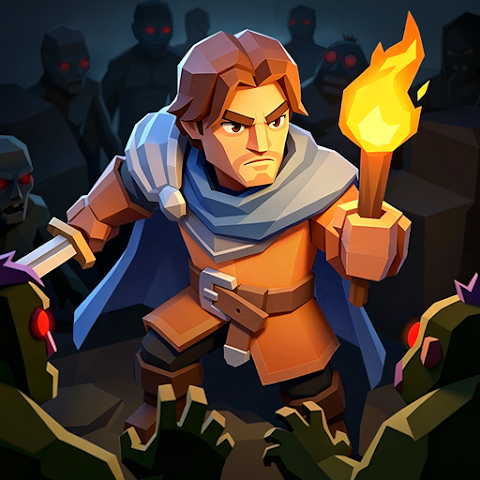
Kingdom Fall: Zombie Defense Top Up
5.0
23
643 Sold
Fast
Safe
24/7
- 14
- 16
- 17
Invite Friends and Get 3*8% OFF Discount
Highly recommend using the Leyi login method.
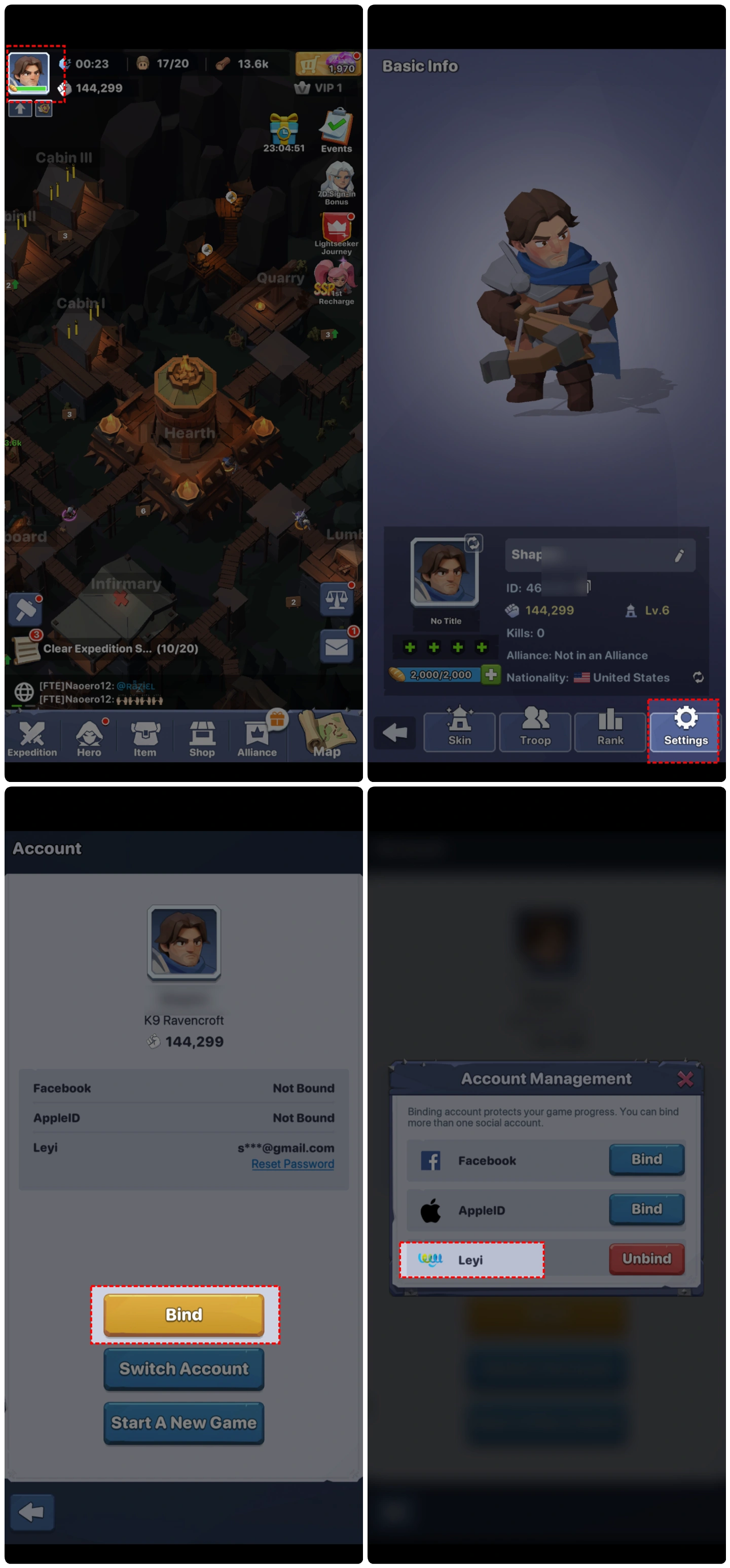
How to bind Leyi account?
- Permanent 2nd Construction Queue$2.49-$0.50$2.99
- Extra March Queue$3.32-$0.67$3.99
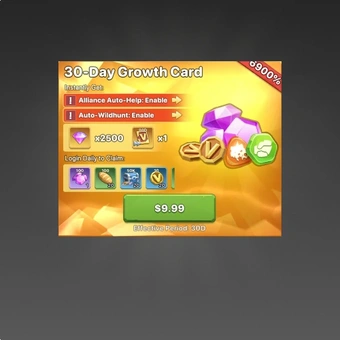
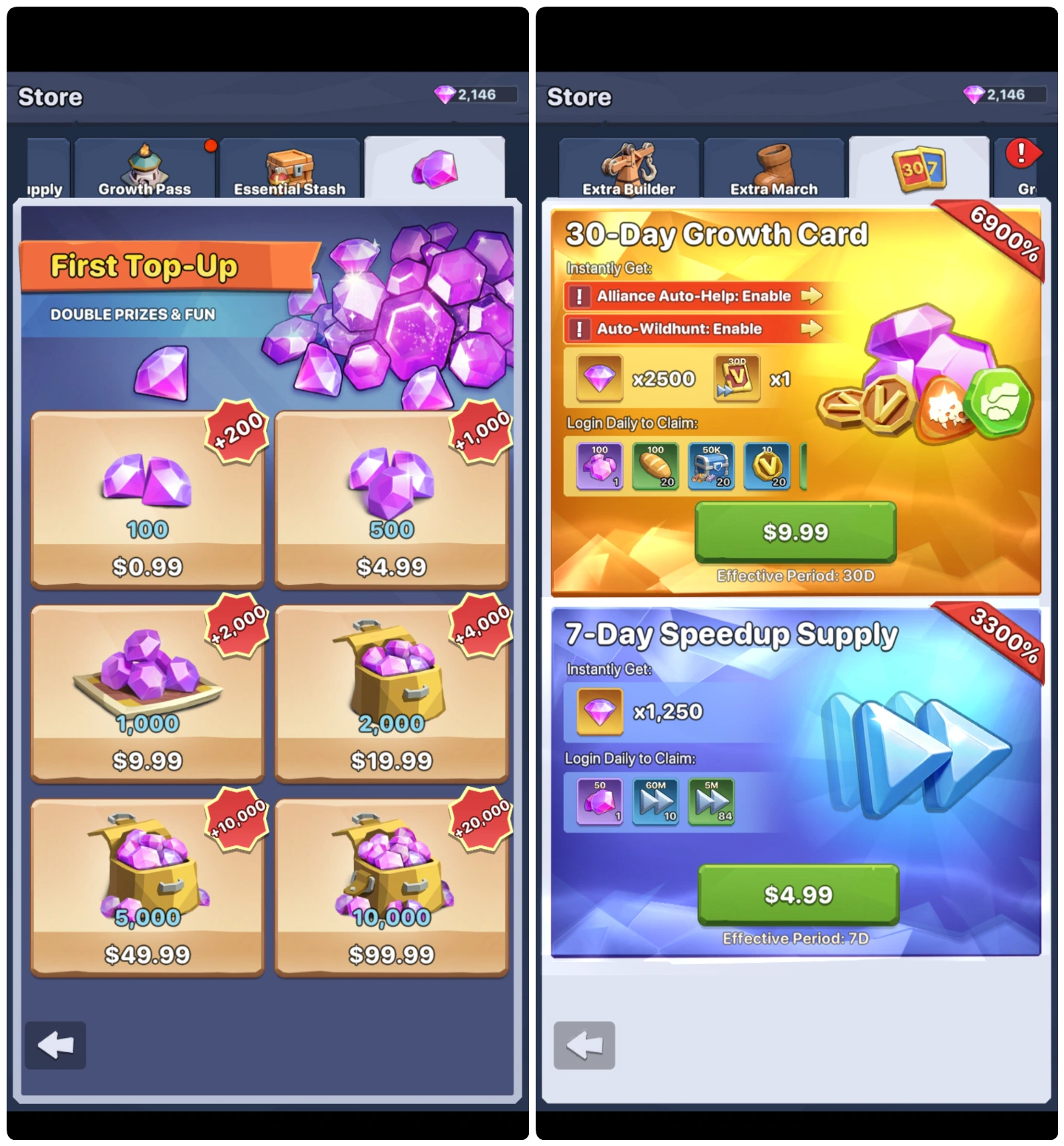
- 30-Day Growth Card$8.28-$1.71$9.99
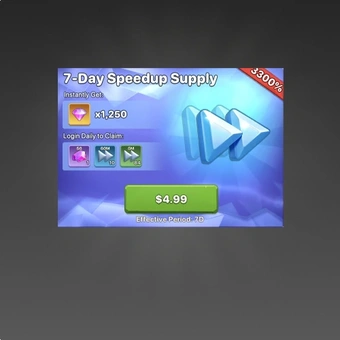
- 7-Day Speedup Supply$4.14-$0.85$4.99
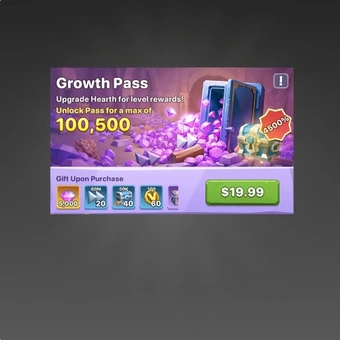
- Growth Pass$16.56-$3.43$19.99
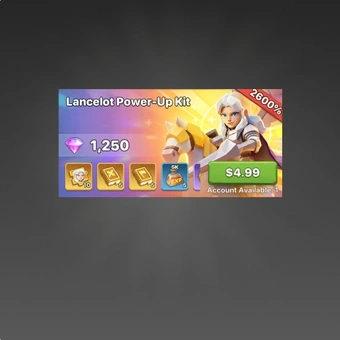
- Lancelot Power-UpKit$4.14-$0.85$4.99
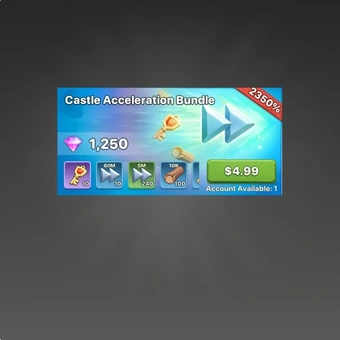
- Castle Acceleration Bundle$4.14-$0.85$4.99
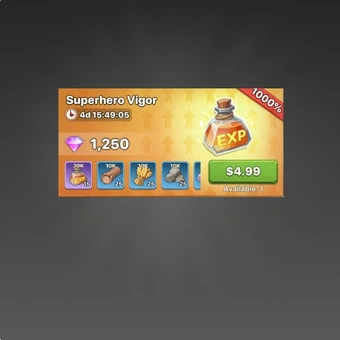
- Superhero Vigor$4.14-$0.85$4.99
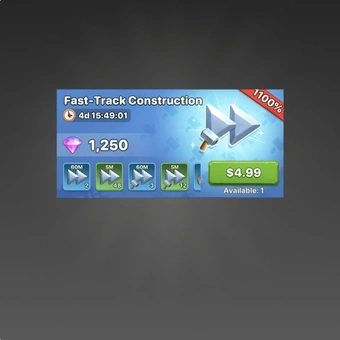
- Fast-Track Construction$4.14-$0.85$4.99
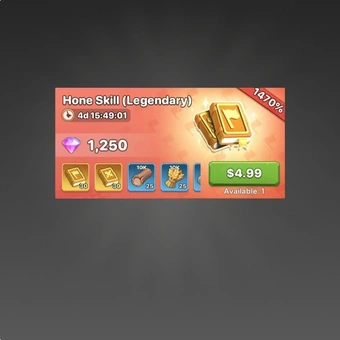
- Hone Skill (Legendary)$4.14-$0.85$4.99
- 100 Gem$0.83-$0.16$0.99
- 500 Gem$4.14-$0.85$4.99
- 1000 Gem$8.28-$1.71$9.99
- 2000 Gem$16.56-$3.43$19.99
- 5000 Gem$41.40-$8.59$49.99
- 10000 Gem$82.80-$17.19$99.99
- Any 0.99 Pack$0.83-$0.16$0.99
- Any 1.99 Pack$1.66-$0.33$1.99
- Any 4.99 Pack$4.14-$0.85$4.99
- Any 9.99 Pack$8.28-$1.71$9.99
- Any 19.99 Pack$16.56-$3.43$19.99
- Any 49.99 Pack$41.40-$8.59$49.99
Top-up instructions
Kingdom Fall: Zombie Defense Top-up Guide
Please be sure to fill in accurate Kingdom Fall: Zombie Defense account information so that you can receive your recharged Coin promptly.
Applicable Platforms
Kingdom Fall: Zombie Defense Mobile
Applicable Servers
International Server
Required Information for Kingdom Fall: Zombie Defense Top-up
Note: Please make sure you have linked your game with Facebook/Leyi before the top-up
- Facebook/Leyi account
- Facebook/Leyi password
- Character Name
- Player UID
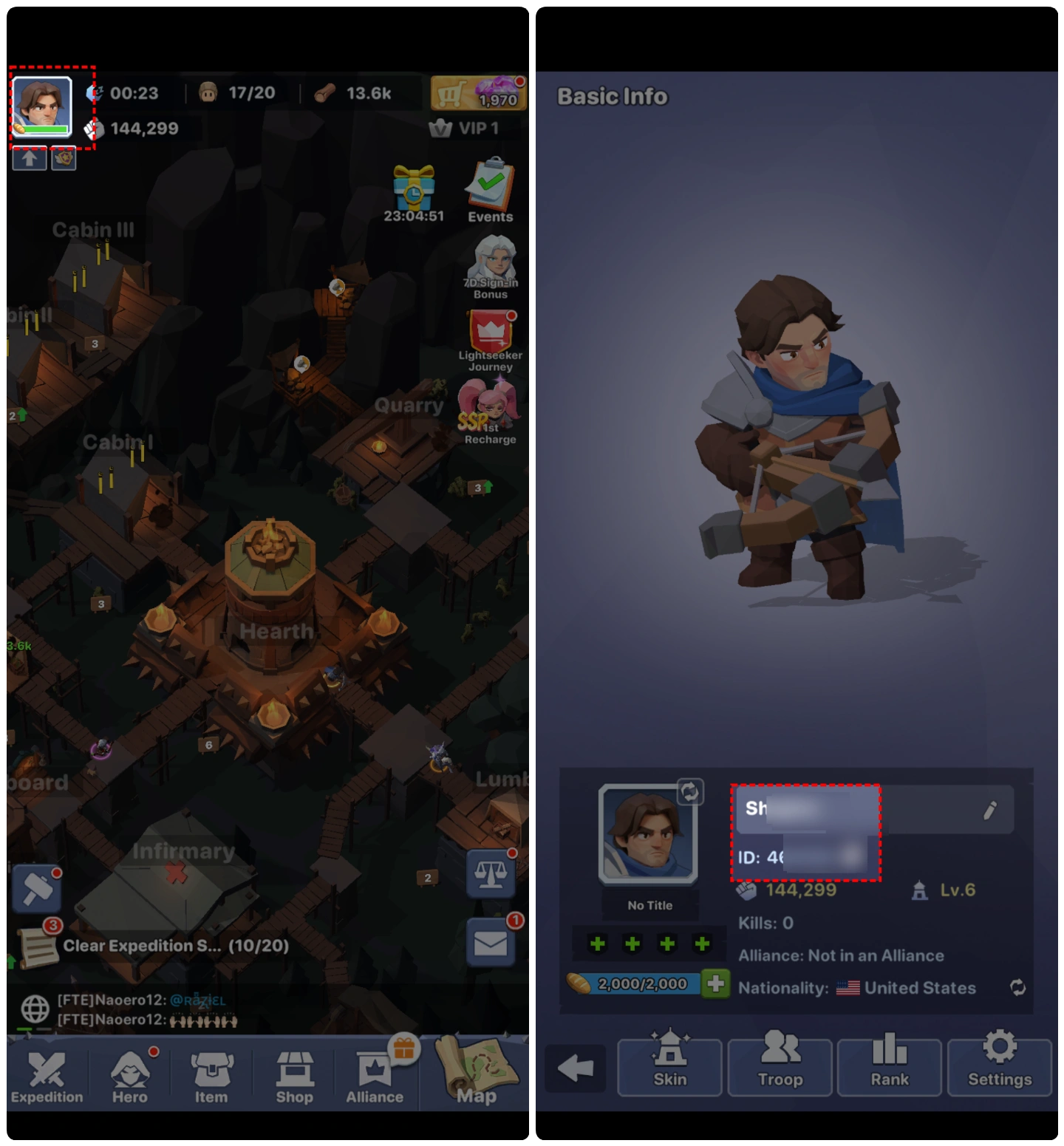
How to bind the game with Facebook/Leyi?
We strongly recommend that you link your Leyi account. You only need to use your email address to link your Leyi account. When linking, please set a password, and we can then use your Leyi account to top up your game.
- 1.Click your avatar in the upper left corner of the game's main interface
- 2.Click Settings
- 3.Click Account
- 4.Click Bind
- 5.You can then choose to link one of our supported login methods: Facebook, or Leyi
Top-up Procedures
1. Place your order and complete the payment.
2. Please provide your account information after the payment for us to log in and complete the top-up. Please do not log in to the game during this process.
3. We will purchase/top up the items in the game based on the product you ordered.
4. After we complete the purchase/top-up, we will log out of your account and clear the login history.
5. You will receive a notification once the top-up is complete, and you can then log in to the game to verify the transaction.
About Kingdom Fall: Zombie Defense
Kingdom Fall is a strategy game set in a medieval world overrun by zombies. A mysterious plague has turned the dead into mindless zombies andmonsters, and castles lie in ruins. You play as a Lord leading a group of survivors. Your job is to rebuild the kingdom, recruit heroes, and defend against endless waves of undead.
The game mixes tower defense, simulation management, and card-based combat. You build your stronghold on a wooden refuge high above the ground, which gives the game a unique look and feel. The gameplay flows from building and defending early on, to managing resources and training heroes in the mid game, and finally to alliance wars on a larger map.
If you love strategy games with zombie survival and kingdom building, Kingdom Fall is worth checking out.
What is the main currency in Kingdom Fall: Zombie Defense?
Gems are the primary currency in Kingdom Fall. You can use gems to exchange for almost all items, such as materials to upgrade buildings, items to recruit heroes, and to speed up construction.
How to Obtain Gems and Other Items:
- Purchase on LootBar – The fastest way to get gems and hero summoning items is through LootBar. It's a trustworthy recharge platform with fast processing.
- In-Game Rewards – Completing missions, defending against zombie sieges, mining and logging in the world, and completing daily challenges will all reward you with building upgrade materials and gems.
- Event Rewards – Special events and seasonal events sometimes reward gems and summoning items.
- Alliance Bonuses – Joining an alliance grants you shared resources and bonuses.
Why LootBar Is the Right Choice for Your Needs?
LootBar handles game top-ups and item trading worldwide, with secure transactions and broad game coverage. We work with major publishers and support top-ups for 100+ games across multiple languages — Tiles Survive, Duck Survival, among others. See everything covered on the LootBar Game Top-Up page.
Services you'll get on LootBar:
1. Secure Transactions
Over 60 payment methods are available, including PayPal, Visa, and MasterCard. Kingdom Fall: Zombie Defense recharge stays flexible. Every transaction runs through bank-level encryption, PCI DSS-certified channels, and anti-fraud systems.
2. Instant Delivery
Buy Coins, and rewards land immediately. No wait after you buy Kingdom Fall: Zombie Defense Gems.
3. Exclusive Offers
Promotions, bonus rewards, and limited-time deals show up during Kingdom Fall: Zombie Defense Gems top up.
4. 24/7 Customer Support
Our team stays online around the clock. Questions about Kingdom Fall: Zombie Defense top up? Contact support any time.
How to top up Kingdom Fall on LootBar?
- Go to the LootBar official website. Pick your language and currency, then log in.
- On the Home page, click Top-Up > Kingdom Fall.
- Choose what you want – Gems or other packs – then click 'Top-up Now'.
- Select a payment method and click 'Pay Now'.
- Enter your game login details (Login Method, Account, Password) to ensure the top-up is successfully credited to your account.
User Reviews
5.0
23 reviews
5 stars
100%
4 stars
0%
3 stars
0%
2 stars
0%
1 star
0%
All reviews
Image
Latest
Most Helpful
U1071121483
Aug 24, 2026
Purchased 2000 Gem
No hassle at all!
Helpful
U1069848456
Aug 22, 2026
Purchased Permanent 2nd Construction Queue
Instant top-up!
Helpful
U1069891319
Aug 19, 2026
Purchased Extra March Queue
Perfectly seamless
Helpful
Trustpilot
Order Information
ProductPermanent 2nd Construction Queue
Top-up Method Login Top-up
Quantity
Price
$2.49
Cart
0