
Your search history is empty



Infinity Nikki Top Up
5.0
1.6k
79.3k Sold
Fast
Safe
24/7
- 14
- 24
- 16
Invite Friends and Get 3*8% OFF Discount
Only supports top up via Google & Facebook
How to link Infold account?
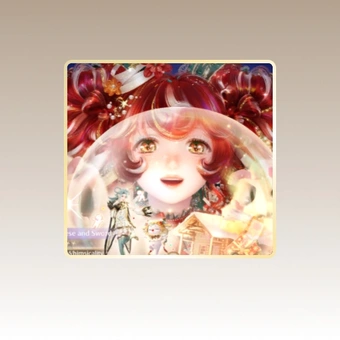
- 20 Draws Guaranteed$32.32-$4.64$36.96
- 20 Draws Guaranteed$32.32-$4.64$36.96
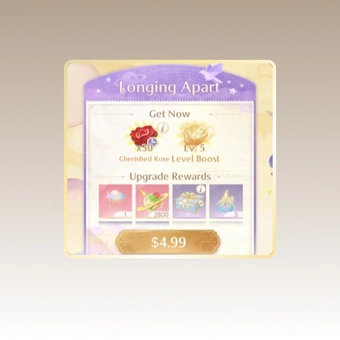
- Longing Apart$4.38-$0.61$4.99
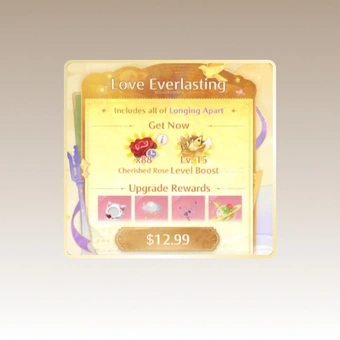
- Love Everlasting$11.37-$1.62$12.99
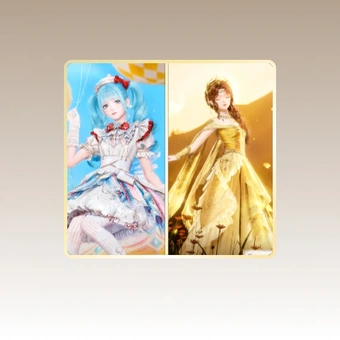
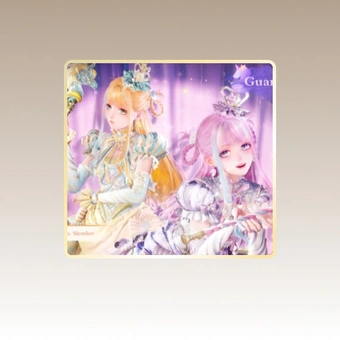
- Guardian of Childhood Dreams$10.47-$1.49$11.96
- Time for Wishes$6.11-$0.86$6.97
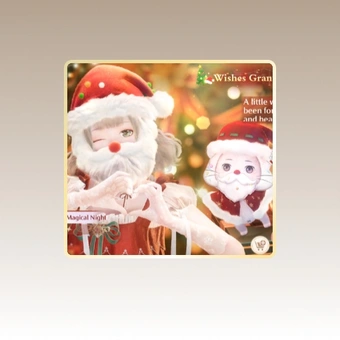
- Wishes Granted with the Starlight$2.61-$0.36$2.97
- Her Modern Age$2.61-$0.36$2.97
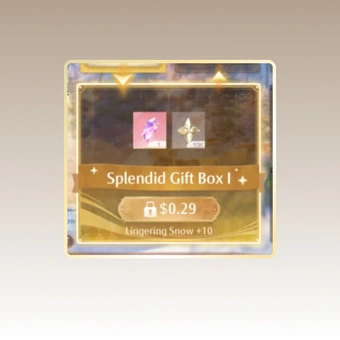
- Splendid Gift Box I$0.27-$0.02$0.29
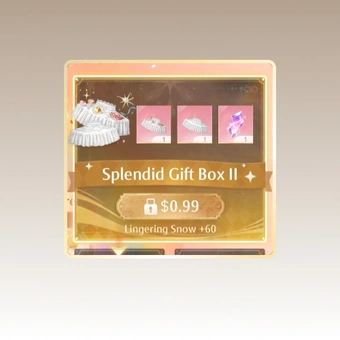
- Splendid Gift Box II$0.88-$0.11$0.99
- Splendid Gift Box III$1.31-$0.18$1.49
- Splendid Gift Box IV$2.19-$0.30$2.49
- Splendid Gift Box V$6.12-$0.87$6.99
- Winter's Wish$5.25-$0.74$5.99
- Love Arrives Like a Sweet Breeze$10.47-$1.49$11.96
- "Awoo" King's Night Patrol$2.63-$0.36$2.99
- Elegance Endures$4.38-$0.61$4.99
- Trick or Treat$6.97-$0.99$7.96
- Knock on Sleepless Nights$6.11-$0.86$6.97
- Running Toward the Dream$2.61-$0.36$2.97
- Weekly Gains$0.88-$0.11$0.99
- Monthly Gifts$4.38-$0.61$4.99
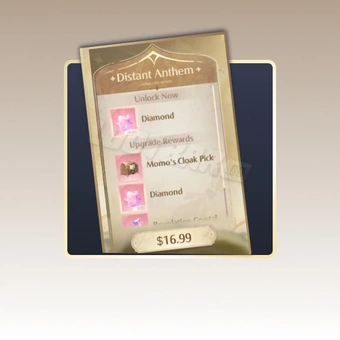
- Distant Anthem$8.75-$1.24$9.99
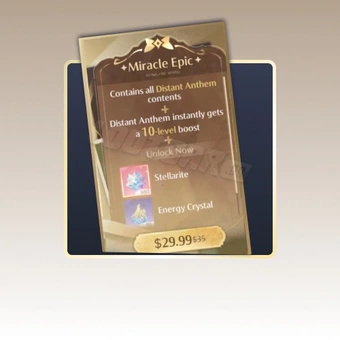
- Miracle Epic$17.05-$2.44$19.49
- Any 0.99 Pack$0.88-$0.11$0.99
- Any 1.99 Pack$1.75-$0.24$1.99
- Any 4.99 Pack$4.38-$0.61$4.99
- Any 6.99 Pack$6.12-$0.87$6.99
- Any 9.99 Pack$8.75-$1.24$9.99
- Any 14.99 Pack$13.12-$1.87$14.99
- Any 19.99 Pack$17.49-$2.50$19.99
- Any 29.99 Pack$26.23-$3.76$29.99
- Any 49.99 Pack$43.71-$6.28$49.99
- Any 99.99 Pack$87.42-$12.57$99.99
- 60 Stellarite$0.88-$0.11$0.99
- 300 Stellarite$4.38-$0.61$4.99
- 980 Stellarite$13.12-$1.87$14.99
- 1980 Stellarite$26.23-$3.76$29.99
- 3280 Stellarite$43.71-$6.28$49.99
- 6480 Stellarite$87.42-$12.57$99.99


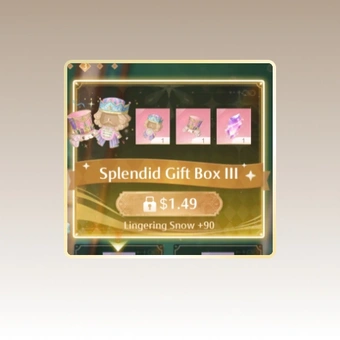
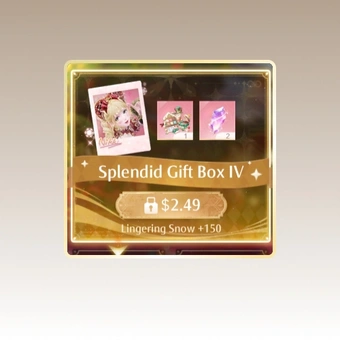
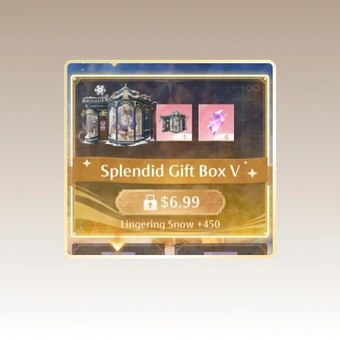
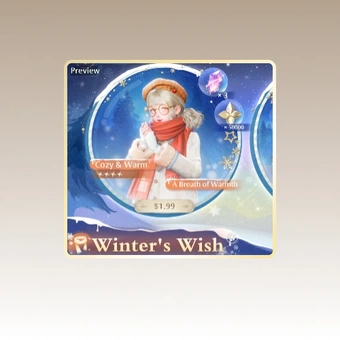
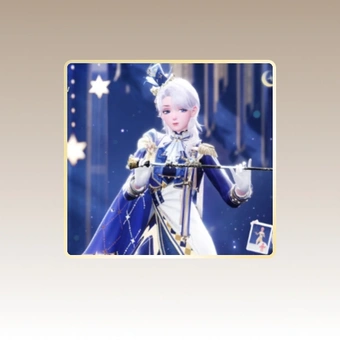
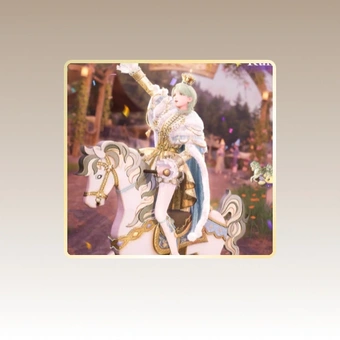
Can’t find the pack you’re looking for?
Top-up instructions
Notice: The first top-up double Stellarite bonus will reset when Infinity Nikki Version 2.0 goes live.
Infinity Nikki Top-up Guidance
Give that Store outfit you’ve been eyeing a place in Nikki’s wardrobe. Buy Infinity Nikki Stellarite for outfits priced in Stellarite, or choose an Any Pack or selected bundle for a different purchase. Infinity Nikki recharges on LootBar have a 5/5 rating from more than 1,500 reviews, with our 24/7 customer service team ready to help with order questions. So what are you waiting for? Top up your next look or pack now.
If your receiving game account is already linked to Infold, use the linked Infold account to log in for Self-TopUp. This top-up route does not support Apple account logins, so Apple users must link their game account to Infold before topping up.
Applicable Platform
Infinity Nikki PC and mobile
*Cross-platform top-up supported
Applicable Server
International Server
Infinity Nikki Top-up Required Information
Sign in to your receiving Infinity Nikki account through Self-TopUp and redeem your purchase in the in-game Store—no need to send login details to staff. Use its linked Infold login if applicable. Apple account login is not supported for this route.
Infinity Nikki Stellarite First Top-up Bonus
The double bonus applies to the first eligible purchase at each Stellarite tier, under the in-game rules. Check the bonus shown for the tier on your receiving account before buying. A tier you've already used does not become eligible again simply because you order through LootBar.
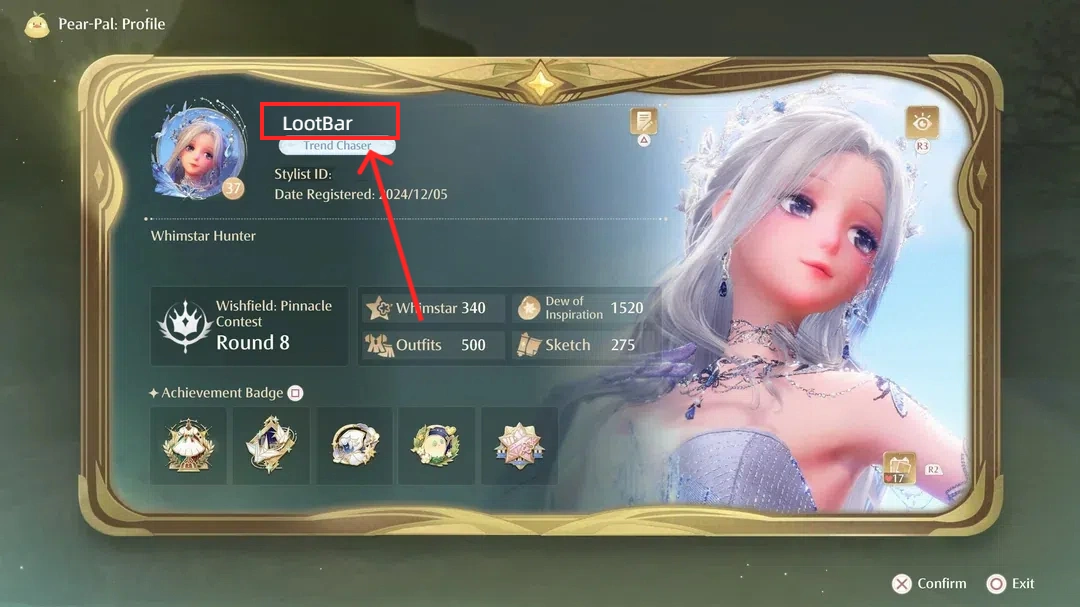
How to Find Your Infinity Nikki Character Name
Open Pear-Pal and select Profile. Your character name appears on the profile screen, as highlighted in the example image.
Infinity Nikki Top-up Tips
-
Choose what you're buying. Select Stellarite, a specific bundle, or an Any Pack that matches your intended purchase. You can choose from 36 packs starting at $0.87, from 60 Stellarite up to 6,480 Stellarite.
-
Check the amount before paying. Read the product name, denomination, and checkout total together.
-
Pick a supported payment method. Choose from the options offered for your country, such as cards, PayPal, or Apple Pay where available.
Apple Pay is a checkout payment method. It is separate from the unsupported Apple game-account login in Self-TopUp. Apple users can recharge Infinity Nikki on LootBar when their accounts are linked to Infold.
Top-up Procedures
How to Redeem Your Infinity Nikki Purchase with Self-TopUp
1. Start Self-TopUp after payment. On the successful payment screen, select LootBar Self-TopUp
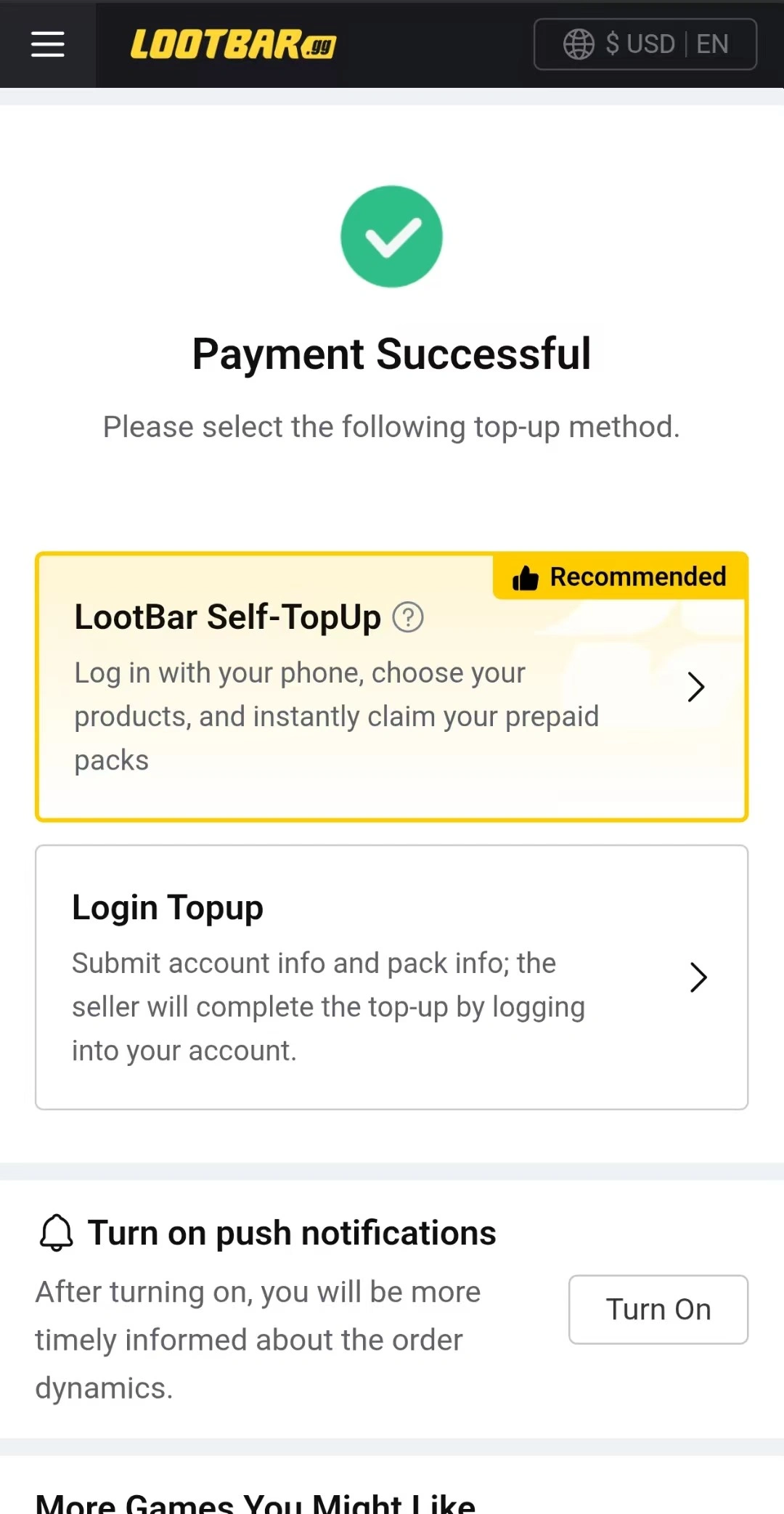
2. Enter your receiving account. Wait for the game to load, sign in, and open the in-game Store.
- Use the linked Infold login if your game account is already linked.
- Apple account login is NOT supported, but Apple users can top up their Infinity Nikki accounts on Self-TopUp by logging in via a linked Infold account.
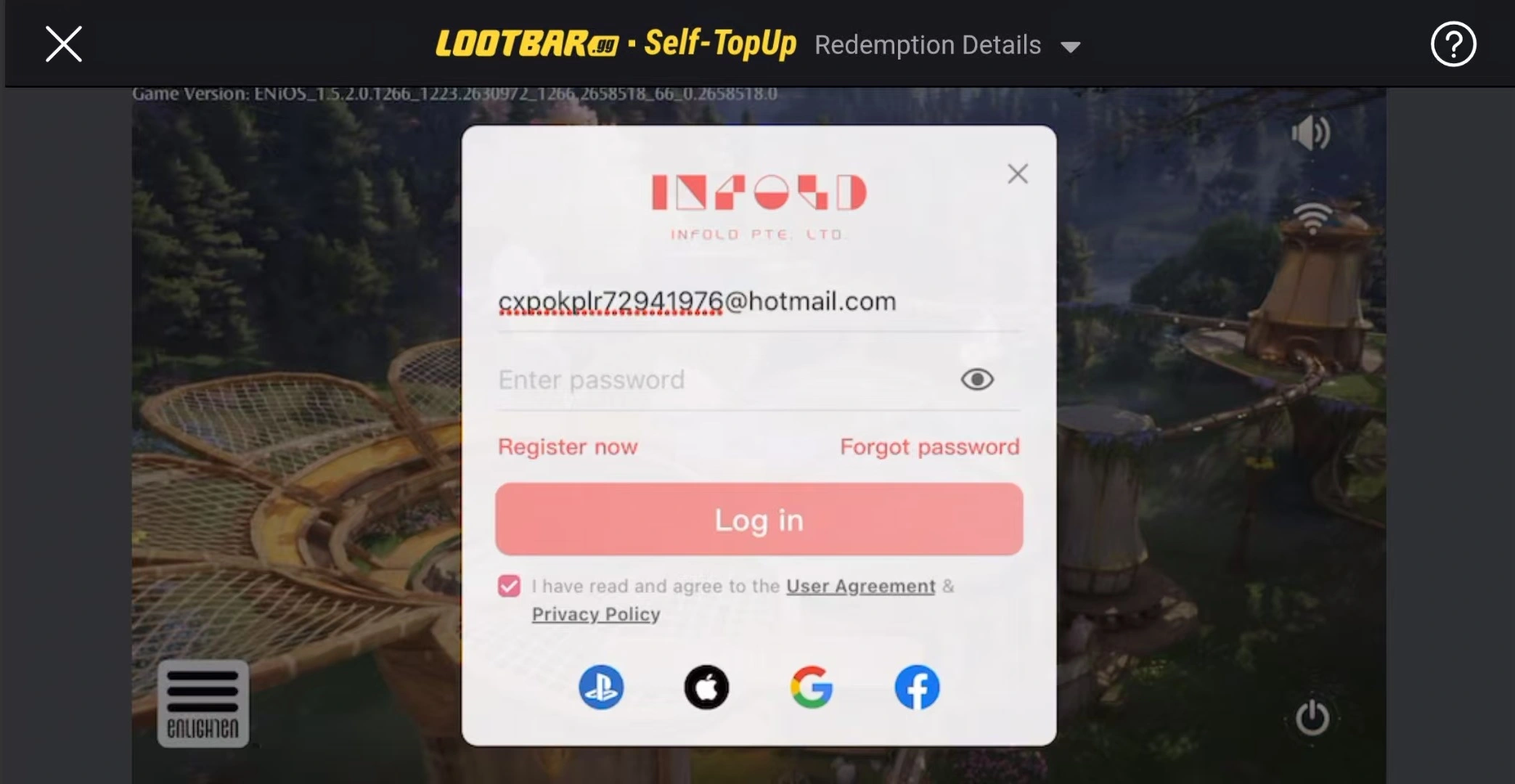
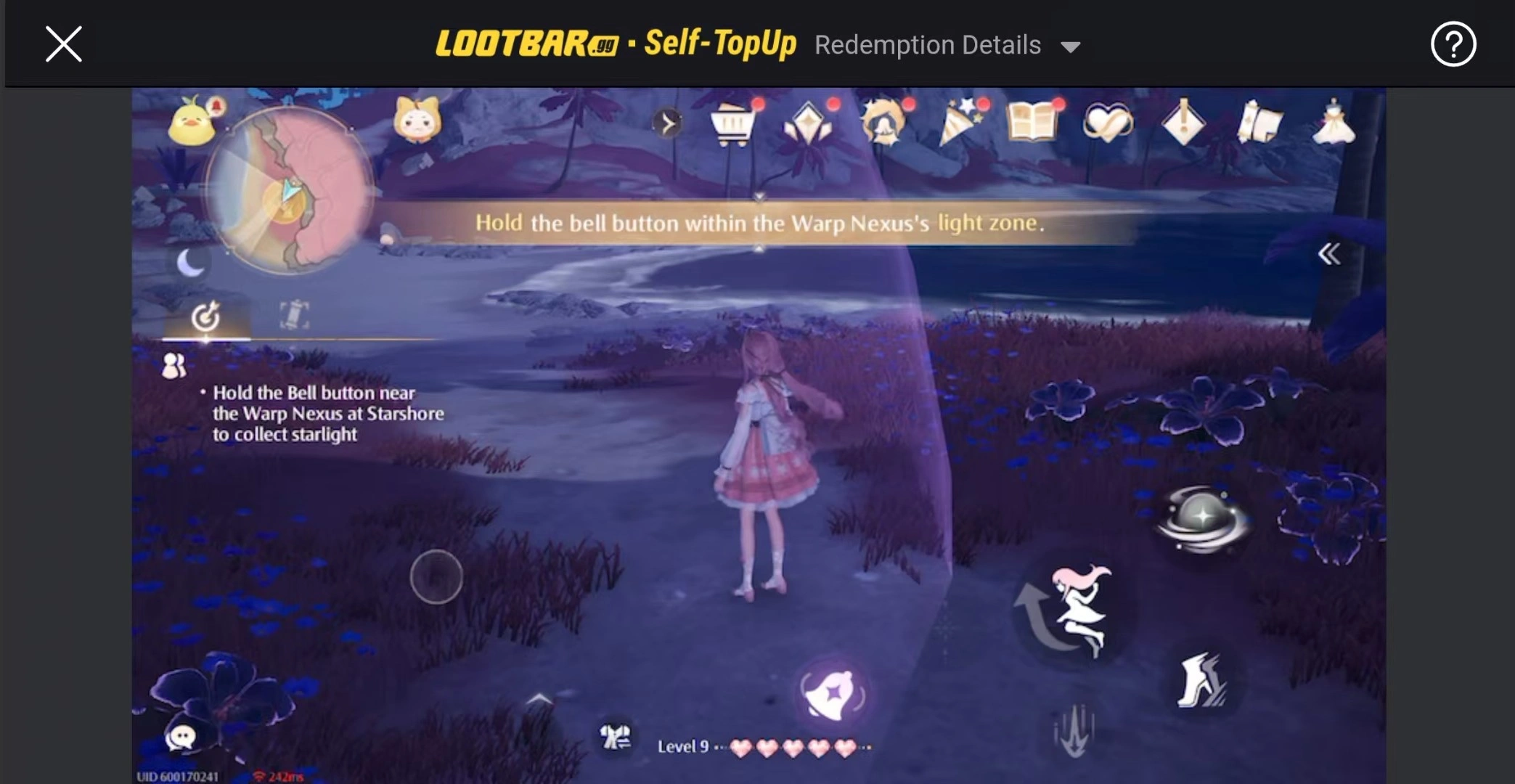
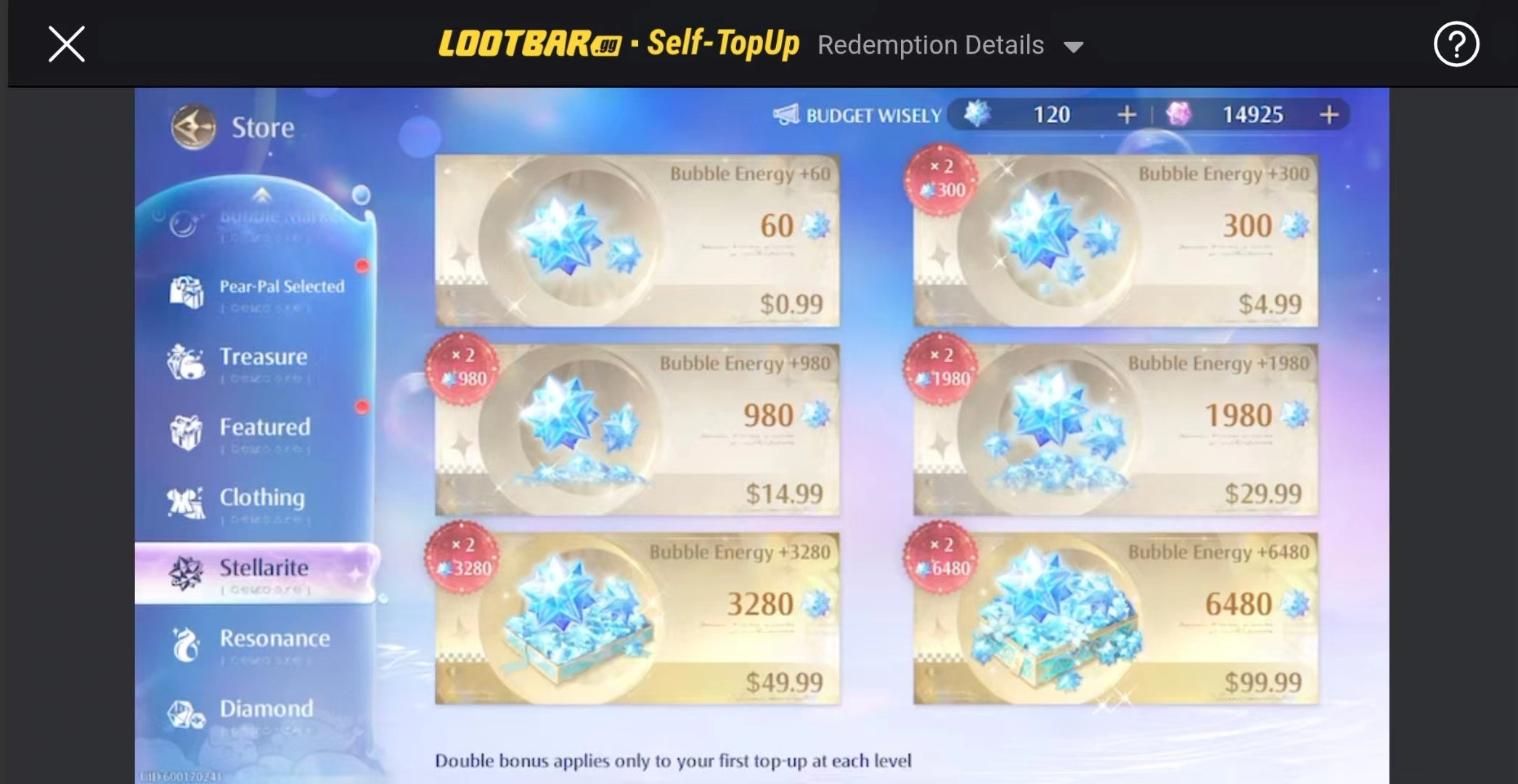
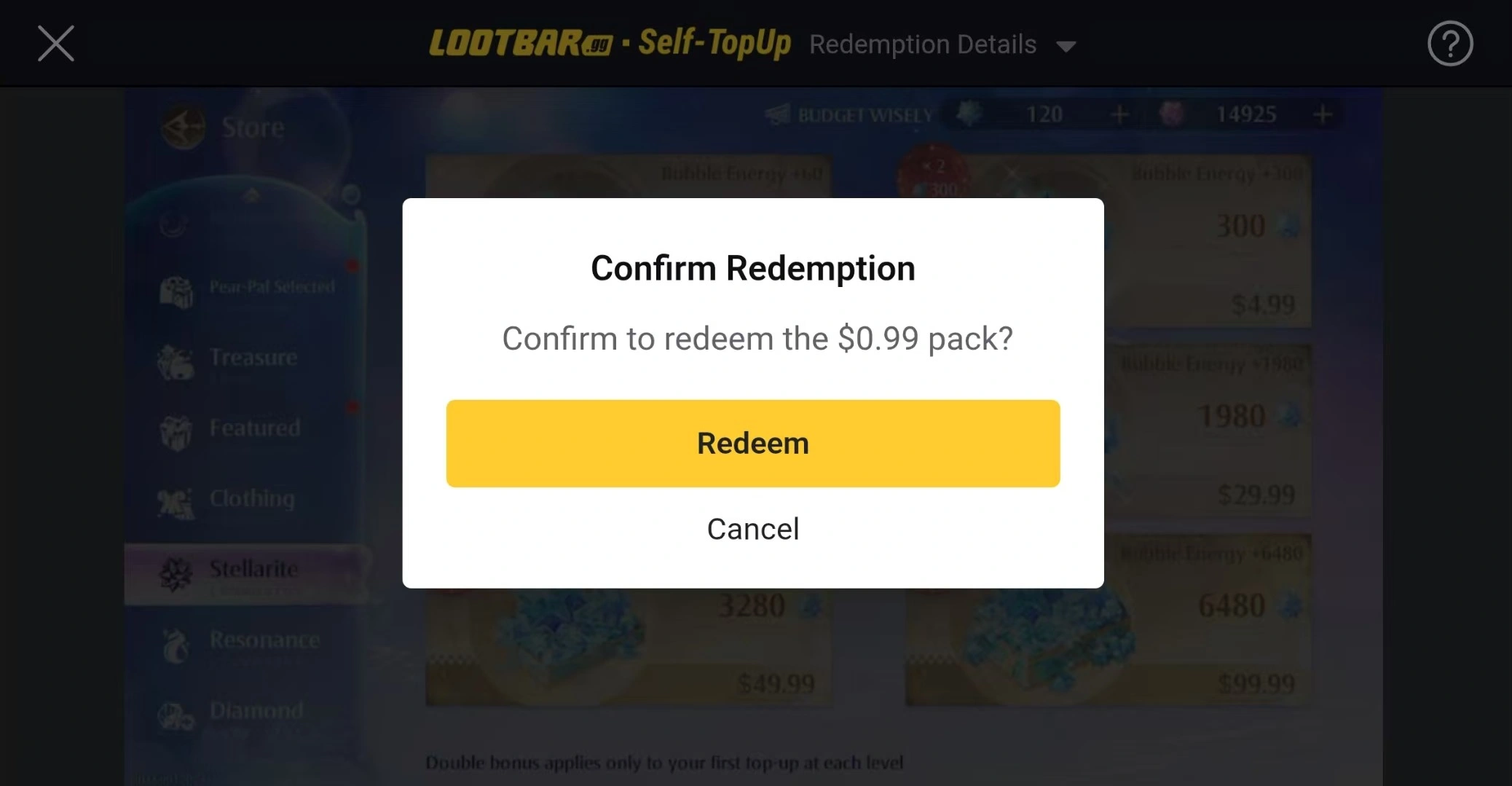
3. Match and redeem your product. Confirm the full product name and denomination against your order. Use the USD value to match an equivalent pack, then select Redeem and confirm the purchase shown. Your login session is cleared after redemption.
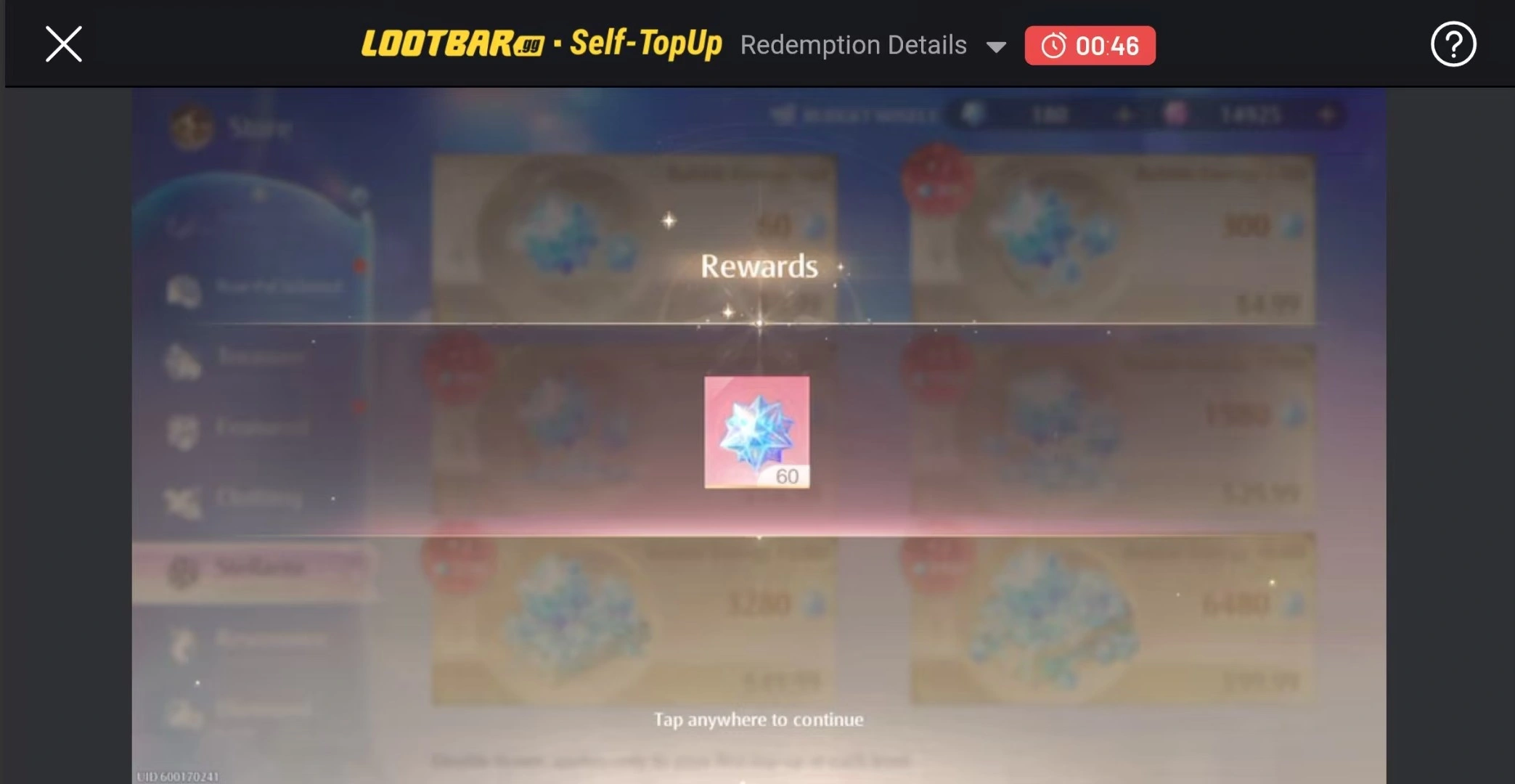
Notes:
1. All product prices in the Self-TopUp interface are displayed in USD. If your LootBar page is showing another currency, switch it to USD first so you can compare the value accurately. When completing your Infinity Nikki top-up through Self-TopUp, select the corresponding Infinity Nikki Stellarite amount or supported pack with an equivalent USD value.
2. If you run into any issues while using Self-TopUp, please contact LootBar customer service and provide your account information for assistance.
What Is Infinity Nikki?
Infinity Nikki is an open-world dress-up adventure from Infold Games, where Nikki and her companion Momo explore the beautiful world of Miraland. As you explore, you can follow the main story, gather materials, discover new areas, and unlock outfits with different styles and abilities.
Building your wardrobe is a big part of the experience. You can collect and craft clothing pieces, put together your own looks, and take on styling challenges while exploring Miraland at your own pace.
Getting Started with Infinity Nikki
A few simple habits can make your first days in Miraland much smoother:
- Follow the main quests. Early story quests introduce important mechanics and gradually unlock abilities that make exploration easier.
- Gather materials while exploring. Pick up useful resources and keep an eye out for Whimstars as you travel between objectives. Small detours help with crafting and wardrobe progression in later stages of the game.
- Plan your Vital Energy. Check which materials you currently need before deciding what to farm.
- Check before making a purchase. If you want something from the in-game Store, look at its required currency and price first. When you top up Infinity Nikki, you can choose the right Stellarite amount or supported pack instead of buying more than you need.
Do You Need an Infinity Nikki Top Up?
Topping up is completely optional. You can explore Miraland, progress through the story and collect plenty of outfits through normal gameplay.
An Infinity Nikki recharge is mainly useful when you already have a paid Store item, outfit or bundle in mind. Rather than recharging without a plan, check what the item requires first.
If it is priced in Stellarite, select an amount that fits the purchase. If you want a specific bundle, choose the corresponding supported pack instead. This makes it easier to buy around what you actually want in the game.
What Is Infinity Nikki Stellarite, and Where Can You Get It?
Infinity Nikki Stellarite is one of the game’s premium currencies, used mainly for selected items in the Store. Players can spend it on outfits, cosmetics, and other featured items, making it especially relevant for those who want to expand Nikki’s wardrobe beyond what they unlock through regular exploration and progression. Official version updates regularly introduce Store outfits priced directly in Stellarite.
Stellarite is obtained through real-money purchases rather than normal gameplay rewards. Players who want more Stellarite can buy it through supported top-up channels like LootBar at better prices, then use it on eligible Store content in Infinity Nikki.
Why Choose LootBar for Infinity Nikki Top Up?
LootBar offers several ways to buy the Infinity Nikki products you need, whether you are looking for Stellarite or a supported in-game pack.
Choose the Infinity Nikki Product You Need
Select from available Stellarite denominations, flexible Any Packs and supported in-game bundles. Check the product name and denomination before ordering to make sure it matches what you want to redeem.
Save Up to 18% on Infinity Nikki Top Up
LootBar offers competitive prices on available Infinity Nikki top-up options, with selected products offering savings of up to 18%. Compare Stellarite denominations and supported packs to find an option that fits your purchase.
60+ Secure and Flexible Payment Methods
LootBar supports 60+ payment methods worldwide, including PayPal, Visa, Mastercard and other local options across different regions. Transactions are protected by bank-level encryption and processed through PCI DSS-certified channels for a secure and flexible checkout experience.
Redeem Your Purchase with Self-TopUp
After payment, LootBar Self-TopUp lets you sign in to the receiving game account and complete the redemption yourself. The Self-TopUp route supports compatible PC and mobile accounts.
Get 24/7 Customer Support
If you have questions about your order or run into an issue while using Self-TopUp, LootBar customer service is available 24/7 to assist.
Choose your preferred Stellarite amount or supported pack and complete your Infinity Nikki top-up on LootBar.
Explore More Game Top-Ups After Your Infinity Nikki Recharge
If you enjoy taking your time in large open worlds, explore LootBar's Where Winds Meet top-up for a martial-arts adventure.
You can also shop for Genshin Impact top-ups and Wuthering Waves top-ups for more anime-style open-world experiences.
Prefer games built around stories and character interactions? Visit Love and Deepspace top-ups. For faster-paced action combat, explore Duet Night Abyss top-ups.
Find a game you enjoy and explore its available top-up options on LootBar.
How to Top Up Infinity Nikki on LootBar
Follow these steps to complete an Infinity Nikki top-up:
- Sign in to LootBar. Visit LootBar.com, select your preferred language and display currency, then log in or create a LootBar account.
- Open the Infinity Nikki top-up page. Find Infinity Nikki under the Top-Up section.
- Choose Stellarite or a pack. Select the Infinity Nikki Stellarite amount or supported pack you want, review the product details, and click Top-up Now.
- Complete your payment. Confirm the order information, select an available payment method and click Pay Now.
- Redeem with LootBar Self-TopUp. After payment finishes, choose LootBar Self-TopUp, sign in to the receiving Infinity Nikki account, and redeem the corresponding product in the Store.
FAQ
Are there extra fees for an Infinity Nikki top up?
Payment fees vary by method and country or region. Check the charges shown before confirming your Stellarite recharge. Your bank may also apply its own fees.
What if my Infinity Nikki recharge still shows “Pay Now” after payment?
If payment succeeded, don’t pay again. Wait and refresh the order status. If it remains abnormal, contact customer service with your order number so the payment can be checked.
Can I get a refund for an Infinity Nikki Stellarite top up?
Purchases are generally final. An undelivered or partly delivered order can be reviewed under LootBar’s refund terms. Correctly delivered purchases and changes of mind are excluded, subject to applicable law. Contact customer service about a delivery problem.
Can I use my Stellarite balance on PC, mobile and PlayStation?
Yes, when your PlayStation and Infold accounts are correctly linked to the same game progress. Infold confirms that Stellarite obtained on PC or mobile is usable on PlayStation, and vice versa. Complete your LootBar recharge through the supported PC/mobile route on that linked receiving account.
Does the discounted price determine which Any Pack I redeem?
No. Match the purchased USD denomination to the equivalent in-game offer. The discounted payment total and the pack's denomination are different values; check the matching product before you redeem it.
Can Apple users top up Infinity Nikki on LootBar?
Yes. Apple users can top up Infinity Nikki on LootBar, but Apple account login is not currently supported through the Self-TopUp route. If you normally sign in to Infinity Nikki with Apple, first link your game account to an Infold account. You can then use the linked Infold account to log in through Self-TopUp and complete your Infinity Nikki top-up.
User Reviews
5.0
1.6k reviews
5 stars
99%
4 stars
1%
3 stars
0%
2 stars
0%
1 star
0%
All reviews
Image
Latest
Most Helpful
acei
Nov 23, 2026
Purchased Any 29.99 Pack
thank you for the quick purchases!!
Helpful
U1069139307
Nov 23, 2026
Purchased Monthly Gifts
AS fast as always, Lootbar!
Helpful
U1067160074
Nov 22, 2026
Purchased Longing Apart etc.
10 out of 10 speed and quality
Original Text
Helpful
Trustpilot
Order Information
Product20 Draws Guaranteed
Quantity
Price
$32.32
Cart
0