
Your search history is empty


Clash Royale Top Up
5.0
3.1k
100k+ Sold
Fast
Safe
24/7
- 14
- 25
- 10
Invite Friends and Get 3*10% OFF Discount
Please make sure your player tag is bound to a Supercell ID before making any purchases.
How to bind Supercell ID?
- Diamond Pass$10.38-$1.61$11.99
- Mini Pass$4.33-$0.66$4.99
- Champion Market$3.46-$0.53$3.99
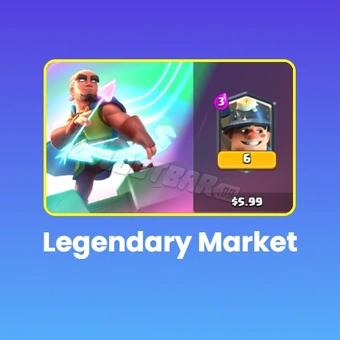
- Legendary Market$5.19-$0.80$5.99
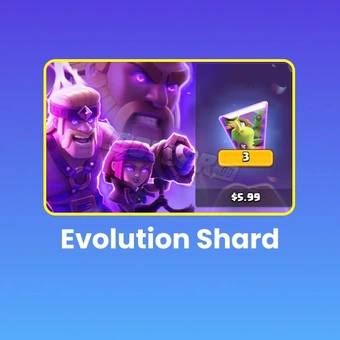
- Evolution Shard$5.19-$0.80$5.99
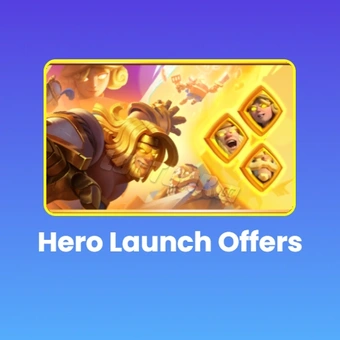
- Hero Launch Offers$12.98-$2.01$14.99
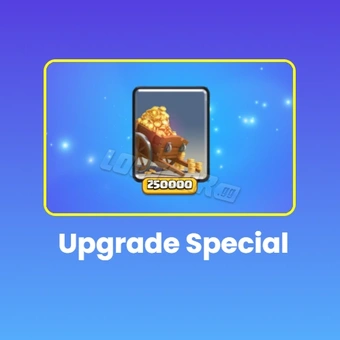
- 250K Gold$4.33-$0.66$4.99
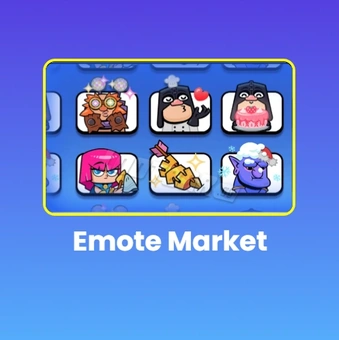
- Emote Market$4.33-$0.66$4.99
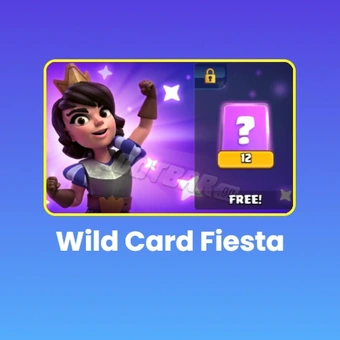
- Wild Card Fiesta$12.08-$1.88$13.96
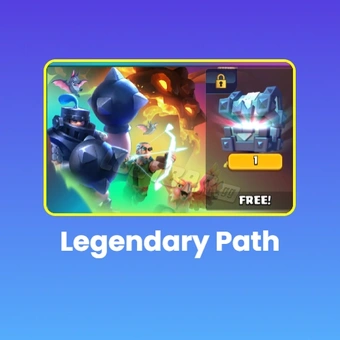
- Legendary Path$18.14-$2.82$20.96
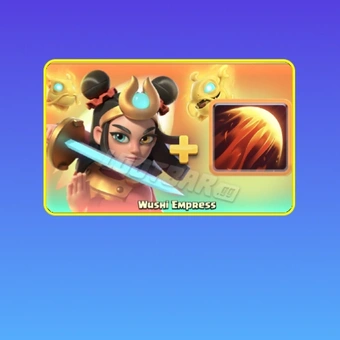
- WUSHI Empress$17.30-$2.69$19.99
- Any 1.99 Pack$1.73-$0.26$1.99
- Any 2.99 Pack$2.60-$0.39$2.99
- Any 3.99 Pack$3.46-$0.53$3.99
- Any 5.99 Pack$5.19-$0.80$5.99
- Any 7.99 Pack$6.92-$1.07$7.99
- Any 9.99 Pack$8.65-$1.34$9.99
- Any 11.99 Pack$10.38-$1.61$11.99
- Any 15.99 Pack$13.84-$2.15$15.99
- Any 19.99 Pack$17.30-$2.69$19.99
- Any 49.99 Pack$43.24-$6.75$49.99
- 80 Gems$0.87-$0.12$0.99
- 500 Gems$4.33-$0.66$4.99
- 1200 Gems$8.65-$1.34$9.99
- 2500 Gems$17.30-$2.69$19.99
- 6500 Gems$43.24-$6.75$49.99
- 14000 Gems$86.48-$13.51$99.99
Can’t find the pack you’re looking for?
Top-up instructions
Looking for a secure and trustworthy online store where you can effortlessly buy Clash Royale gems, passes, and different game packs? In that case, LootBar is certainly gonna be the perfect one for you in terms of game top-ups.
In Clash Royale, paid items not only increase your game progression but also make playing more comfortable. That's why LootBar is offering different custom-bundles to suit the varied needs of players. Besides fast, secure, and cheap game recharging services, here you will have a great time.
Clash Royale Top Up Information
| Applicable Platform | Mobile game |
| Applicable Server | International Server |
| Top-Up Method |
Log in to your game account via the "Self-TopUp" service and then claim the packs you purchased on LootBar Note: Only supports top-up via Supercell ID login |
| Required Information |
No information required |
| Delivery Time | Within 5 minutes by "Self-TopUp" |
Top-up Rewards
You will receive extra game recharge rewards as a present when you initially purchase Clash Royale Gems. For further details, please refer to the in-game recharge rules.
Top-up Results
After the Clash Royale recharge is successful, you can check the Gems in-game.
Top-up Tips
- We currently support the Self-TopUp service for Clash Royale top-up. We recommend choosing "Self-TopUp" for a better and faster recharge experience.
- Due to different rules from different regions, your In-game price may be lower than the platform price. If your payment exceeds the discounted total, the remaining balance will be refunded to you.
Top-up Procedures
1. After purchasing the package, choose the 【Self-TopUp】 method.
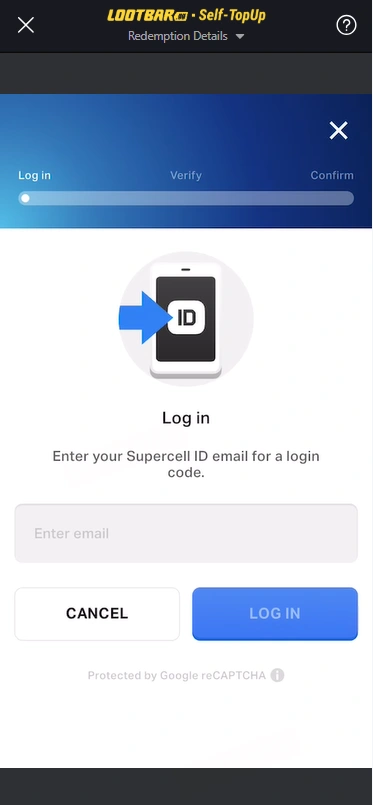
2. Enter the game interface, log in to your account, and enter the game store ( Please use your Supercell ID to log in).
Note: Currently, Apple account top-up is not supported. If needed, please bind your Supercell ID and use it to log in to your account.
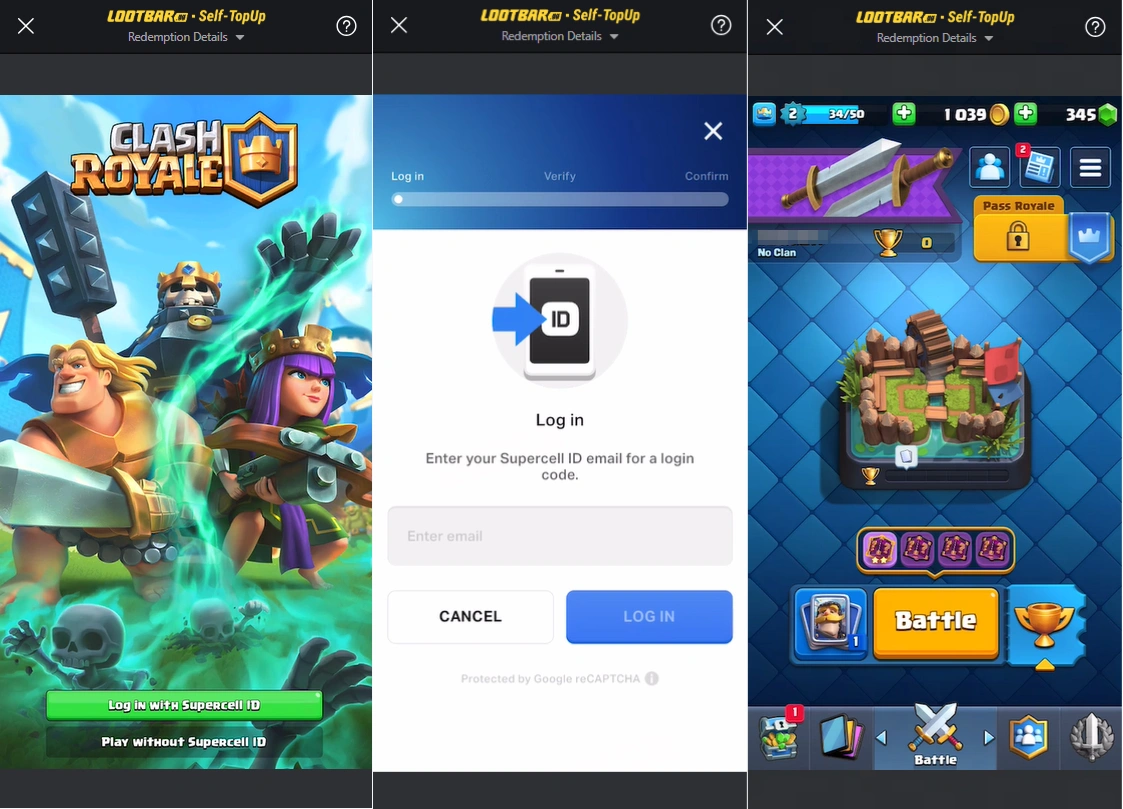
3. Confirm the package information you want to purchase and claim your package.
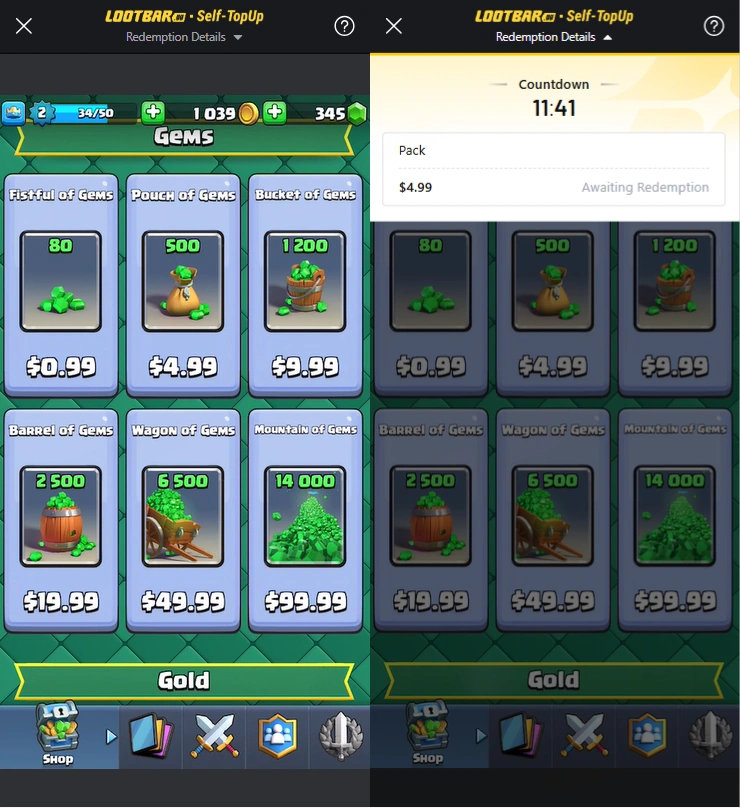
4. After completing the redemption, your login information will be automatically cleared after exiting the Self-TopUp service.
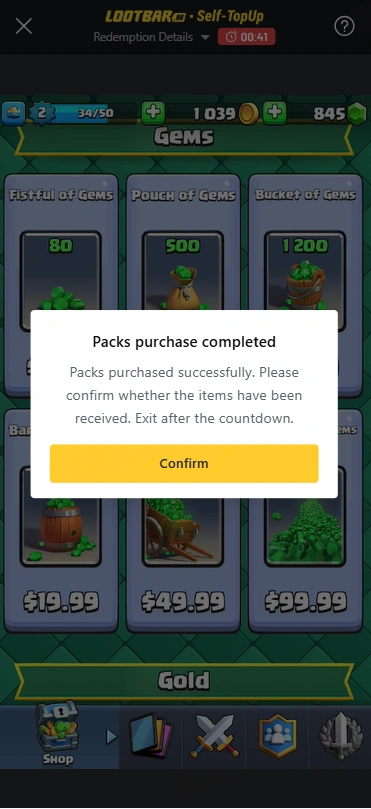
5. We'll inform you immediately once the recharge is done. After that, you are free to start the game and verify your balance.
Note:
- Since different countries use different currencies, the prices of bundles displayed in Lootbar in-game store are actually in USD. You can change the display currency to USD, if you are using some other currency, in order to see the price equivalent to your currency. You can buy any bundle whose value matches your purchase.
- Due to the regional and account pricing differences, if there is a discount or premium on your package price, it may lead to purchase failure. Please contact our customer service for assistance if you fail to purchase.
- If there is a problem with the Self-TopUp, please feel free to contact our customer service with your account information.
About Clash Royale
Clash Royale is an incredibly addictive real-time strategy game made by Supercell. Initially, players are asked to collect and enhance the cards of their Clash of Clans troops, spells, and defenses, which they will later use in battles against other players online in real time. The main objective is to destroy the enemy's towers while protecting your own. Besides numerous game modes, the game also focuses on strategy, fast decisions, and card collecting and management.
What are Clash Royale Gems?
Gems in Clash Royale not only enable a variety of player functions but also act as a kind of premium currency. For example, you can use them to instantly open chests that normally require a waiting time, make purchases in the shop, grab special offers, and even join challenges and tournaments. Also, if you want to, you can exchange gems for gold, which is a very important in-game currency that you use to upgrade your cards as well as to create clans."
How to Get Clash Royale Gems?
There are different ways to gain Gems in Clash Royale based on the level of progress you have made in the game as well as the available rewards.
Get Free Gems: Gems can be acquired by reaching different milestones along the Trophy Road, Pass Royale rewards, through certain events, competitions, and other game rewards.
Buying Gems: You may browse the in-game Shop to find out whether there are any available offers on Gems before making any purchases. Make sure to check how Supercell does business with third-party companies before buying Gems.
The amount you get for free depends on the progress levels you are currently on and the rewards still available. If you need Gems for a specific item, you may want to check the current offers.
Why Consider Clash Royale Gems on LootBar?
If you are weighing your options on Clash Royale purchases, take a look at the available Gem packages, their prices and payment options, and the steps in the delivery process to place your order. LootBar provides a selection of gaming-related digital products and top-up services across titles. For Clash Royale, make sure you look at what is on offer at the moment for package availability.
- Package Pricing: Some packages may be available at up to a 22% discount. Look through the up-to-date listings to find which packages apply.
- Top-Up Process: Make sure to consult the instructions of the Clash Royale service to know what details you need before purchasing.
- Delivery Details: Check the product information for delivery time provided along with any applicable requirements that may delay processing.
- Payment Options: Your options may include using credit cards, digital wallets, and other accepted forms of payment based on your location.
Note: Supercell makes it clear that players are at risk of getting scammed or penalized if they purchase Gems from third-party services. Make sure you consult Supercell’s guidance on Gems and Gold and those on Fair Play policies before using this type of service.
Explore More Strategy & Survival Games on LootBar
Enjoy Clash Royale and looking for more strategy games? Explore other popular titles on LootBar:
- Clash of Clans top up — Build your village, upgrade your troops, and take part in clan battles.
- Brawl Stars Top Up — Join fast-paced multiplayer battles and explore different Brawlers and game modes.
- Last War: Survival Top Up — Develop your base, recruit troops, and fight through a post-apocalyptic world.
- Last Z: Survival Shooter Top Up — Take on zombie threats in a survival-focused shooter.
- Dark War: Survival Top Up — Build up your shelter and manage resources in a zombie survival strategy game.
How to Top Up Clash Royale Global on LootBar
Follow these steps to top up Clash Royale on LootBar:
- Enter the LootBar official website https://www.lootbar.com/, choose the language and currency type, and log in.
- On top-up column, choose the game that you want to top up. In this case, Top Up > Clash Royale
- Decide the number of gems you want to buy and then hit "Top-up Now".
- Your UID and Character Name will be necessary, so be ready to provide them.
- Select the payment option you favor the most and press "Pay Now".
User Reviews
5.0
3.1k reviews
5 stars
99%
4 stars
1%
3 stars
0%
2 stars
0%
1 star
0%
All reviews
Image
Latest
Most Helpful
U1062880483
Nov 14, 2026
Purchased Mini Pass
on top never stop
Original Text
Helpful
U1063252501
Nov 14, 2026
Purchased Diamond Pass
5
Original Text
Helpful
U1062786467
Nov 14, 2026
Purchased Any 7.99 Pack
Thx
Helpful
Trustpilot
Order Information
ProductDiamond Pass
Quantity
Price
$10.38
Cart
0