
Your search history is empty


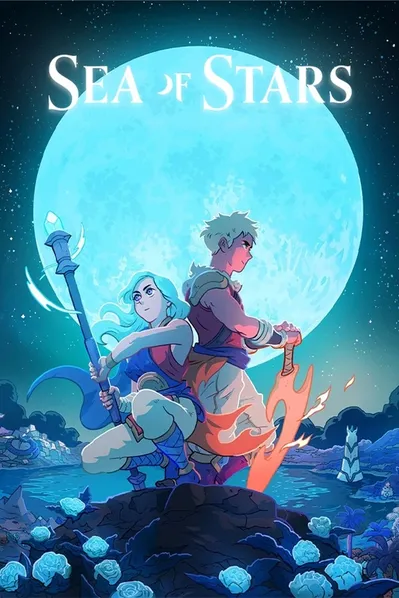
Sea of Stars: Sunset Edition XBOX/PC Key
5.0
22
Instant ActivationOfficial Distribution
- 13
- 56
- 22
Invite Friends and Get 3*10% OFF Discount
Steam Reviews:Very Positive(6636)
Type:Digital Key

Platform:XBOX/PC
Activation guide
Can activate in: IANA
Activation Check
Region:Global
Instant Activation
$25.50 $34.99
Bonus Points
Directly purchase
$25.76$34.99
This delivery method is not available in your region.
GameNova
99.8% Positive
Instant Activate on LootBar
Link your XBOX/PC account to LootBar
Automatically activated right after purchase
Verify the activation result to ensure it's successful
Product Details
About the Sea of Stars
Sea of Stars is a 2D pixel art, turn-based, party RPG inspired by the classics. As the Children of the Solstice, you unite sun and moon into Eclipse Magic to push back the Fleshmancer’s creations, setting a bright, adventurous tale of friendship and surprise.
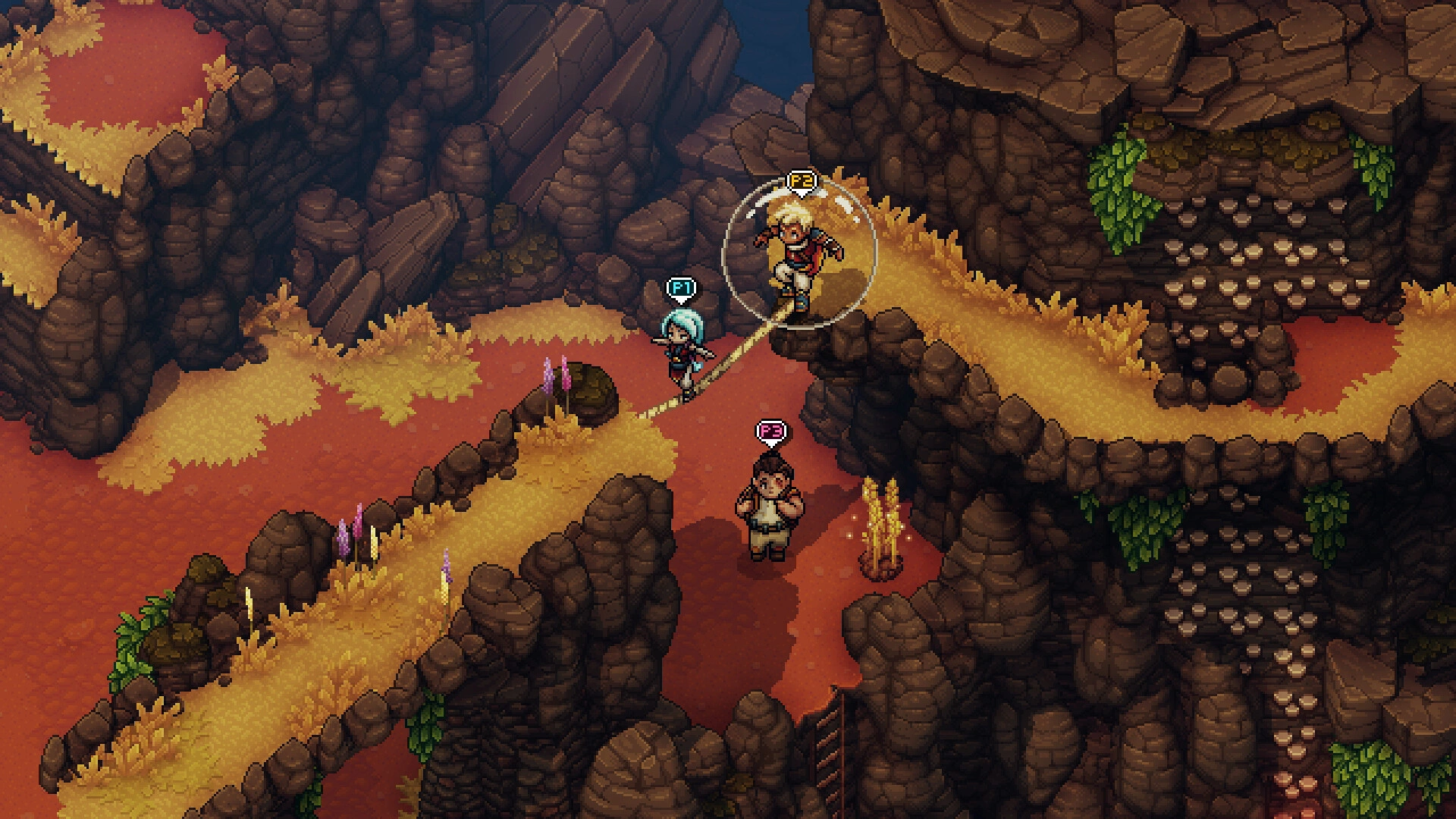
Combat thrives on timing: sync button presses to boost attacks and soften blows, chain multi character combos, and use a locks system to interrupt channeled powers. With no random encounters or battle transitions, you swim, climb, vault, and leap, then sail, cook, fish, or play Wheels.
Your choices of timing, damage types, routes, and downtime shape each journey. Play solo or add drop in co-op for up to three players as Co-op Timed Hits reward coordination. A modern take on a classic, it favors strategy over grinding and blends seamless exploration, striking 2D art, and heartfelt twists.
What is the Sea of Stars key?
XBOX/PC game key is an official activation code that allows you to activate and play the game
on related platform after purchase. You can choose self-activation to directly add the game to your game
library, or use the traditional method by obtaining the XBOX/PC game key and activate it according to the
activation guide.
Sea of Stars Review
Widely praised, Sea of Stars marries timing-based turn-based combat and platformer-like traversal with no random encounters. Striking pixel art and relaxing diversions—sailing, cooking, fishing, Wheels—enrich a nostalgic atmosphere; streamlined systems keep progression smooth.
System Requirements
System Requirements Recommended System Requirements
directxVersion 11
directxVersion 11
graphicsAMD Radeon R5 230 or Nvidia GeForce GT 520
graphicsAMD Radeon R5 340X or Nvidia GeForce GTS 450
memory4 GB RAM
memory8 GB RAM
os *Windows 7, Windows 10
os *Windows 7, Windows 10
processorIntel Core 2 Duo E8600 or AMD Phenom II X4 945
processorAMD FX 4300 or Intel Core i3 2120
storage5 GB available space
storage5 GB available space
User Reviews
5.0
22 reviews
5 stars
100%
4 stars
0%
3 stars
0%
2 stars
0%
1 star
0%
All reviews
Image
Latest
Most Helpful
U1071308552
Sep 10, 2026
Purchased Sea of Stars
From checkout to playing took under five minutes—super convenient overall.
Helpful
U1071198989
Sep 7, 2026
Purchased Sea of Stars
No hassle
Helpful
U1071136869
Sep 5, 2026
Purchased Sea of Stars
Great platform for gaming deals. Highly recommend!
Helpful
Basic Info
Release Date2023-08-28
PublisherSabotage Studio
DeveloperSabotage Studio
GenreAdventure, Indie, RPG
Game ModeSingle-player, Shared/Split Screen Co-op
Player Perspectives
Pixel GraphicsJRPGTurn-Based CombatLocal Co-OpParty-Based RPGStory RichAdventureRPG2DSingleplayerIndieFantasyCo-opLore-RichRetroExplorationMultiplayerFunnyNostalgiaEmotional
More Games You Might Like

007 First Light
XBOX/PC Key
Global
$55.28
-21%
$69.99
OCTOPATH TRAVELER 0
Steam Key
ROW
$42.34
-15%
$49.99
The Legend of Heroes: Trails of Cold Steel IV
Steam Key
ROW
$24.40
-59%
$59.99
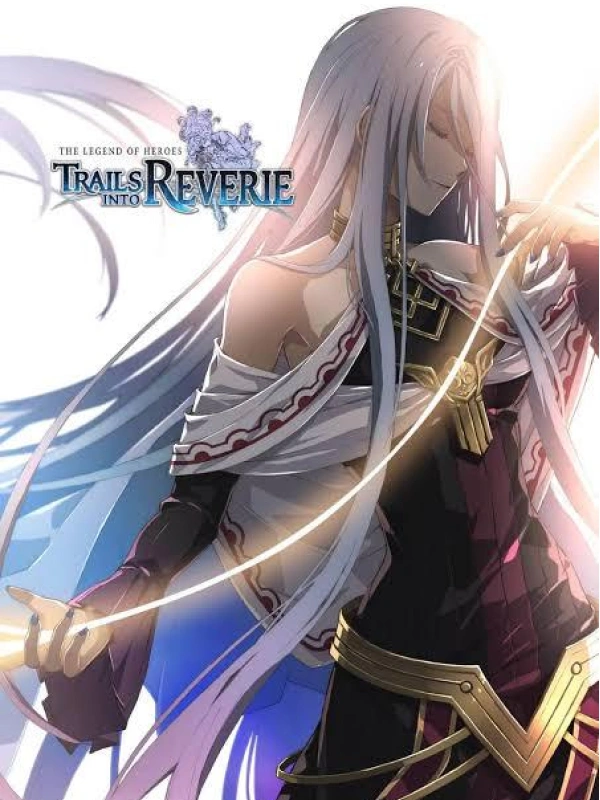
The Legend of Heroes: Trails into Reverie
Steam Key
ROW
$29.14
-51%
$59.99
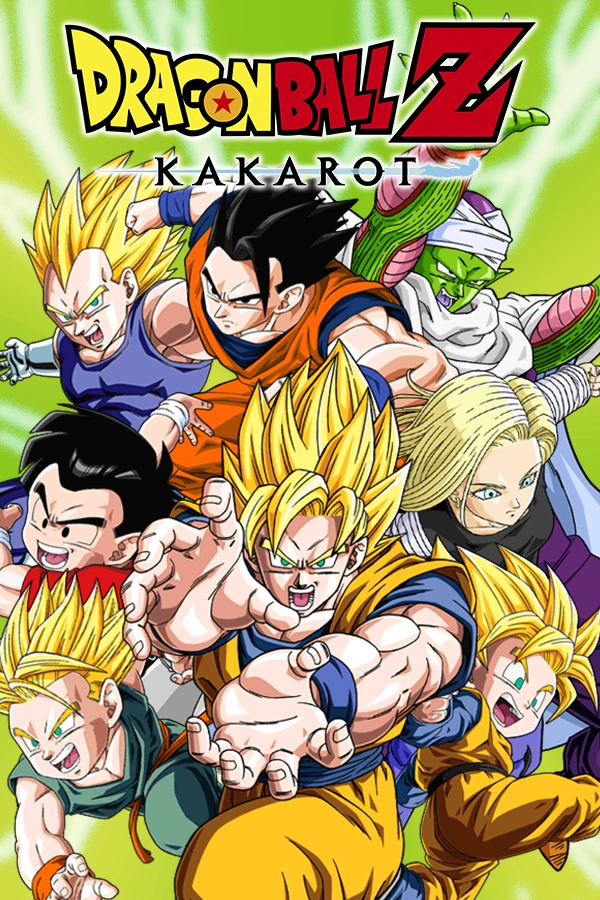
DRAGON BALL Z: KAKAROT
Steam Key
ROW
$14.20
-29%
$19.99
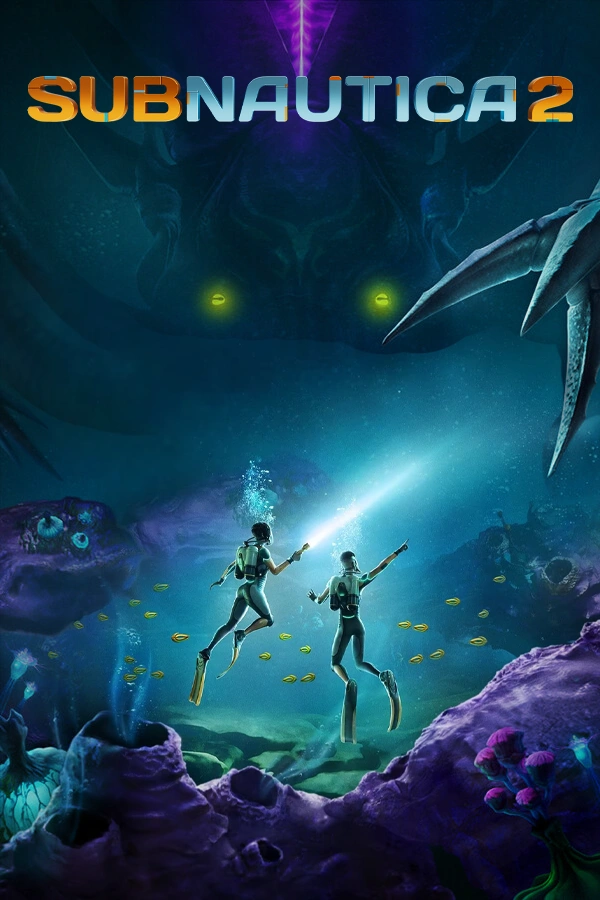
Subnautica 2
XBOX/PC Key
Global
$23.23
-23%
$29.99
FAQ
How do I activate my Sea of Stars key on XBOX/PC?
To activate a game key on Xbox/PC, select 'Redeem' via the Store app on your console, at redeem.microsoft.com, or via the Xbox mobile/PC app, then enter the 25-character code. Ensure you are signed into the correct Microsoft account, as redeemed codes cannot be moved.
Is this Sea of Stars key region locked?
There is region lock for Sea of Stars. Please refer to the game description for specific supported regions.
Which platforms does Sea of Stars support?
PC
Does Sea of Stars support cross-platform compatibility?
Sea of Stars has no cross-platform cross-play support. The Steam store page lists only shared/split-screen local co-op and Steam Remote Play Together, with no online multiplayer. Co-op is limited to same-platform local play or Steam’s PC-to-PC Remote Play Together, so cross-platform matchmaking is unavailable.
Does Sea of Stars support cross-save features?
Sea of Stars does not advertise cross-save or cross-progression across platforms. On Steam it supports Steam Cloud, syncing progress between devices under one Steam account. No additional accounts or linking steps are mentioned.
Does Sea of Stars have multiplayer features?
Yes, Sea of Stars supports multiplayer with local drop-in co-op for up to three players, playable through the entire campaign, and it also supports Steam Remote Play Together. It can also be enjoyed fully solo for single-player.
Are the Sea of Stars key official?
Yes, all Sea of Stars key sold on LootBar are official and sourced directly from authorized distributors.
Which countries and regions is Sea of Stars most popular in?
United States, China, Japan, United Kingdom, Germany, France, Brazil, Canada, Russia, South Korea
Why buy Sea of Stars key on LootBar?
LootBar guarantees you a smooth and secure shopping experience when purchasing Sea of Stars keys.
1. Instant Delivery. Your game key is sent to you within 3 minutes after purchase, so you can dive into the action without delay.
2. Activation Guarantee. Every Sea of Stars key is 100% genuine and backed by our assurance of successful activation.
3. 24/7 customer support. Need help at any hour? Our professional customer support is available 24/7 to assist you with any purchase questions or issues.
How to buy Sea of Stars key on LootBar?
1. Log in to your LootBar account, or sign up if you don’t already have one.
2. In the top menu, select “Game keys” and then choose “Sea of Stars”.
3. Pick the game key you wish to purchase.
4. Click “Buy Now”, select your payment method, and confirm the payment.
5. Provide the required details and wait for the delivery.
GameNova
99.8% Positive
Instant Activation
$25.50 $34.99
Bonus Points
Directly purchase
$25.76$34.99
This delivery method is not available in your region.
-1%
Instant Delivery
Secure Checkout
24/7 Support