




OfficialStore
Instant Activation via LootBar
Product Details
About the Persona 4 Golden
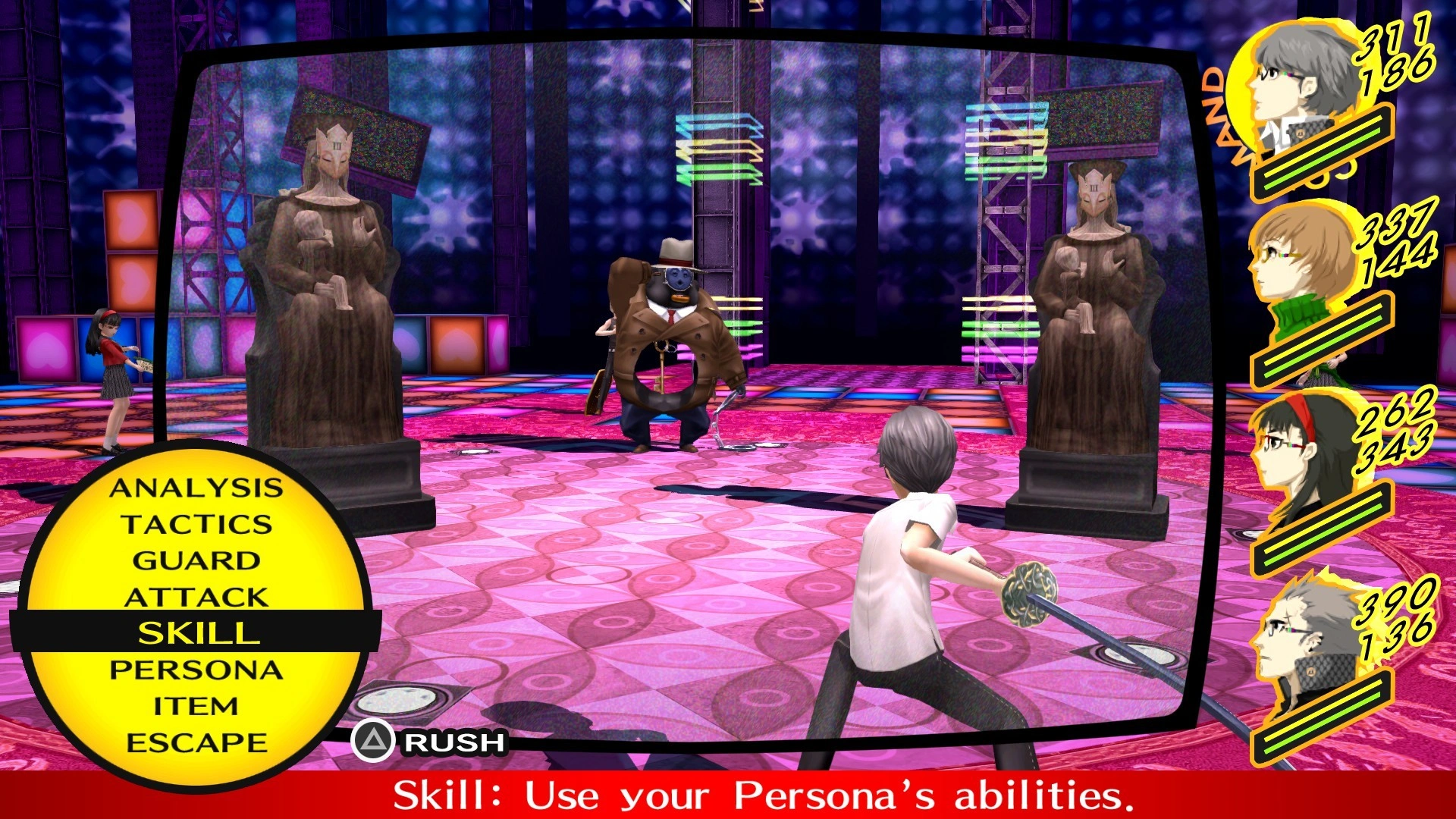
Persona 4 Golden drops you into Inaba, a sleepy rural town where nothing much happens — until it does. You're the new transfer student, and serial murders start rattling the place. Between classes, you team up with classmates to dig for truth and maybe find somewhere you fit. The game keeps one foot in small-town comfort and the other in something colder.
Each day is yours to plan. Hang out, pick up a part-time job, cram for exams, or deepen Social Links that power up your Personas. Those bonds matter when you step through the TV into another world, confronting the ugly pieces people hide from themselves and fighting through twisted dungeons. No two playthroughs pace the same way because your calendar and relationships steer the investigation.
What you do and say changes who trusts you, which scenes you see, and how the case unfolds. The murder mystery stays personal because you built it, day by day, alongside friends who grow with you.
What is the Persona 4 Golden key?
Steam game key is an official activation code. Activate it on the platform after purchase to add the game to your account.
Two ways to go. Self-activation puts the game right into your library. The standard route hands you the key to activate yourself according to the activation guide.
Persona 4 Golden Review
Dungeon crawling and daily life management sit at the core of Persona 4 Golden. Social Links tie the two halves together. The small-town warmth, the cast, and the soundtrack are the high points. Dungeons repeat too much and the early hours drag. Stick with it, though, and the mystery pulls you through—character bonds and build options make the wait worth it.
System Requirements
User Reviews






FAQ
How to activate Persona 4 Golden key on Steam?
Your key arrives by email or LootBar system Notification after purchase. Launch Steam, head to Games, then Activate a Product on Steam... The rest shows up on screen. You can also activate through a browser by visiting Steam's key activation page. For hands-free activation, use LootBar self-activate service.
Is this Persona 4 Golden key region locked?
Yes, this key is region locked. Check the game description for which regions work.
Which platforms does Persona 4 Golden support?
PC
Does Persona 4 Golden support cross-platform compatibility?
No, Persona 4 Golden has no cross-play or cross-platform compatibility. The Steam store lists it as single-player with features like Steam Achievements and Steam Cloud, and no online multiplayer modes. Consequently, there are no cross-platform play options or cross-platform progression advertised.
Can Persona 4 Golden saves move between platforms?
Persona 4 Golden won't carry progress across platforms. Steam Cloud keeps saves synced between PCs on one account, but that's it — no console support, no cross-store transfers advertised.
Can you play Persona 4 Golden with other players?
Persona 4 Golden is strictly single-player. The Steam release has no co-op or online modes — just solo story progression, achievements, and trading cards. You play alone.
Are Persona 4 Golden keys authorized?
Yes. We get the keys straight from authorized distributors — nothing else.
Which countries and regions is Persona 4 Golden most popular in?
United States, China, Japan, South Korea, United Kingdom, Germany, Canada, Taiwan, Hong Kong, Brazil
Why buy Persona 4 Golden key on Lootbar?
Your key lands fast, activation is guaranteed, and support is there when you need it.
1. Instant Delivery. The key reaches you within 3 minutes of purchase.
2. Activation Guarantee. This Persona 4 Golden key is genuine, and we back successful activation.
3. 24/7 customer support. The team stays online around the clock for purchase questions or issues.
How to buy Persona 4 Golden key on Lootbar?
1. Head to LootBar and log in. No account? Register first.
2. Top menu first: open "Game keys" and choose "Persona 4 Golden".
3. Pick the key option you want.
4. Use "Buy Now", choose a payment method, and complete payment.
5. Enter the required details, then wait for delivery.
OfficialStore