



Game Kingdom
Instant Activation via LootBar
Product Details
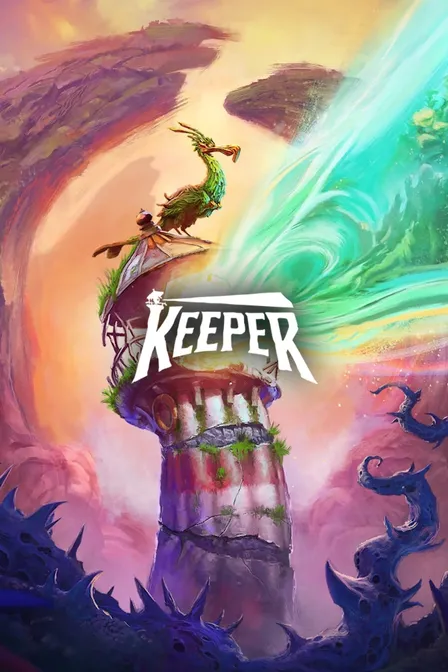
About the Keeper
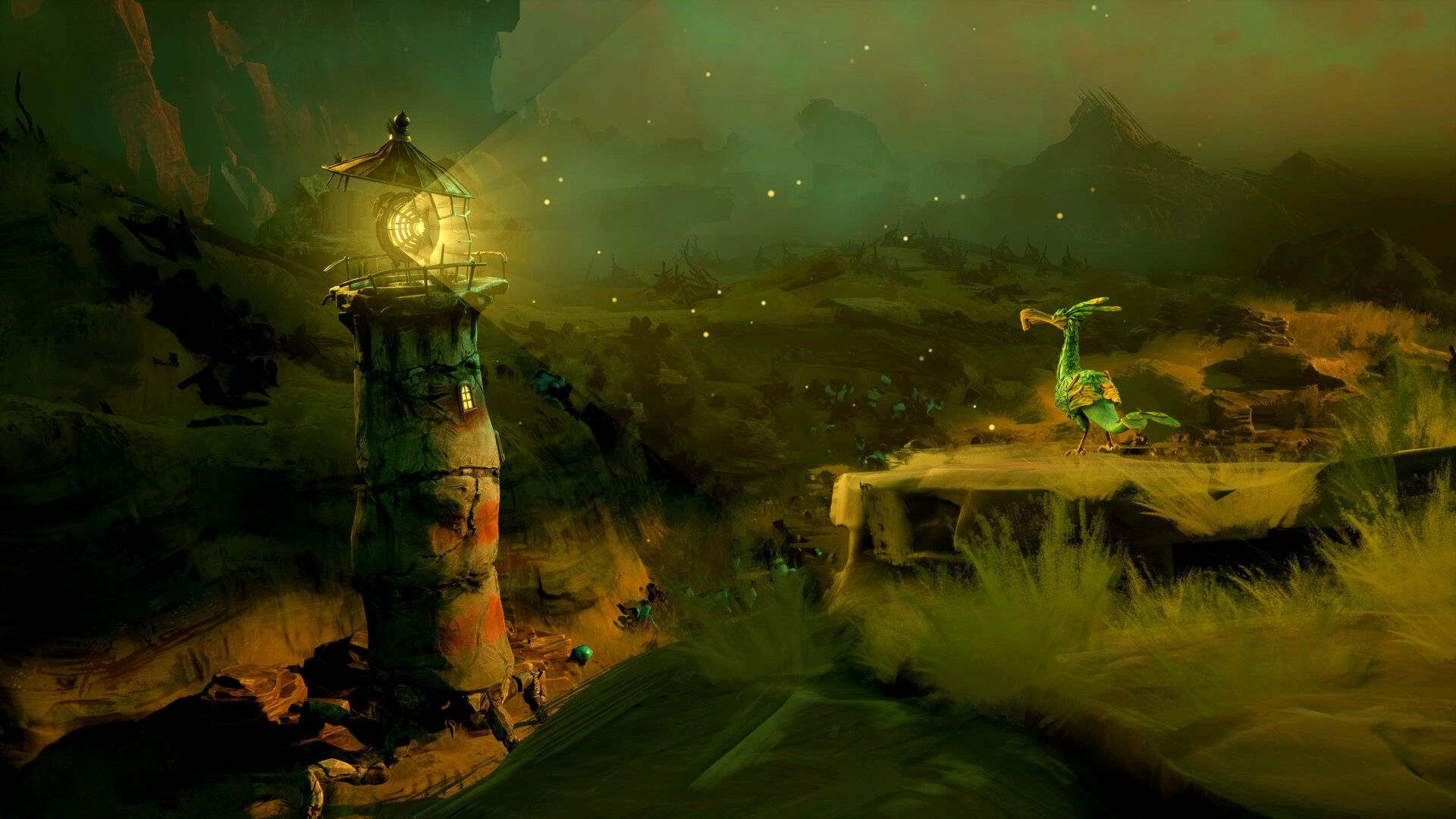
You wake as a lighthouse, freshly conscious on a forgotten island somewhere at sea. A curious seabird keeps you company. Without words, the two of you follow a silent story toward the mountain's heart, passing through places that seem ancient yet strange. The mood stays dreamlike, threaded with quiet hope.
Reading the island is the whole game. Beaches, caverns, and slopes reveal themselves while you work through environmental puzzles and pick up the world's visual language. Withered growth creeps across the ground. Terrain changes shape. These shifts hint at where to head next and what still blocks the way. Metamorphoses rethink spaces you had mapped in your head, pressing you deeper inward. You watch from a stylized third-person view. The pace favors exploration and reflection over speed. Single-player throughout, with achievements marking milestones. Notice something, and the island answers back. Discoveries hit differently because the ground beneath you keeps rewriting itself.
Your choices bend what the journey means: which routes you favor, where you pause, how you read wordless events. The path is built narrow and deliberate, but your interpretation of it never is. That friction is the core. You are the lighthouse. You see companionship and transformation through movement and light, never through speech. Keeper asks to be felt. It asks to be solved too.
What is the Keeper key?
Steam game key is an official activation code. Activate it on the platform after purchase to add the game to your account.
Two ways to go. Self-activation puts the game right into your library. The standard route hands you the key to activate yourself according to the activation guide.
Keeper Review
Keeper tells its story without words. You're a sentient lighthouse paired with a lively seabird, working through atmospheric puzzles. The art goes surreal and vivid, HDR pushing the dreamlike feel further. It's built linear but exploration-heavy, so you set the pace. Reviews are very positive.
System Requirements
User Reviews


FAQ
How to activate Keeper key on Steam?
Your key arrives by email or LootBar system Notification after purchase. Launch Steam, head to Games, then Activate a Product on Steam... The rest shows up on screen. You can also activate through a browser by visiting Steam's key activation page. For hands-free activation, use LootBar self-activate service.
Is this Keeper key region locked?
Yes, this key is region locked. Check the game description for which regions work.
Which platforms does Keeper support?
PC
Does Keeper support cross-platform compatibility?
Keeper is strictly single-player. The Steam page lists no multiplayer modes at all, which means cross-play isn't a factor here. You do get Steam Achievements and Steam Cloud.
Can Keeper saves move between platforms?
Keeper uses Steam Cloud for save syncing between Windows PCs on the same account. The Steam page shows no cross-progression with Xbox, PlayStation, or other storefronts, and no way to link an external account.
Can you play Keeper with other players?
Keeper is strictly single-player. Steam labels it with Steam Achievements, Steam Cloud, HDR, and Family Sharing — no co-op, no online. It's a solo puzzle adventure built around its story.
Are Keeper keys authorized?
Yes. We get the keys straight from authorized distributors — nothing else.
Which countries and regions is Keeper most popular in?
United States, China, United Kingdom, Germany, France, Canada, Japan, Brazil, Australia, South Korea
Why buy Keeper key on Lootbar?
Your key lands fast, activation is guaranteed, and support is there when you need it.
1. Instant Delivery. The key reaches you within 3 minutes of purchase.
2. Activation Guarantee. This Keeper key is genuine, and we back successful activation.
3. 24/7 customer support. The team stays online around the clock for purchase questions or issues.
How to buy Keeper key on Lootbar?
1. Head to LootBar and log in. No account? Register first.
2. Top menu first: open "Game keys" and choose "Keeper".
3. Pick the key option you want.
4. Use "Buy Now", choose a payment method, and complete payment.
5. Enter the required details, then wait for delivery.
Game Kingdom