
Your search history is empty


Zombie Waves Top Up
5.0
34
861 Sold
Fast
Safe
24/7
- 14
- 19
- 18
Invite Friends and Get 3*8% OFF Discount
- Regular Monthly Pass$4.19-$0.80$4.99
- Premium Monthly Pass$8.38-$1.61$9.99
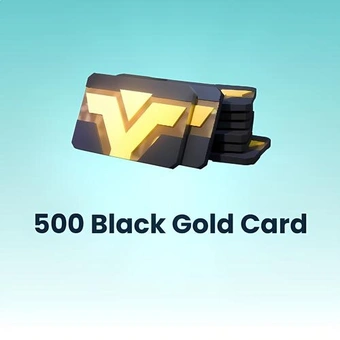
- 500 Black Gold Card$4.19-$0.80$4.99
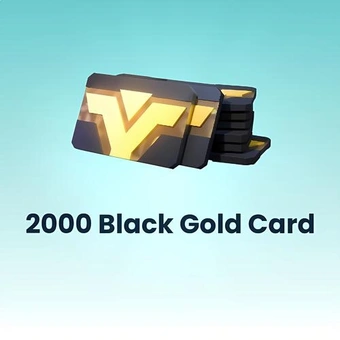
- 2000 Black Gold Card$16.75-$3.24$19.99
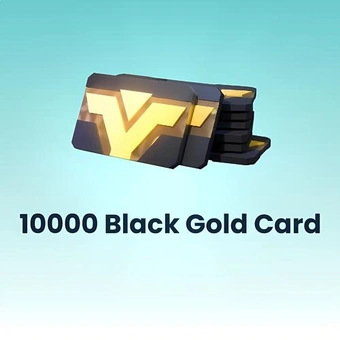
- 10000 Black Gold Card$83.72-$16.27$99.99
- Any 0.49 Pack$0.42-$0.07$0.49
- Any 0.99 Pack$0.84-$0.15$0.99
- Any 1.99 Pack$1.68-$0.31$1.99
- Any 2.99 Pack$2.52-$0.47$2.99
- Any 4.99 Pack$4.19-$0.80$4.99
- Any 7.99 Pack$6.70-$1.29$7.99
- Any 9.99 Pack$8.38-$1.61$9.99
- Any 19.99 Pack$16.75-$3.24$19.99
- Any 49.99 Pack$41.86-$8.13$49.99
- Any 99.99 Pack$83.72-$16.27$99.99
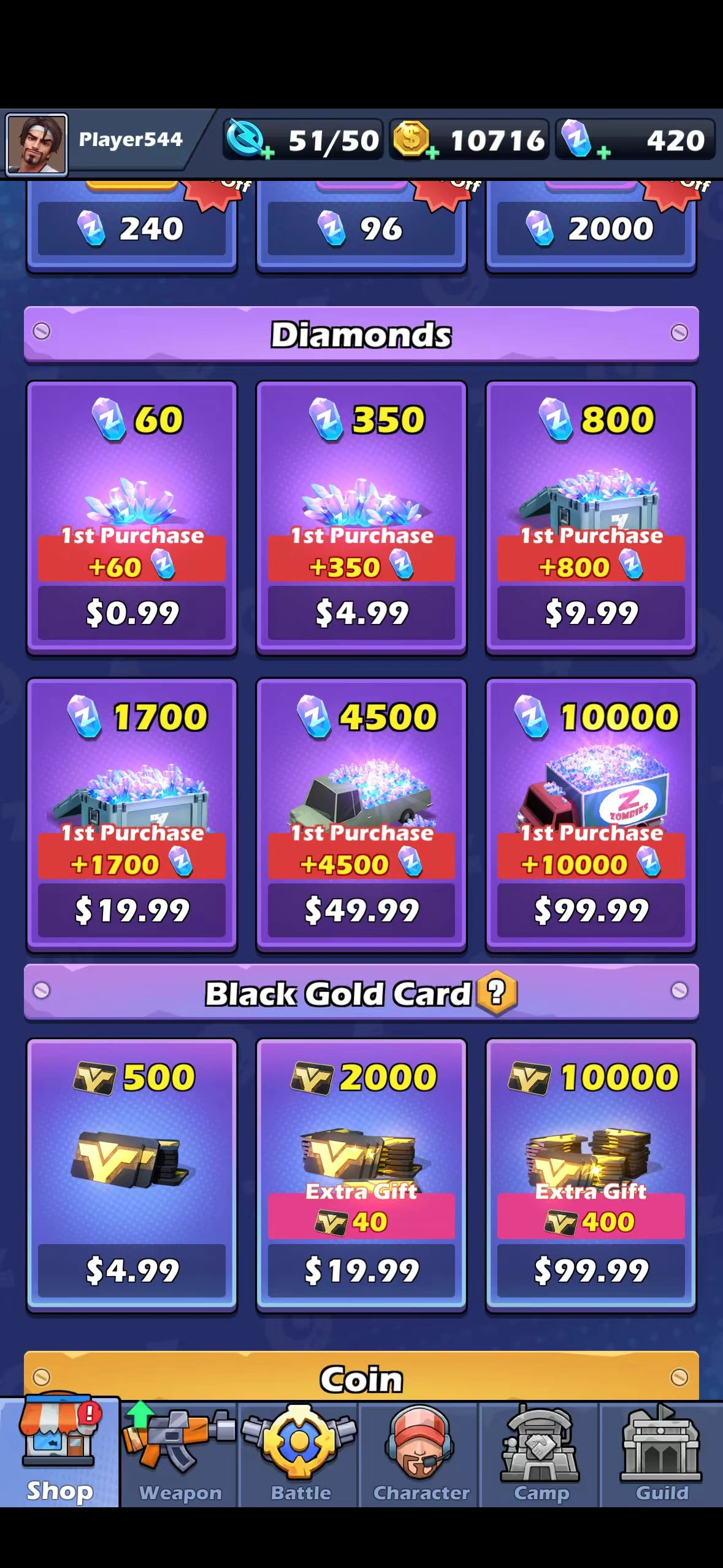
- 60 Diamonds$0.84-$0.15$0.99
- 350 Diamonds$4.19-$0.80$4.99
- 800 Diamonds$8.38-$1.61$9.99
- 1700 Diamonds$16.75-$3.24$19.99
- 4500 Diamonds$41.86-$8.13$49.99
- 10000 Diamonds$83.72-$16.27$99.99
Can’t find the pack you’re looking for?
Top-up instructions
Zombie Waves Top-up Guide
Please be sure to fill in accurate Zombie Waves account information so that you can receive your recharged Diamonds promptly.
Applicable Platforms
Zombie Waves Mobile
Applicable Servers
International Server
Required Information for Zombie Waves Top-up
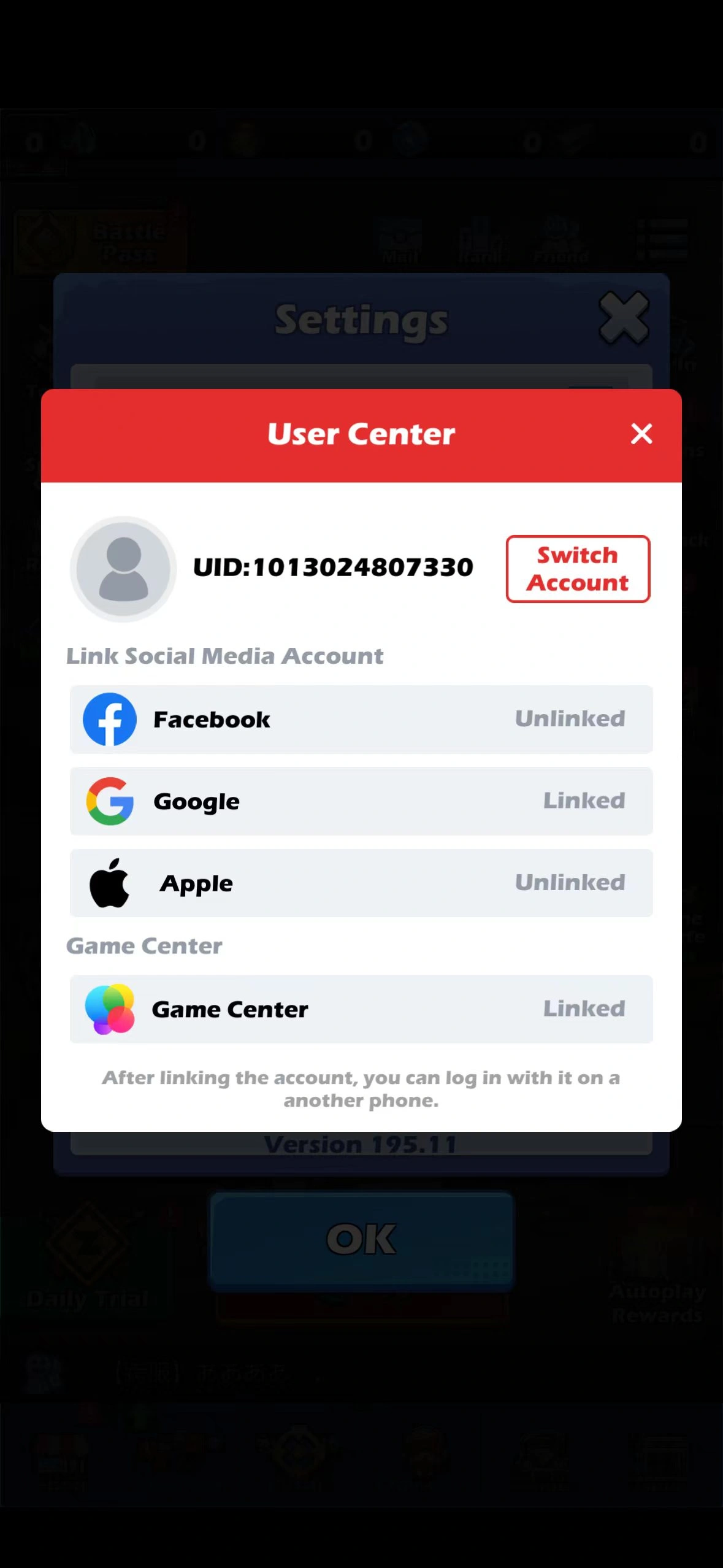
Please make sure you have linked your game with Google or Facebook before the top-up.
- Google/Facebook account
- Google/Facebook password
- Server
- Character Name
- Player UID
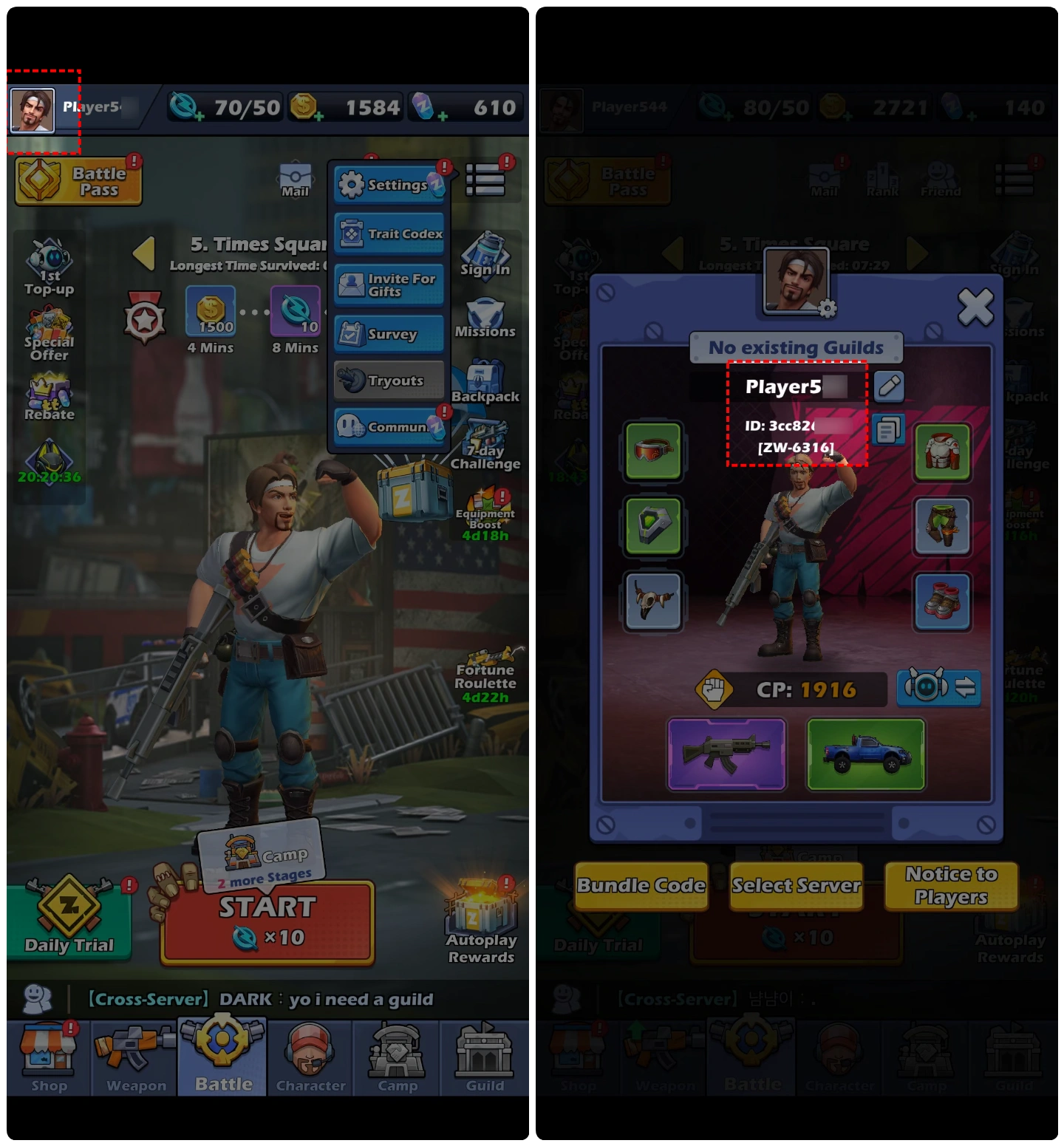
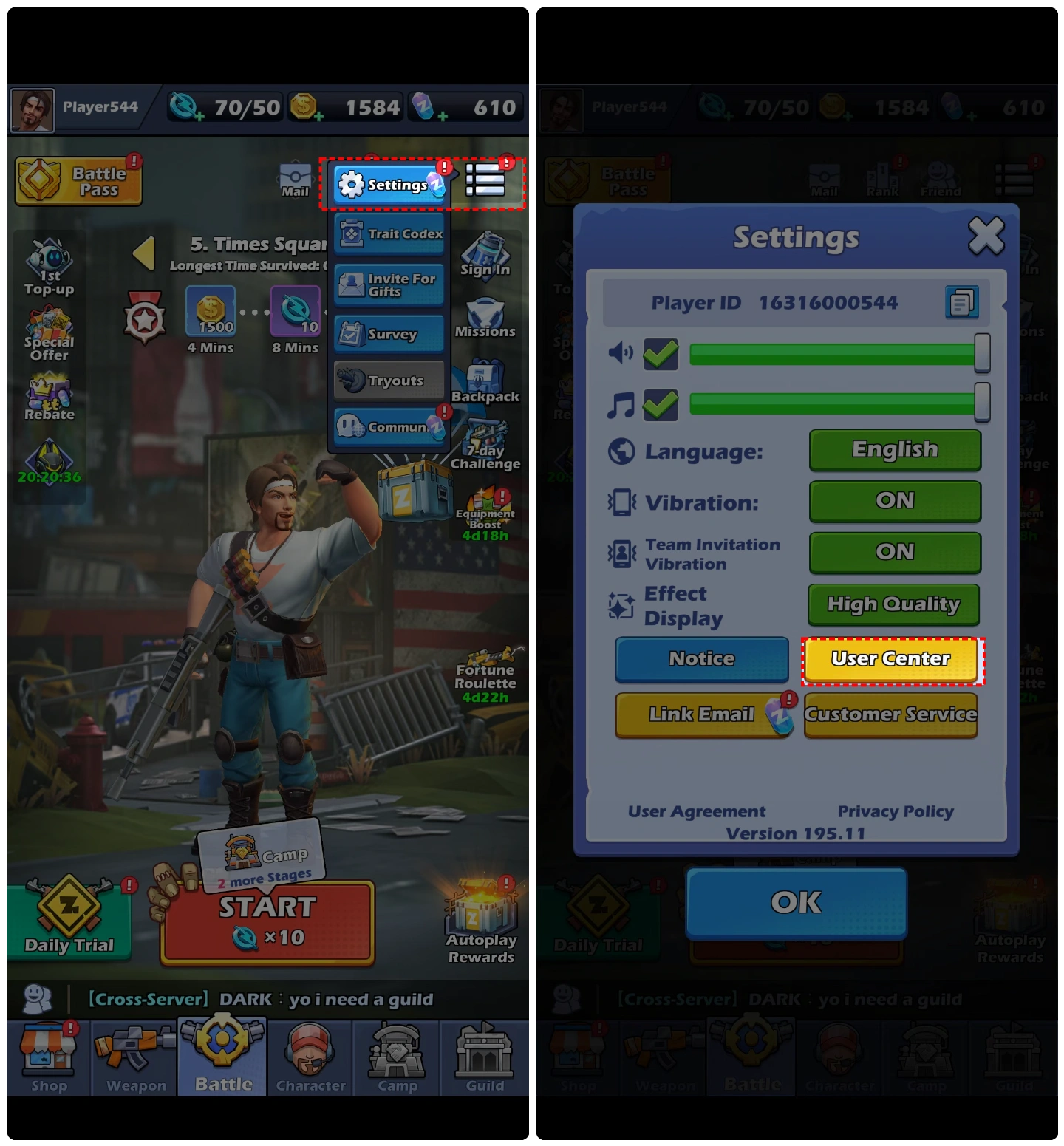
How to bind the game with Google/Facebook?
- Click the menu icon in the upper right corner.
- Click Settings.
- Click User Center.
- Select Google or Facebook to bind.
Top-up Procedures
1.Place your order and complete the payment.
2.Please provide your account information after the payment for us to log in and complete the top-up. Please do not log in to the game during this process.
3.We will purchase/top up the items in the game based on the product you ordered.
4.After we complete the purchase/top-up, we will log out of your account and clear the login history.
5.You will receive a notification once the top-up is complete, and you can then log in to the game to verify the transaction.
About Zombie Waves
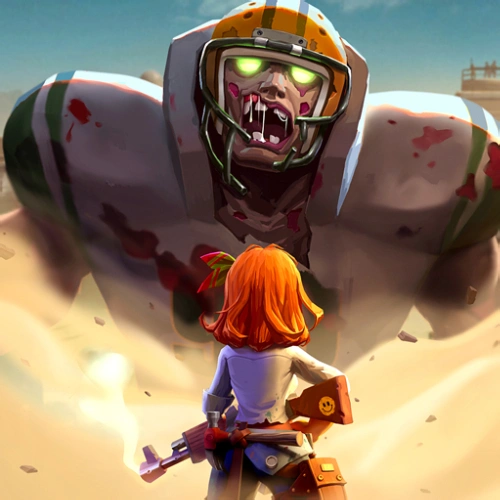
Zombie Waves is a 3D roguelike shooting game set in a post-apocalyptic wasteland overrun by zombies. You play as a survivor fighting against endless waves of the undead. Your mission is to survive, upgrade your weapons, and unravel the truth behind the outbreak.
Each hero, weapon, and even every equipment has its own unique skills. You can combine hundreds of roguelike skills and powerful ultimate abilities.
What is the main currency in Zombie Waves?
Zombie Waves Diamonds are the main currency in Zombie Waves. You can use Diamonds to get almost anything — upgrade weapons, recruit heroes, unlock premium resources, and purchase exclusive items.
There is also Zombie Waves Coins as a basic currency. You can also use Diamonds to buy Coins.
Here are 4 ways to get Zombie Waves Diamonds and other items:
- Purchase on LootBar– The fastest way to get Diamonds is through LootBar. It's a trusted recharge platform with fast processing.
- In-Game Rewards– Completing various missions, and challenging stages all give you Diamonds and vouchers.
- Event Rewards– The game regularly runs events that give away various items. For example, 7-day login rewards, server-wide progression bonuses, and other events all offer upgrade materials and hero summon items.
- Mailbox Rewards– Check your in-game mail regularly. There might be some little surprises for you.
Why LootBar Is the Right Choice for Your Needs?
LootBar handles game top-ups and item trading worldwide, with secure transactions and broad game coverage. We work with major publishers and support top-ups for 100+ games across multiple languages — Last War: Survival, Rise of Kingdoms among others. See everything covered on the LootBar Game Top-Up page.
Services you'll get on LootBar:
1. Secure Transactions
Over 60 payment methods are available, including PayPal, Visa, and MasterCard. Zombie Waves recharge stays flexible. Every transaction runs through bank-level encryption, PCI DSS-certified channels, and anti-fraud systems.
2. Instant Delivery
Buy Diamonds, and rewards land immediately. No wait after you top up Zombie Waves.
3. Exclusive Offers
Promotions, bonus rewards, and limited-time deals show up during Zombie Waves top up.
4. 24/7 Customer Support
Our team stays online around the clock. Questions about Zombie Waves top up? Contact support any time.
How to top up Zombie Waves on LootBar?
- Go to the LootBar official website. Pick your language and currency, then log in.
- On the Home page, click Top-Up > Zombie Waves.
- Choose what you want – Diamonds or other packs – then click 'Top-up Now'.
- Select a payment method and click 'Pay Now'.
- Enter your game login details (Login Method, Account, Password) to ensure the top-up is successfully credited to your account.
User Reviews
5.0
34 reviews
5 stars
100%
4 stars
0%
3 stars
0%
2 stars
0%
1 star
0%
All reviews
Image
Latest
Most Helpful
U1071220604
Oct 9, 2026
Purchased Any 99.99 Pack
Trustworthy
Helpful
U1071357783
Oct 6, 2026
Purchased Regular Monthly Pass
Topped up my game in under a minute, no issues and the price was lower than in-app.
Helpful
U1071188653
Oct 1, 2026
Purchased Any 0.49 Pack
Smooth from start to finish; confirmation came fast and everything matched what was advertised.
Helpful
Trustpilot
Order Information
ProductRegular Monthly Pass
Top-up Method Login Top-up
Quantity
Price
$4.19
Cart
0