
Your search history is empty



Xena Live Top Up
5.0
73
27.4k Sold
Fast
Safe
24/7
5 Minute(s) Guarantee
- 14
- 16
- 30
Invite Friends and Get 3*10% OFF Discount
- 14
- 16
- 30
Invite Friends and Get 3*10% OFF Discount
- 3,350 Coins$0.45-$0.04$0.49
- 6,700 Coins$0.88-$0.11$0.99
- 33,500 Coins$4.37-$0.62$4.99
- 67,500 Coins$8.74-$1.25$9.99
- 202,500 Coins$26.22-$3.77$29.99
- 406,800 Coins$52.44-$7.55$59.99
- 680,000 Coins$87.40-$12.59$99.99
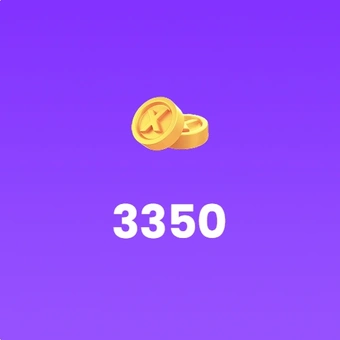
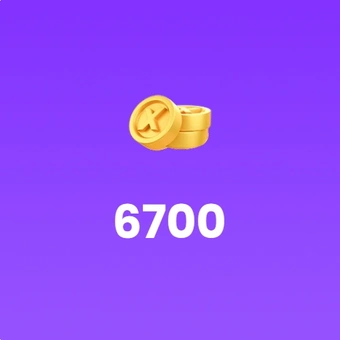
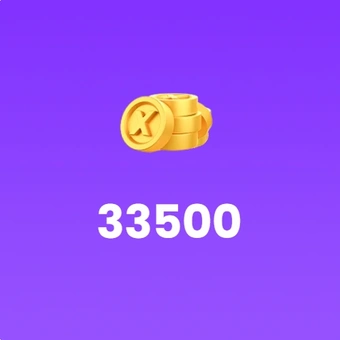
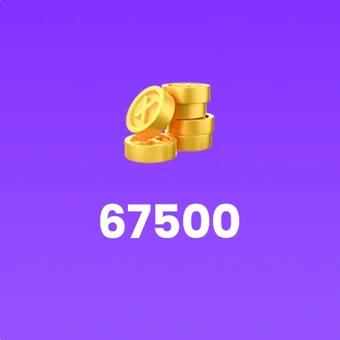
Top-up instructions
Xena Live Recharge Guidance
Please enter the correct account information before placing your order. Xena Live Coins are delivered directly to the account linked to the submitted User ID and username.
Supported Platforms
Xena Live for Android and iOS
Supported Servers
Global Server
Required Information for Xena Live Recharge
- User ID
- User name
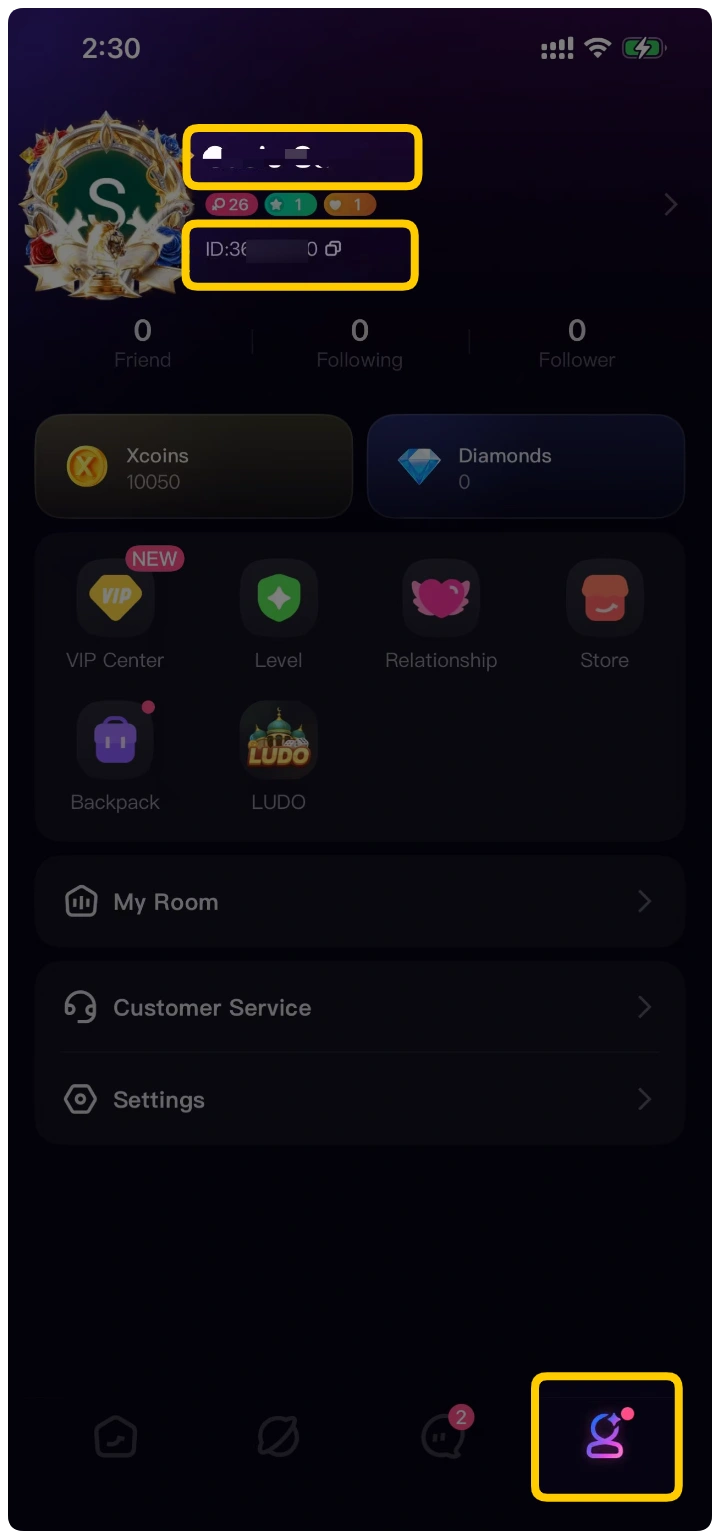
How to Find Your Xena Live UID?
1. Open the Xena Live app and sign in to your account.
2. Tap the profile icon in the bottom-right corner.
3. Find your User ID beside your profile picture.
4. Copy your User ID and username exactly as shown in the app.
5. Enter both details on the LootBar checkout page.
Xena Live Coins can be used to send virtual gifts, take part in PK battles and access eligible VIP benefits. Buy Xena Live Coins through LootBar and recharge your Global account directly using your User ID and username. Choose the coin package that suits you and return to your favorite party rooms without unnecessary steps.

What Is Xena Live?
People open Xena Live to chat, play games and spend time together in voice-based party rooms. One room might be hosting a casual conversation, while another is running a Ludo match or a team PK battle. Users can also send virtual gifts and take part in the app’s popularity rankings.
Xena Live has communities in the Middle East, North Africa, the United States and other regions. With so many different rooms to explore, users can choose whether they want to talk, compete or simply listen for a while.
What Are Xena Live Coins?
Xena Live Coins are the main virtual currency used inside the Xena Live app. After a successful Xena coin recharge, the purchased Coins are added directly to your account balance.
You can use Xena Live Coins to:
- Send virtual gifts: Show appreciation to hosts and creators during live sessions.
- Unlock VIP benefits: Access eligible badges, avatar frames, special IDs and other VIP features.
- Join PK activities: Participate in supported PK battles, competitions and special events.
- Personalize your profile: Purchase eligible digital items that make your profile more distinctive.
- Enhance party-room interactions: Use gifts and supported effects to make voice chats more engaging.
How Do Xena Live Coins Affect Your VIP Level?
Each eligible Xena Live coin recharge contributes to your cumulative VIP progress. Free or promotional Coins may not count. As your qualifying Coin recharge total increases and your VIP level rises, you may unlock benefits such as:
- Exclusive VIP badges
- Animated or 3D avatar frames
- Special User IDs
- Private chat and room features
- Custom virtual gifts
- Visibility-related benefits
- Invisibility mode
- Access to selected VIP or PK areas
Why Buy Xena Live Coins on LootBar?
When you recharge Xena Live Coins through LootBar, you get a UID-based top-up service with clear package options, protected order processing and support before and after delivery.
- Direct UID top-up: LootBar credits Coins directly to the Xena Live account linked to your submitted User ID and username.
- Flexible Coin packages: Choose from 3,350 to 680,000 Coins based on how often you send gifts, join PK battles or use VIP features.
- Visible savings: LootBar displays the current price and reference price for each package, so you can see the savings before ordering.
- 24/7 order assistance: LootBar’s customer service team is available whenever you need help with a pending or completed recharge.
- Refund protection: Orders that are undelivered or unusable may qualify for a full refund under LootBar’s refund policy.
How to Recharge Xena Live Coins on LootBar
1. Visit LootBar and sign in to your account.
2. Open the Top Up section, search for Xena Live, and select it.
3. Choose a Coin package based on the amount you want to recharge.
4. Paste your Xena Live UID into the Order Information field.
5. Click Top-up Now to verify the profile, check that the account is correct, and complete your order.
More Live-Streaming Coins and Top-Ups
Use other live-streaming or voice-chat apps? Explore more virtual currency top-ups available on LootBar:
- BIGO LIVE Diamonds— Recharge diamonds for virtual gifts and live-stream interactions.
- Poppo Live Coins— Add coins to your Poppo Live account for gifting and social features.
- Chamet Recharge— Top up Chamet Diamonds for video chats, gifts and in-app activities.
- SUGO Coins Recharge— Buy SUGO Coins for voice rooms, gifts and interactive features.
- YoHo Coins Recharge— Recharge YoHo Coins for group voice chats and virtual gifting.
FAQ
How do I recharge Xena Live Coins?
Select a coin package on LootBar, enter the correct Xena Live User ID and username, and complete your order. The Coins will be added directly to the submitted account.
What information is required for Xena coin recharge?
You need your Xena Live User ID and username. Enter both exactly as displayed in your profile.
Will I receive a redemption code?
No. This is a direct virtual top-up. The Xena Live Coins are credited to your account rather than delivered as a code or physical product.
Do I need to provide my Xena Live password?
No password is listed as a recharge requirement. Only submit the User ID and username requested on the product page. Never share your password or account verification code.
How long does Xena Live recharge take on LootBar?
Most Xena Live coin recharges are completed within 3 minutes after the order is successfully processed. Processing may take longer if the User ID and username information is incorrect.
What should I do if the Coins do not arrive?
First, confirm that the submitted User ID, username and server are correct. If the information is accurate and the Coins have not arrived, contact LootBar’s 24/7 customer support with your order number.
User Reviews
5.0
73 reviews
5 stars
99%
4 stars
1%
3 stars
0%
2 stars
0%
1 star
0%
All reviews
Image
Latest
Most Helpful
€DON
Oct 28, 2026
Purchased 33,500 Coins
Very nice and very fast
Original Text
Helpful (1)
30ll
Oct 28, 2026
Purchased 3,350 Coins
👌🏻
Original Text
Helpful
U1061541713
Oct 28, 2026
Purchased 3,350 Coins
Excellent
Original Text
Helpful
Order Information
UID
Quantity
Price
$0.45