
Your search history is empty


Mabinogi Mobile TW/HK Top Up
5.0
24
233 Sold
Fast
Safe
24/7
- 14
- 18
- 16
Invite Friends and Get 3*8% OFF Discount
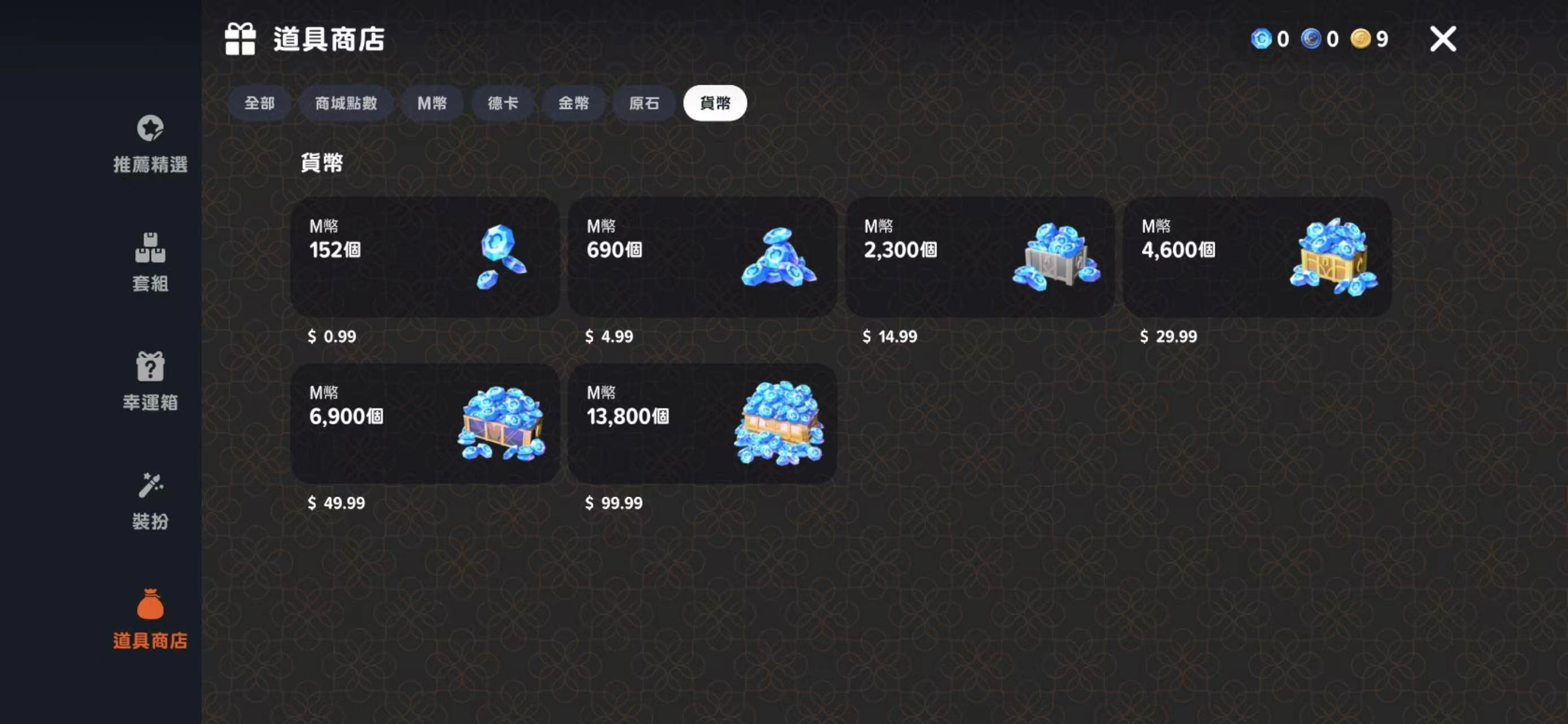
- 152 M Coins$0.85-$0.14$0.99
- 690 M Coins$4.24-$0.75$4.99
- 2,300 M Coins$12.70-$2.29$14.99
- 4,600 M Coins$25.40-$4.59$29.99
- 6,900 M Coins$42.32-$7.67$49.99
- 13,800 M Coins$84.64-$15.35$99.99
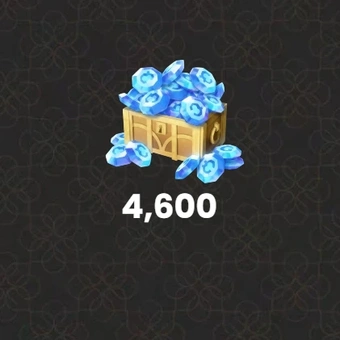
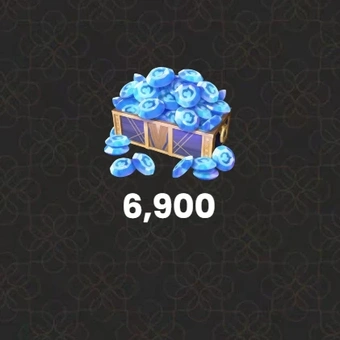
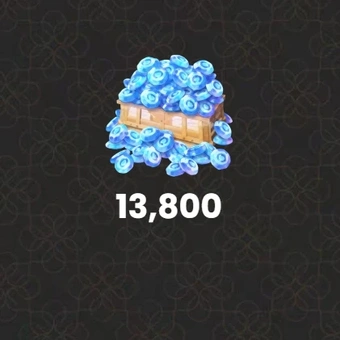
Can’t find the pack you’re looking for?
Top-up instructions
Mabinogi Mobile Top-up Guidance
Please be sure to fill in the required information accurately by following top-up guidance, to receive your Mabinogi packs within a few minutes.
Applicable Platform
Mabinogi Mobile & PC
Applicable Server
TW/HK
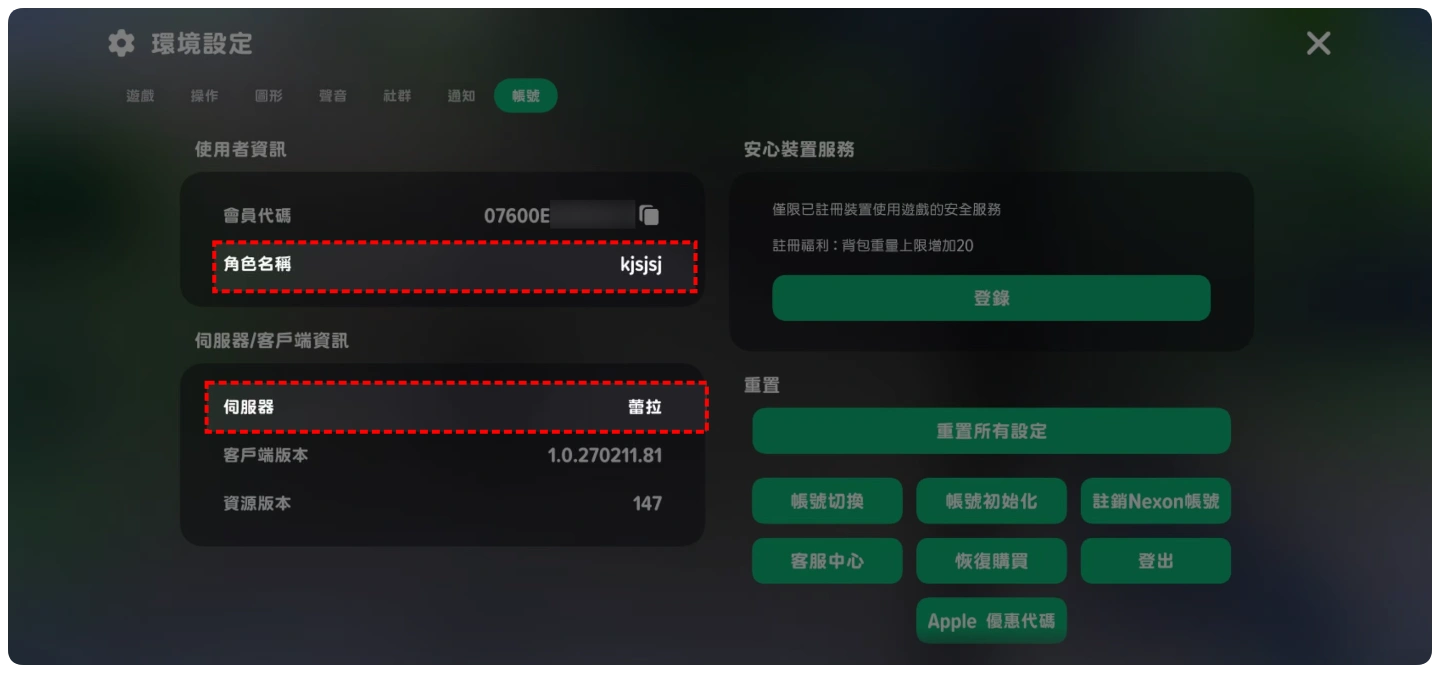
Required Information for Mabinogi Mobile Top-up
1. Login Account (Nexon/Facebook/Google)
2. Password
3. Character Name
4. Server
Note: Please fill in the required information accurately for Mabinogi top-up to ensure you receive your recharged currencies promptly.
Delivery Time
Within 5 minutes
How to find Mabinogi Top-up information?
Enter "Settings" to check your account info in-game.
Top-up Procedures
1. Place your order and complete the payment.
2. Please provide your account information after the payment for us to log in and complete the top-up. Please do not log in to the game during this process.
3. We will purchase/top up the items in the game based on the product you ordered.
4. After we complete the purchase/top-up, we will log out of your account and clear the login history.
5. You will receive a notification once the top-up is complete, and you can then log in to the game to verify the transaction.
What Is Mabinogi Mobile?
Mabinogi Mobile brings back Erinn with cozy life skills, deep customization, and party raids. Answer the Goddess's call. You can unlock classes and Rune Engravings. Level fast with cards, play music, fish, cook, and explore seasonal events across this story-rich MMORPG world.
Why Is Buying Mabinogi Mobile M Coins Necessary?
Mabinogi Mobile M Coins are the premium currency for Cash Shop purchases. You can spend them on premium bundles, fashion and pet ticket gacha, seasonal and adventurer passes, and limited time shop offers. Buying M Coins is the direct way to unlock exclusive cosmetics, pets, and pass reward tracks if you want to move faster than the default pace.
- Unlock premium bundles and limited time shop deals
- Roll fashion and pet ticket gacha for rare cosmetics and companions
- Activate seasonal or adventurer passes to claim tier rewards faster
How to Get M Coins in Mabinogi Mobile?
You can get Mabinogi M Coins through a few channels:
- Login Rewards.
Daily logins and milestone check-ins sometimes grant M Coins during special promotions.
- Events and Passes.
Limited time events and seasonal or adventurer pass tracks earn you M Coins alongside fashion and pet ticket gacha rewards.
- Official Giveaways.
Community announcements occasionally carry celebration giveaways or redemption codes with M Coins or Cash Shop vouchers.
Free methods work, but paid channels remain the most efficient way to obtain M Coins in large quantities. LootBar is the preferred top-up platform for quick transactions, exclusive deals, and secure purchasing. The official in-game store is also a convenient alternative for buying M Coins directly.
Why LootBar.com Is the Right Choice for You?
LootBar.com runs a global marketplace for game top-ups and item trading. We team up with major publishers and handle recharges for 60+ apps across several languages—Genshin Impact, Honkai: Star Rail, and Wuthering Waves among them. The full roster lives on the LootBar Top-Up page.
Here's what you get:
- Secure Transactions
Pay how you want: PayPal, Visa, MasterCard, and 57 other methods. Every Mabinogi Mobile purchase routes through bank-level encryption, PCI DSS–certified channels, and anti-fraud monitoring. Your Mabinogi Mobile recharge stays locked down.
- Instant Delivery
Submit your top-up and the rewards hit your account right then. No queue, no delay. Grab M Coins and jump back in.
- Exclusive Offers
Promotions, bonus rewards, and flash deals rotate regularly for Mabinogi Mobile.
- 24/7 Customer Support
Questions at 3 a.m.? We've got people on. Our team handles recharge issues whenever they pop up—just reach out if your Mabinogi Mobile top-up needs attention.
How to Top Up Mabinogi Mobile on LootBar?
1. Visit the official LootBar website at https://lootbar.com, choose your preferred language and currency, then sign in to your account.
2. On the Home page, go to "Game Top-up" and select Mabinogi Mobile.
3. Select the Mabinogi Mobile package and the amount of M Coins you want, then click "Top-up Now."
4. Pick your payment method and click "Pay Now" to finish the transaction.
5. Enter your game login details—Login Method, Account, and Password—to ensure the top-up is correctly credited.
F.A.Q
What regions does Mabinogi Mobile top-up support?
Currently, Mabinogi Mobile top-ups on LootBar are available for the Hong Kong, Macau, and Taiwan regions only. We're continuously expanding our supported regions and game services, so stay tuned for future updates.
What do I get when I top up Mabinogi Mobile on LootBar?
With LootBar, you can buy M Coins at a better price without compromising on security. We also provide dedicated customer support and prioritize the safety of your account and personal information throughout the entire top-up process.
User Reviews
5.0
24 reviews
5 stars
96%
4 stars
4%
3 stars
0%
2 stars
0%
1 star
0%
All reviews
Image
Latest
Most Helpful
U1071173099
Oct 7, 2026
Purchased 4,600 M Coins
Quick service
Helpful
U1069814227
Oct 4, 2026
Purchased 2,300 M Coins
Paid and my credits appeared right away. Secure checkout and a clean, easy flow. Exactly what I wanted.
Helpful
U1061455558
Sep 30, 2026
Purchased 2,300 M Coins
Very fast, customer service is super great 👍👍👍 Will come back to buy next time
Original Text
Helpful
Trustpilot
Order Information
Product152 M Coins
Top-up Method Login Top-up
Quantity
Price
$0.85
Cart
0