
Your search history is empty



Azur Lane Top Up
5.0
366
14.2k Sold
Fast
Safe
24/7
- 14
- 19
- 47
Invite Friends and Get 3*8% OFF Discount
The game is temporarily under maintenance, please come back later.
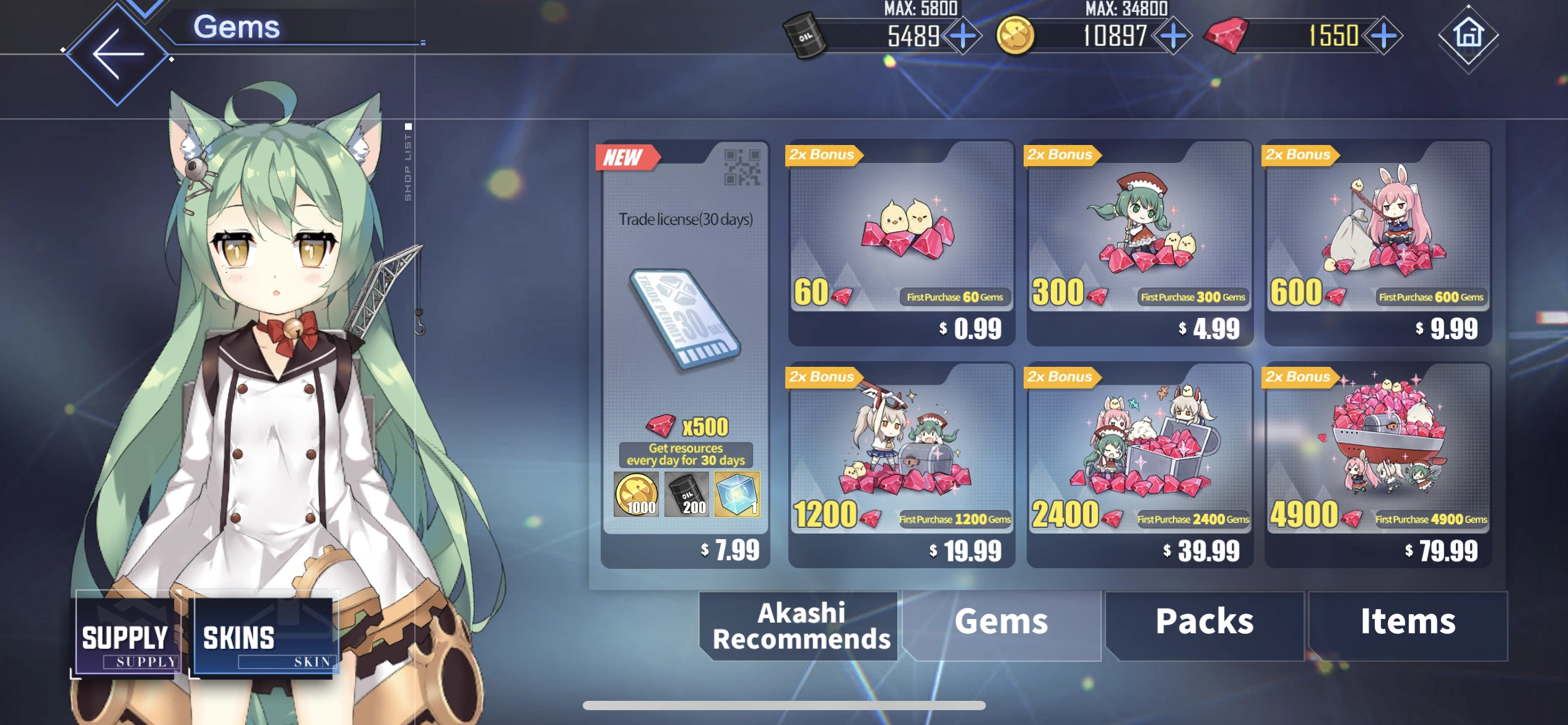
- Trade License(30 days)$6.55-$1.44$7.99
- Any 0.99 Pack$0.82-$0.17$0.99
- Any 2.99 Pack$2.45-$0.54$2.99
- Any 4.99 Pack$4.10-$0.89$4.99
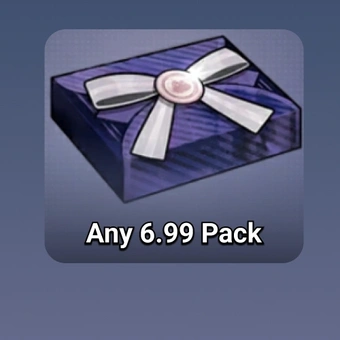
- Any 6.99 Pack$5.73-$1.26$6.99
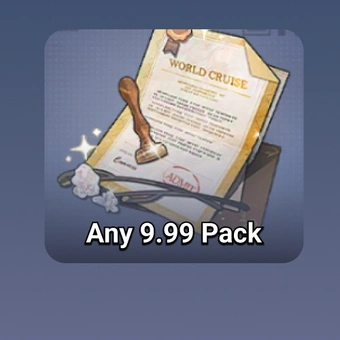
- Any 9.99 Pack$8.18-$1.81$9.99
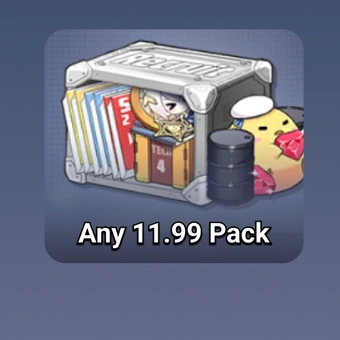
- Any 11.99 Pack$9.82-$2.17$11.99
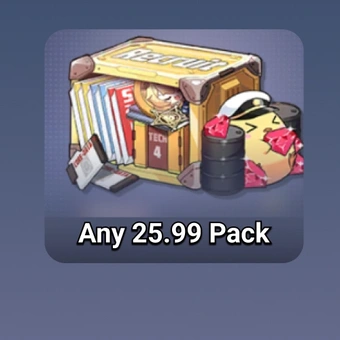
- Any 25.99 Pack$21.28-$4.71$25.99
- Any 29.99 Pack$24.56-$5.43$29.99
- Any 36.99 Pack$30.29-$6.70$36.99
- 60 Gems$0.82-$0.17$0.99
- 300 Gems$4.10-$0.89$4.99
- 600 Gems$8.18-$1.81$9.99
- 1200 Gems$16.37-$3.62$19.99
- 2400 Gems$32.75-$7.24$39.99
- 4900 Gems$65.50-$14.49$79.99
Can’t find the pack you’re looking for?
Top-up instructions
Azur Lane Top-up Guidance
Please be sure to fill in the required information accurately to avoid delay on receiving your Azur Lane gems.
Applicable Platform
Azur Lane Mobile
Applicable Server
International Server
Azur Lane Top-up Required Information
1. Login Method (Facebook/Yostar)
2. Login Account
3. Password
4. Character name
5. Server
Note:
If you choose to log in by Facebook, please fill in your login account at 'Login Account' and your login password at 'Password'.
If you choose to log in by Yostar, please fill in your binding Yostar email at 'Login Account' and the verification code you received in your email address at 'Password'.
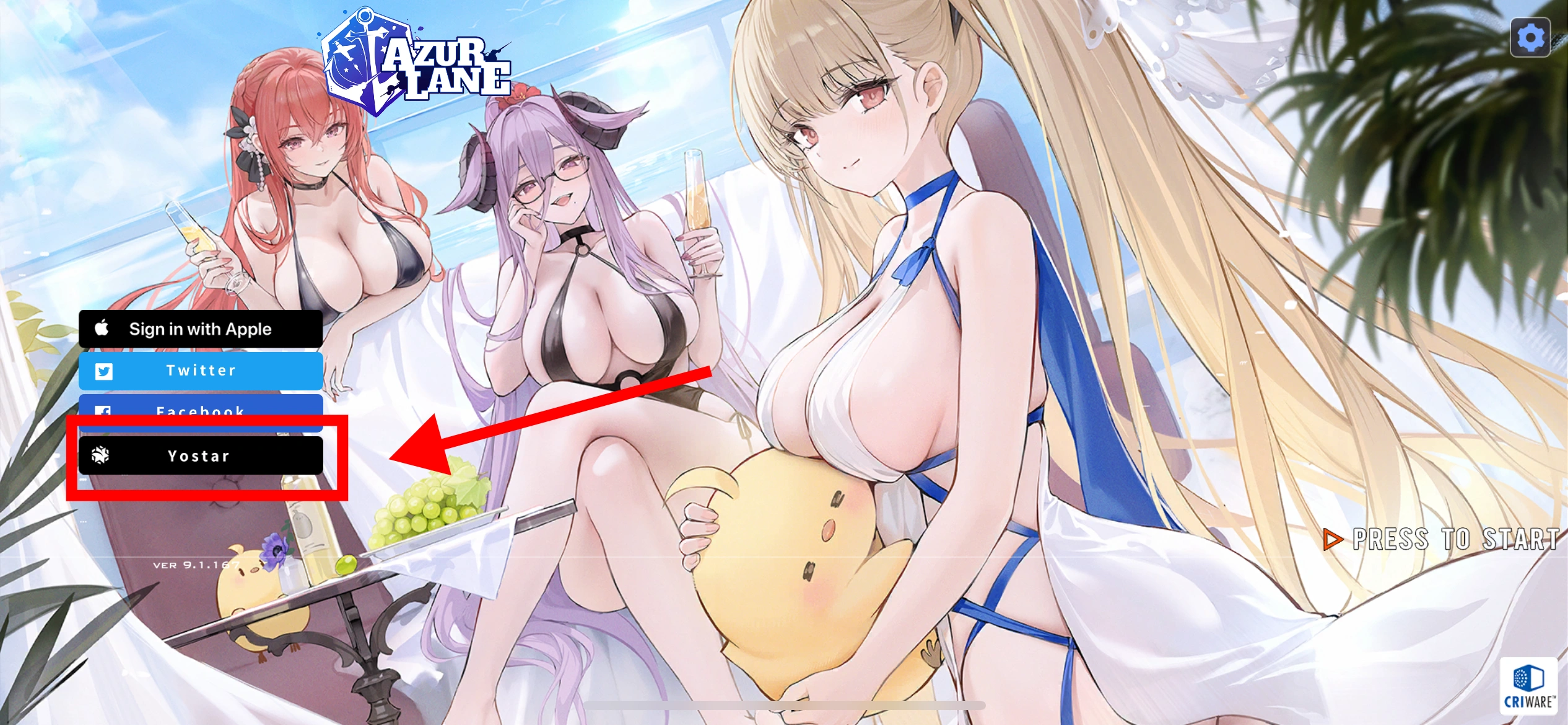
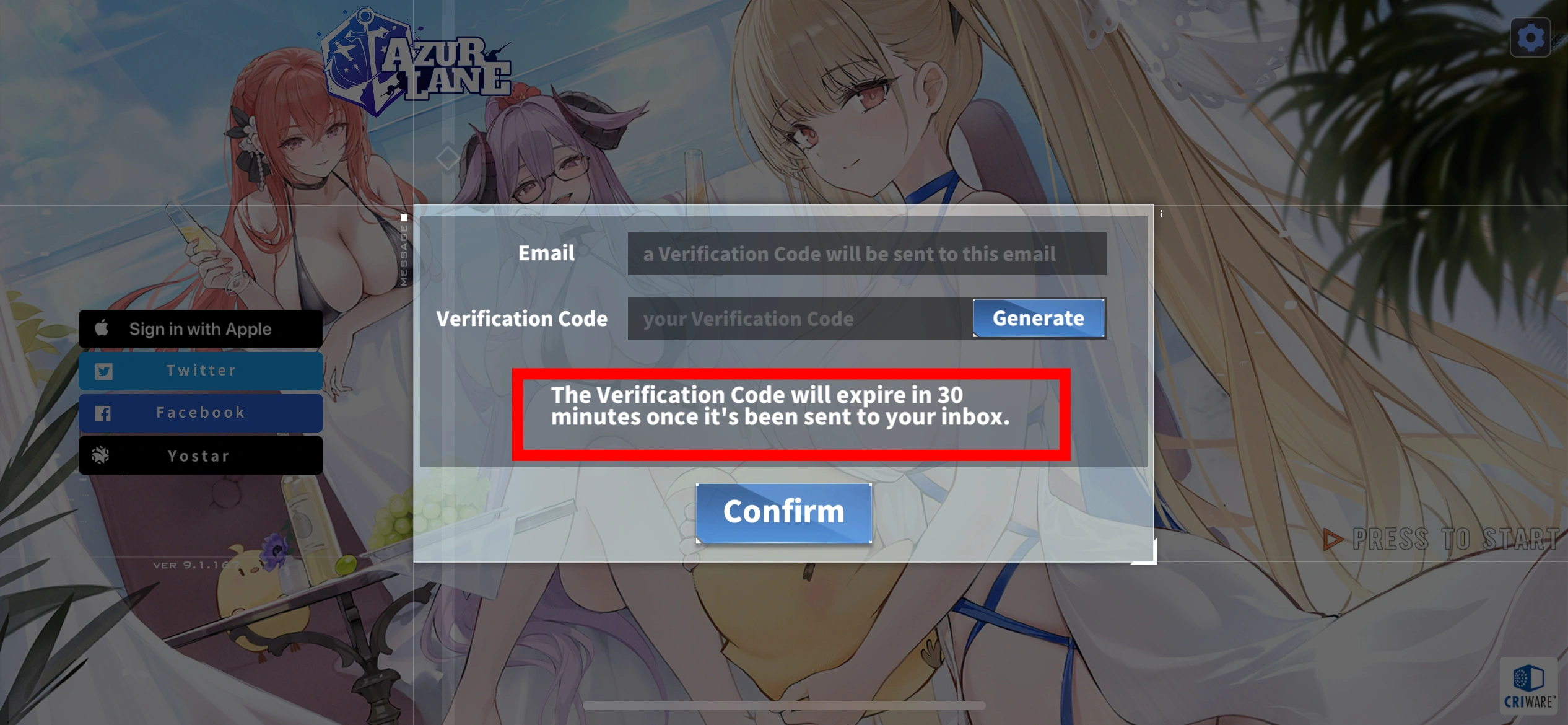
How do I bind my Yostar account
Select Yostar on the left side of the login page, enter the email you want to bind and you will get a verification code. The validity of the code is 30 minutes. Please provide the verification code as soon as possible in order to complete the recharge.
Azur Lane first top-up reward
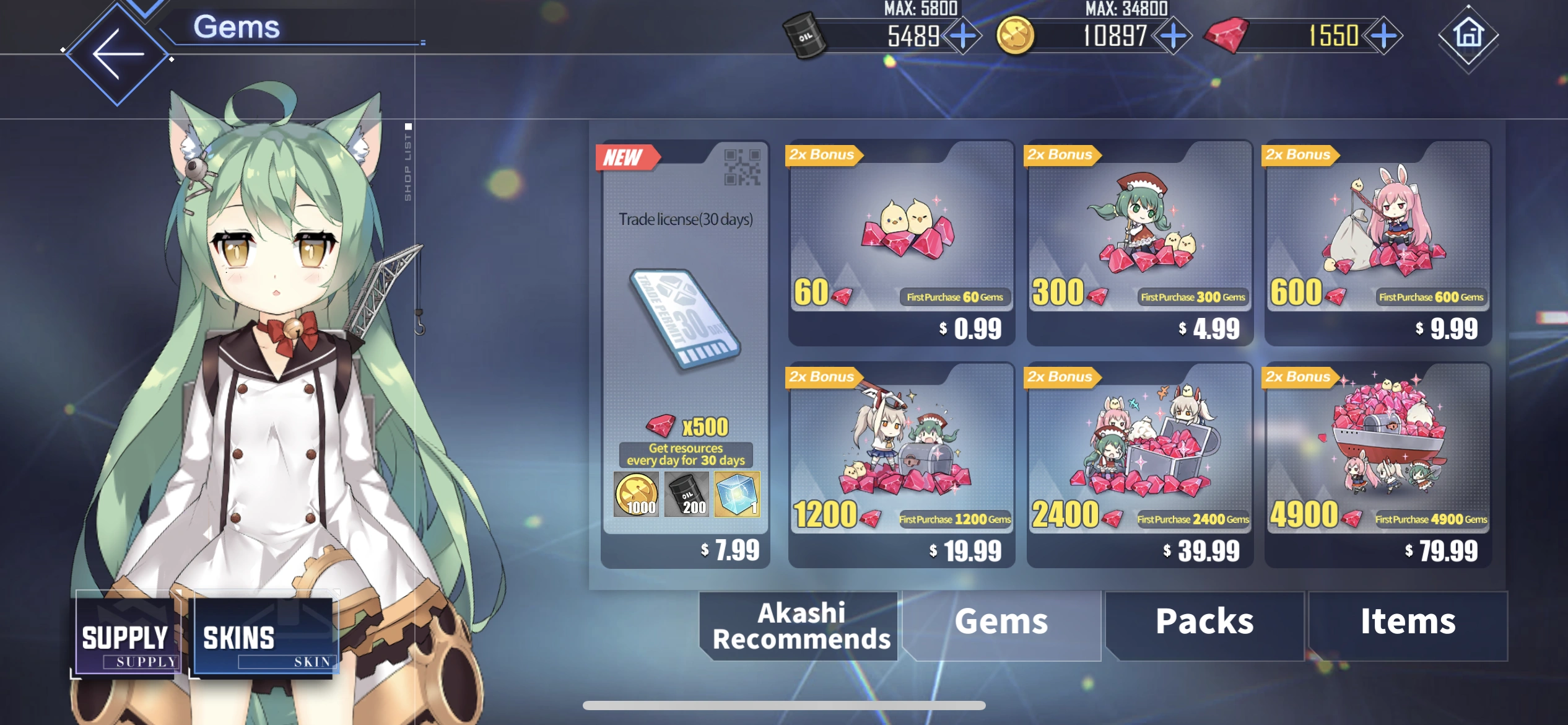
The first top-up for Azur Lane 60, 300, 600, 1200, 2400, 4900 gems grants extra Azur Lane gems based on in-game rules. For more details please check the Azur Lane Store.
Top-up Procedures
1. Place your order and complete the payment.
2. Please provide your account information after the payment for us to log in and complete the top-up. Please do not log in to the game during this process.
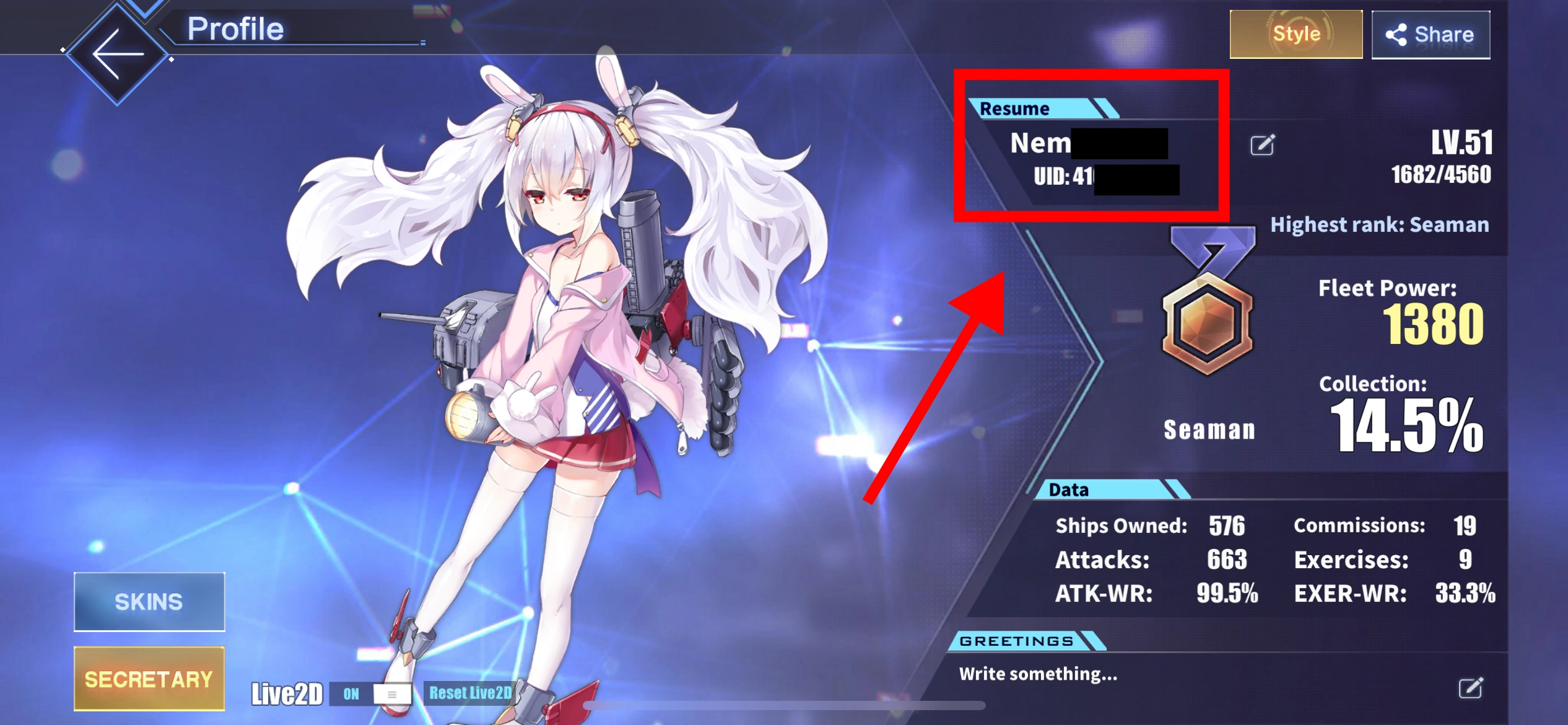
3. We will purchase/top up the items in the game based on the product you ordered.
4. After we complete the purchase/top-up, we will log out of your account and clear the login history.
5. You will receive a notification once the top-up is complete, and you can then log in to the game to verify the transaction.
Buy Azur Lane Gems on LootBar and build your dream fleet faster. Choose gem packages for dock expansion, exclusive skins, Oath Rings and event construction, with secure checkout, fast delivery and 24/7 support.

What is Azur Lane?
It’s basically a side-scrolling naval RPG. You do 2D shooter combat, build fleets, and collect shipgirls. The shipgirls are based on real warships, and each one has her own skills, voice lines, and animations. It’s on Android and iOS. There are story events, limited-time ships, Live2D skins, and endless fleet-building stuff, so both casual players and grinders have something to do.
What Are Azur Lane Gems Used For?
Azur Lane Gems are the premium currency. You use them to get more fleet space, customize shipgirls, and buy certain in-game stuff.
- Expand dock space: Keep more rare ships without retiring the ones you actually like.
- Buy skins and costumes: Unlock limited outfits and Live2D looks for popular ships like Taihou and Musashi.
- Purchase Oath Rings: Oath your favorite shipgirls and get that special bond.
- Support construction and events: Grab certain resource packs, quick-finish items, and construction-related stuff.
Why Buy Azur Lane Gems on LootBar?
Azur Lane players can purchase Gems and eligible in-game packages conveniently through LootBar, with secure checkout and fast order processing.
- Secure checkout: Complete your Azur Lane top up through protected payment channels.
- Flexible package options: Compare available Gem bundles and selected game packs.
- Fast delivery: Receive your Gems after the order is processed.
- 24/7 customer support: Get assistance with payment or delivery issues.
- Refund protection: Undelivered orders may qualify for a refund under LootBar’s policy.
How to Top Up Azur Lane on LootBar
1. Visit LootBar and sign in.
2. Go to the Top-Up section and select Azur Lane.
3. Choose your server and the Gem package you want, then click Top-up Now.
4. Select your preferred payment method, and then click “Pay Now” to complete the payment.
5. Enter the required account and character details.
6. Check your in-game balance after the order is completed.
Explore More Anime & RPG Top-Ups
If you enjoy Azur Lane’s anime-style characters, fleet building and collection mechanics, you can also explore a NIKKE top up for squad-based shooter RPG gameplay and character recruitment.
Players who prefer open-world adventures can try Genshin Impact top-ups, Wuthering Waves top-ups or Zenless Zone Zero top-ups to unlock new characters, weapons and premium content. LootBar offers convenient package selection, secure payment options and 24/7 customer support across these games.
FAQ
Can You Get Azur Lane Gems for Free?
Yes. Players may receive Gems from selected missions, commissions, events and other in-game rewards. However, free Gems are limited, so many players choose to buy Azur Lane Gems when they need currency for a specific skin, dock upgrade or Oath Ring.
Does Azur Lane offer a first top-up bonus?
The first purchase of selected 60, 300, 600, 1,200, 2,400 and 4,900 Gem packages may include extra Gems under the game’s current rules. Please check the Azur Lane Store for the latest bonus information, as the offer is determined by the game and may change.
Which Payment Methods Can I Use?
Select one of the payment methods shown at checkout, then click Pay Now to complete your order. Available options may vary by region.
How Long Does an Azur Lane Top Up Take?
After completing payment, submit your game information through the order interface. The top-up is usually completed within a few minutes. Do not log in to the game while the order is being processed. Once completed, check your in-game mailbox, Gem balance or purchased pack.
What Should I Do If My Azur Lane Gems Do Not Arrive?
First, check that the order says completed. Then restart the game and check your Gem balance and in-game mailbox. Still missing? Contact support with your order number and account details.
Can I Cancel or Refund an Azur Lane Order?
If the order has not been delivered or cannot be used, contact LootBar support with your order details. Refund eligibility depends on the applicable policy.
User Reviews
5.0
366 reviews
5 stars
98%
4 stars
2%
3 stars
0%
2 stars
0%
1 star
0%
All reviews
Image
Latest
Most Helpful
Hanabi
Sep 29, 2026
Purchased 300 Gems etc.
awesome stuff
Helpful
U1061827538
Sep 23, 2026
Purchased 60 Gems etc.
As usual... fast, easy, and definitely cheap and complete. The admin is also very responsive.
Original Text
Helpful
Conxeraf
Sep 22, 2026
Purchased 1200 Gems
As take a little while compared to the other times, which can be reduced by a lot with the self top up feature since now AL have a different type of login, but the service as been precise as always!
Helpful (1)
Trustpilot
Order Information
ProductTrade License(30 days)
Top-up Method Login Top-up
Quantity
Price
$6.55
Cart
0