



Game Kingdom
Instant Activation via LootBar
Product Details
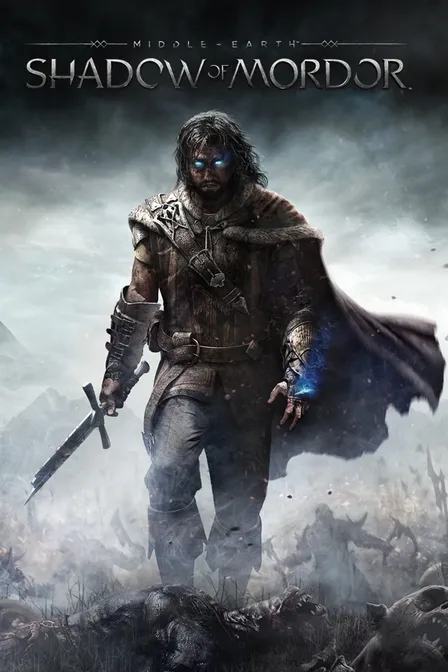
About the Middle-earth: Shadow of Mordor
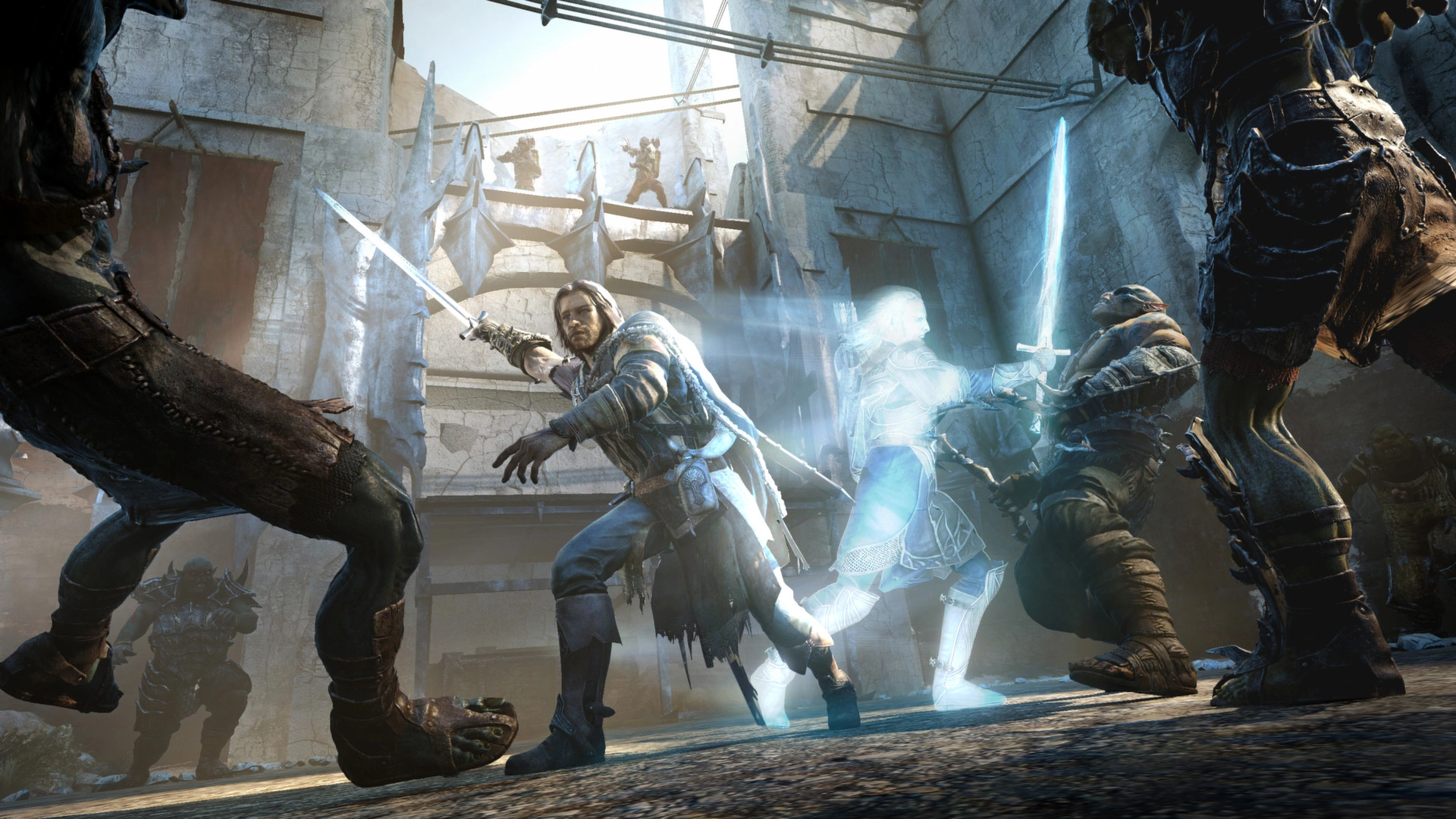
Middle-earth: Shadow of Mordor is a third-person open world action adventure set in a bleak, living Mordor. Talion, a Gondorian Ranger bound to a wraith, is who you play. You're hunting the spirit's truth and the origins of the Rings of Power while striking back at Sauron.
Stalk strongholds. Climb walls. Cut through Uruks with fluid swordplay, stealth kills, and precise bow shots. Hunt captains, gather intel, and grow stronger through runes and ability unlocks. The Nemesis System means your enemies remember you. They rise through the ranks and reshape the hierarchy every time.
Who you confront, spare, or manipulate shifts Mordor's power structure. Losses become grudges. Grudges become openings. The pull is direct: a story you steer through rivalries that emerge on their own, with combat that carries weight, all wrapped in a dark Middle-earth atmosphere that stays with you.
What is the Middle-earth: Shadow of Mordor key?
Steam game key is an official activation code. Activate it on the platform after purchase to add the game to your account.
Two ways to go. Self-activation puts the game right into your library. The standard route hands you the key to activate yourself according to the activation guide.
Middle-earth: Shadow of Mordor Review
Combat hits hard and stays responsive. Stealth actually gives you choices, not one forced path. Mordor's bleak look works because the art direction commits to it. The Nemesis system spins up real rivalries from nothing. That becomes important once side content turns repetitive and the story drags. Performance stays solid, so the power fantasy doesn't fall apart.
System Requirements
User Reviews
FAQ
How to activate Middle-earth: Shadow of Mordor key on Steam?
Your key arrives by email or LootBar system Notification after purchase. Launch Steam, head to Games, then Activate a Product on Steam... The rest shows up on screen. You can also activate through a browser by visiting Steam's key activation page. For hands-free activation, use LootBar self-activate service.
Is this Middle-earth: Shadow of Mordor key region locked?
Yes, this key is region locked. Check the game description for which regions work.
Which platforms does Middle-earth: Shadow of Mordor support?
PC
Does Middle-earth: Shadow of Mordor support cross-platform compatibility?
Middle-earth: Shadow of Mordor is single-player only. It has no cross-platform or cross-play support. The Nemesis Forge, Vendetta missions, and leaderboards all shut down on December 31, 2020, removing any multiplayer components or progression transfer.
Can Middle-earth: Shadow of Mordor saves move between platforms?
No cross-save or cross-progression across platforms here. The Steam version syncs saves through Steam Cloud on PC only. Nemesis Forge transfers into Shadow of War shut down after December 31, 2020.
Can you play Middle-earth: Shadow of Mordor with other players?
Middle-earth: Shadow of Mordor is single-player only; it does not support multiplayer. Solo play is the whole deal, though the online side — Vendetta missions, leaderboards, and Nemesis Forge — ran until December 31, 2020. That functionality is gone now. Solo play remains fully available.
Are Middle-earth: Shadow of Mordor keys authorized?
Yes. We get the keys straight from authorized distributors — nothing else.
Which countries and regions is Middle-earth: Shadow of Mordor most popular in?
United States, Russia, Brazil, Germany, United Kingdom, Poland, France, Canada, Spain, Italy
Why buy Middle-earth: Shadow of Mordor key on Lootbar?
Your key lands fast, activation is guaranteed, and support is there when you need it.
1. Instant Delivery. The key reaches you within 3 minutes of purchase.
2. Activation Guarantee. This Middle-earth: Shadow of Mordor key is genuine, and we back successful activation.
3. 24/7 customer support. The team stays online around the clock for purchase questions or issues.
How to buy Middle-earth: Shadow of Mordor key on Lootbar?
1. Head to LootBar and log in. No account? Register first.
2. Top menu first: open "Game keys" and choose "Middle-earth: Shadow of Mordor".
3. Pick the key option you want.
4. Use "Buy Now", choose a payment method, and complete payment.
5. Enter the required details, then wait for delivery.
Game Kingdom