
Your search history is empty


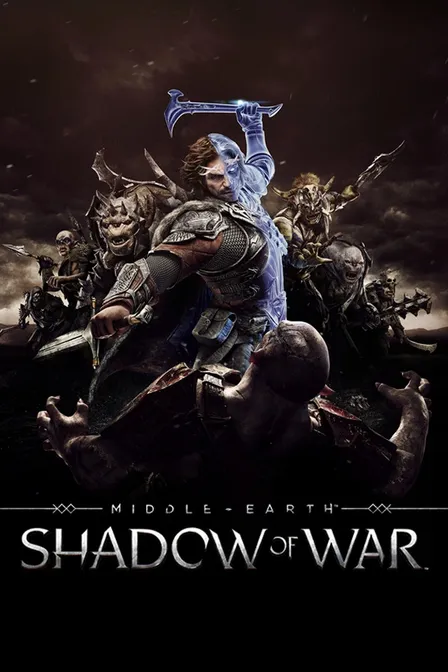
Middle-earth: Shadow of War Steam Key PC
5.0
2
Instant ActivationOfficial Store
- 14
- 02
- 42
Invite Friends and Get 3*10% OFF Discount
Steam Reviews:Very Positive(36795)
Type:Digital Key

Platform:Steam
Activation guide
Can activate in: IANA
Activation Check
Region:Global
Instant Activation
$2.81 $59.99
Bonus Points
Key Delivery
$2.85$59.99
This delivery method is currently unavailable.
Higame
99.8% Positive
Instant Activation via LootBar
Link your Steam account to LootBar
Instantly activated on Steam upon purchase
Key activation guarantee
Product Details
About the Middle-earth: Shadow of War
A ranger is in Mordor. He's carrying a new Ring of Power this time, and infiltration is the mission — recruit orcs, rebuild from the rubble, raise an army.
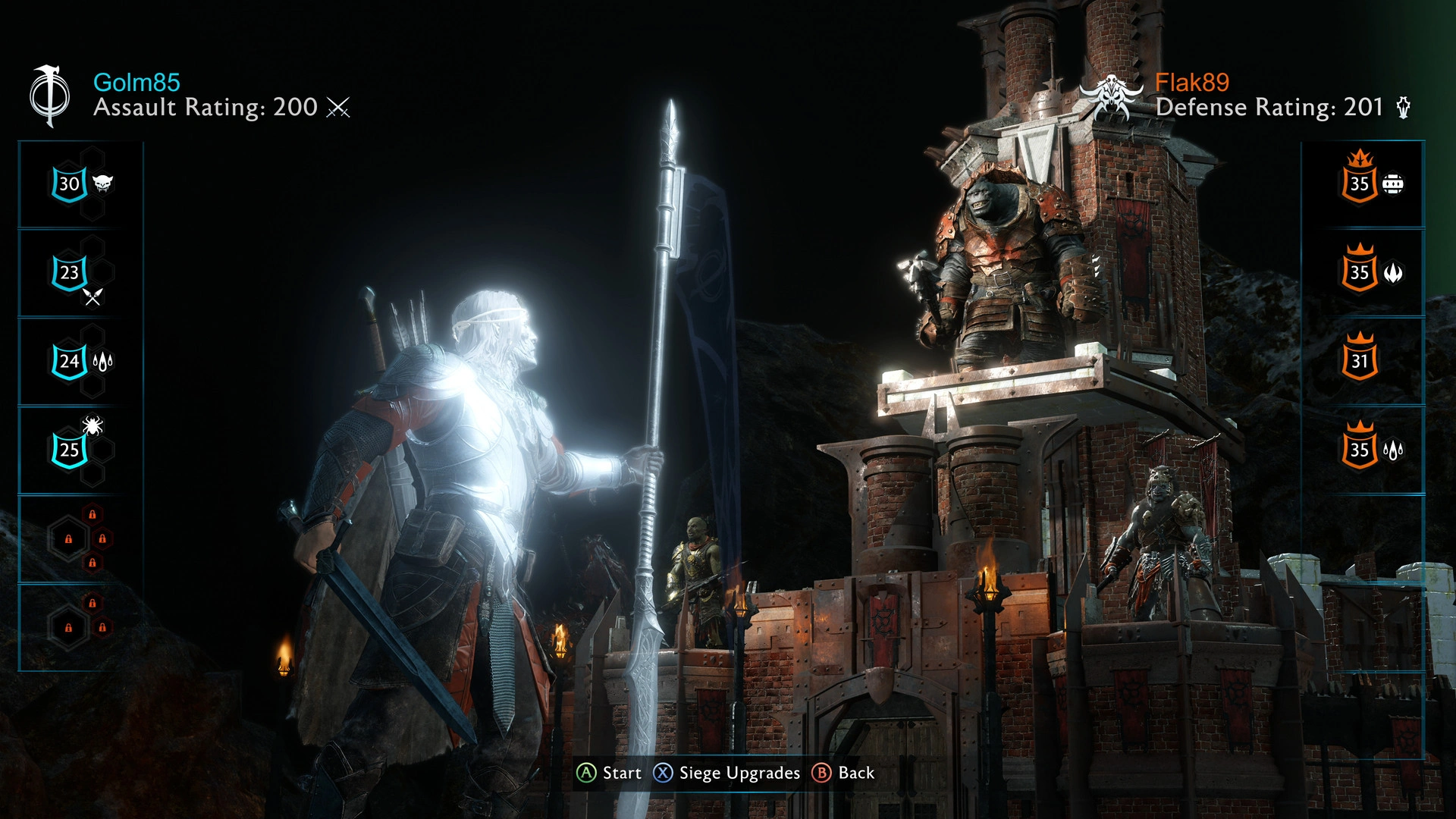
The Nemesis System tracks every captain. Hunt one, dominate another, and it responds. Grudges deepen. Ambushes spring up. Rivals surface. Your abilities grow sharper. Your roster expands. Eventually your army strikes at fortress defenders, fortress by fortress.
Execute or convert. You choose who breaches the gate and who holds the line. Those decisions ripple through alliances and defenses alike. Mordor shifts with your actions. The next chapter of the war takes shape from what you do.
What is the Middle-earth: Shadow of War key?
Steam game key is an official activation code. Activate it on the platform after purchase to add the game to your account.
Two ways to go. Self-activation puts the game right into your library. The standard route hands you the key to activate yourself according to the activation guide.
Middle-earth: Shadow of War Review
The Nemesis system and fortress sieges build rivalries that actually stick. Fights get messy. They get memorable. Combat hits hard and the presentation carries that cinematic weight. Late game, the loops turn into a slog. Pacing drags. Side content that felt varied earlier just runs out of steam.
System Requirements
System Requirements Recommended System Requirements
additional notesX64 required
additional notesX64 required
directxVersion 11
directxVersion 11
graphicsAMD HD 7870, 2 GB / NVIDIA GTX 660, 2 GB
graphicsAMD RX 480, 4 GB or RX580, 4GB / NVIDIA GTX 970, 4GB or GTX1060, 6GB
memory6 GB RAM
memory12 GB RAM
networkBroadband Internet connection
networkBroadband Internet connection
os *Windows 7 SP1 with Platform Update
processorAMD FX-4350, 4.2 GHz / Intel Core i5-2300, 2.80 GHz
processorAMD FX-8350, 4.0 GHz / Intel Core i7-3770, 3.4 GHz
storage70 GB available space
storage70 GB available space
User Reviews
5.0
2 reviews
5 stars
100%
4 stars
0%
3 stars
0%
2 stars
0%
1 star
0%
All reviews
Image
Latest
Most Helpful
U1071282925
Oct 12, 2026
Purchased Middle-earth: Shadow of War Definitive Edition
Super quick
Helpful
U1069890400
Sep 24, 2026
Purchased Middle-earth: Shadow of War Definitive Edition
Solid service
Helpful
Basic Info
Release Date2017-10-09
PublisherWB Games
DeveloperMonolith Productions
GenreAction, Adventure, RPG
Game ModeSingle-player, Steam Achievements
Player Perspectives
Open WorldActionRPGSingleplayerFantasyAdventureThird PersonViolentGoreStealthWarStory RichHack and SlashAction RPGMedievalDark FantasyMagicAtmosphericStrategyMultiplayer
More Games You Might Like
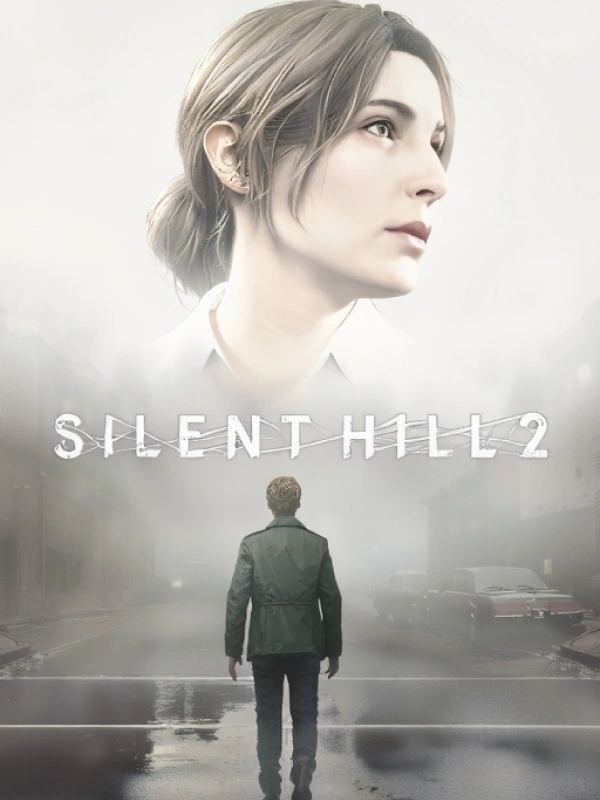
SILENT HILL 2
Steam Key
ROW
$26.41
-62%
$69.99
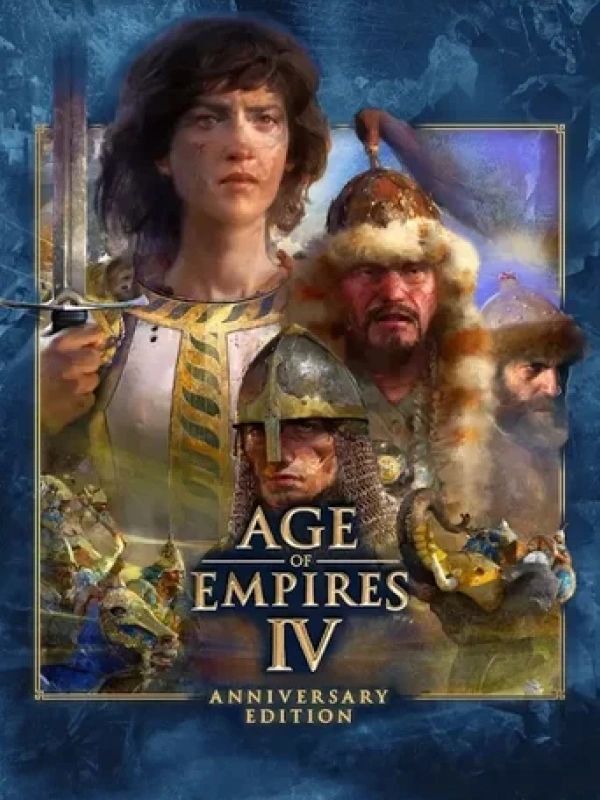
Age of Empires IV: Anniversary Edition
Steam Key
ROW
$18.21
-70%
$59.99
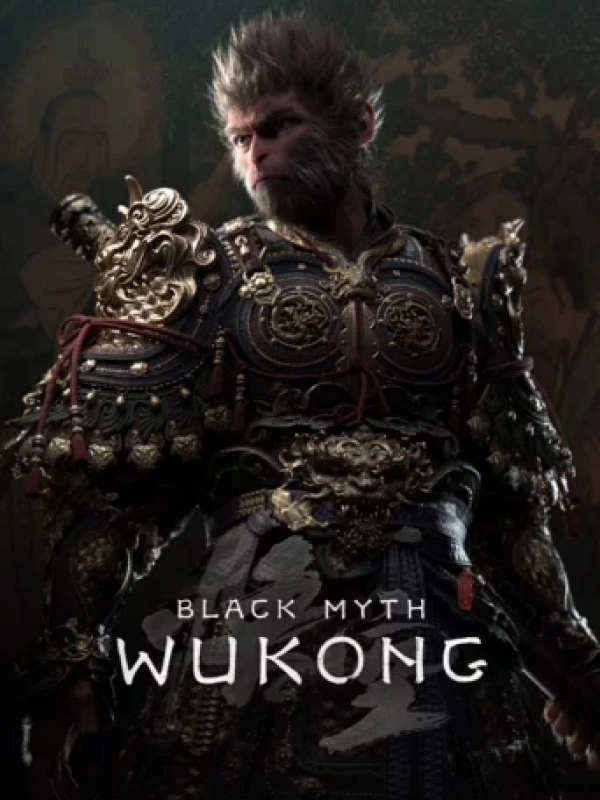
Black Myth: Wukong
Steam Key
Global
$37.12
-38%
$59.99

Lies of P
Steam Key
ROW
$18.94
-68%
$59.99
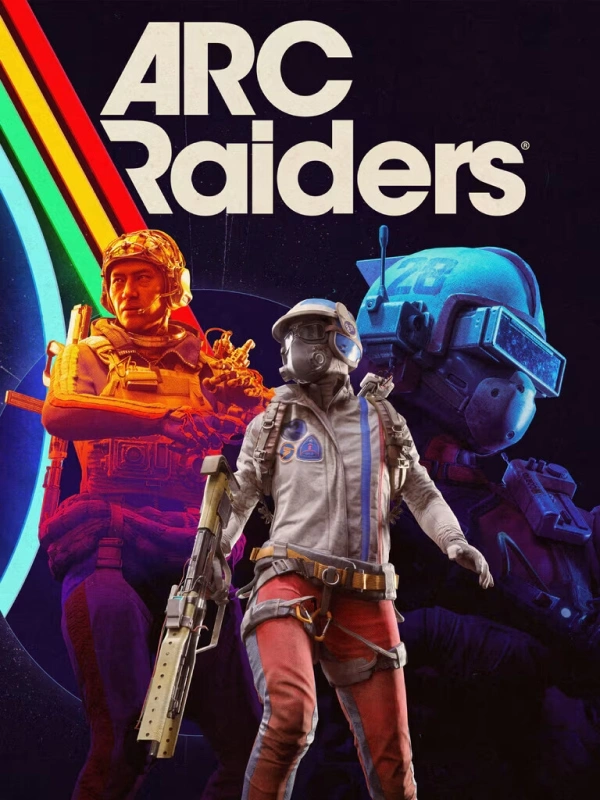
ARC Raiders
Steam Key
Global
$24.49
-39%
$39.99
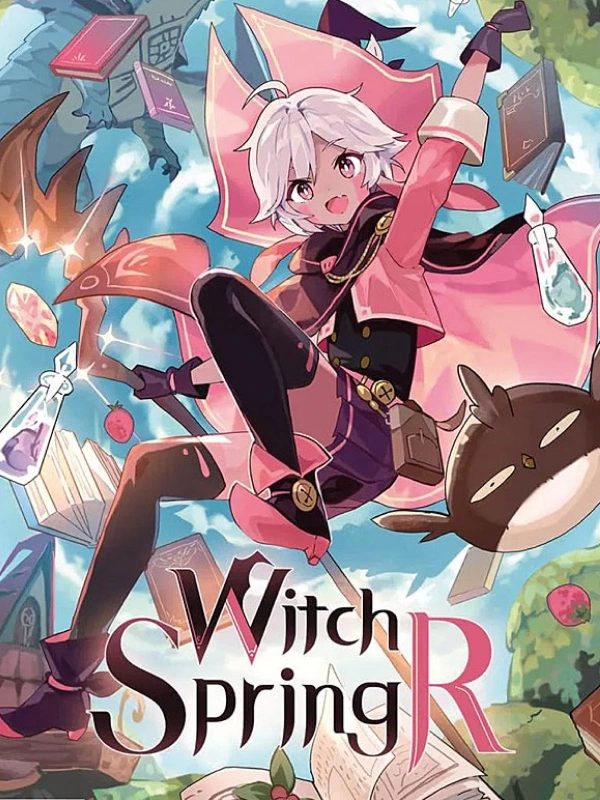
WitchSpring R
Steam Key
ROW
$10.93
-69%
$34.99
FAQ
How to activate Middle-earth: Shadow of War key on Steam?
Your key arrives by email or LootBar system Notification after purchase. Launch Steam, head to Games, then Activate a Product on Steam... The rest shows up on screen. You can also activate through a browser by visiting Steam's key activation page. For hands-free activation, use LootBar self-activate service.
Is this Middle-earth: Shadow of War key region locked?
Yes, this key is region locked. Check the game description for which regions work.
Which platforms does Middle-earth: Shadow of War support?
PC, PS4, Xbox One
Does Middle-earth: Shadow of War support cross-platform compatibility?
No cross-play or cross-platform support here. The Steam build only lists Single-player, so there's nothing letting PC, PlayStation, or Xbox players match up. Each platform stays separate, and cross-save or cross-progression between them isn't advertised.
Can Middle-earth: Shadow of War saves move between platforms?
Progress stays put where you earned it. Steam Cloud handles save sync between PCs on your Steam account, but cross-save and cross-progression aren't supported here. Console saves and other storefront progress won't transfer in.
Can you play Middle-earth: Shadow of War with other players?
Yes. Shadow of War is primarily single-player but includes optional online features such as fortress assaults and Vendetta missions against other players’ worlds. There is no co-op, and the full story campaign can be played solo.
Are Middle-earth: Shadow of War keys authorized?
Yes. We get the keys straight from authorized distributors — nothing else.
Which countries and regions is Middle-earth: Shadow of War most popular in?
United States, China, Russia, Germany, United Kingdom, Brazil, Turkey, Poland, France, Spain, Canada, Mexico
Why buy Middle-earth: Shadow of War key on Lootbar?
Your key lands fast, activation is guaranteed, and support is there when you need it.
1. Instant Delivery. The key reaches you within 3 minutes of purchase.
2. Activation Guarantee. This Middle-earth: Shadow of War key is genuine, and we back successful activation.
3. 24/7 customer support. The team stays online around the clock for purchase questions or issues.
How to buy Middle-earth: Shadow of War key on Lootbar?
1. Head to LootBar and log in. No account? Register first.
2. Top menu first: open "Game keys" and choose "Middle-earth: Shadow of War".
3. Pick the key option you want.
4. Use "Buy Now", choose a payment method, and complete payment.
5. Enter the required details, then wait for delivery.
Higame
99.8% Positive
Instant Activation
$2.81 $59.99
Bonus Points
Key Delivery
$2.85$59.99
This delivery method is currently unavailable.
-1%
Instant Delivery
Secure Checkout
24/7 Support